EasyManua.ls Logo

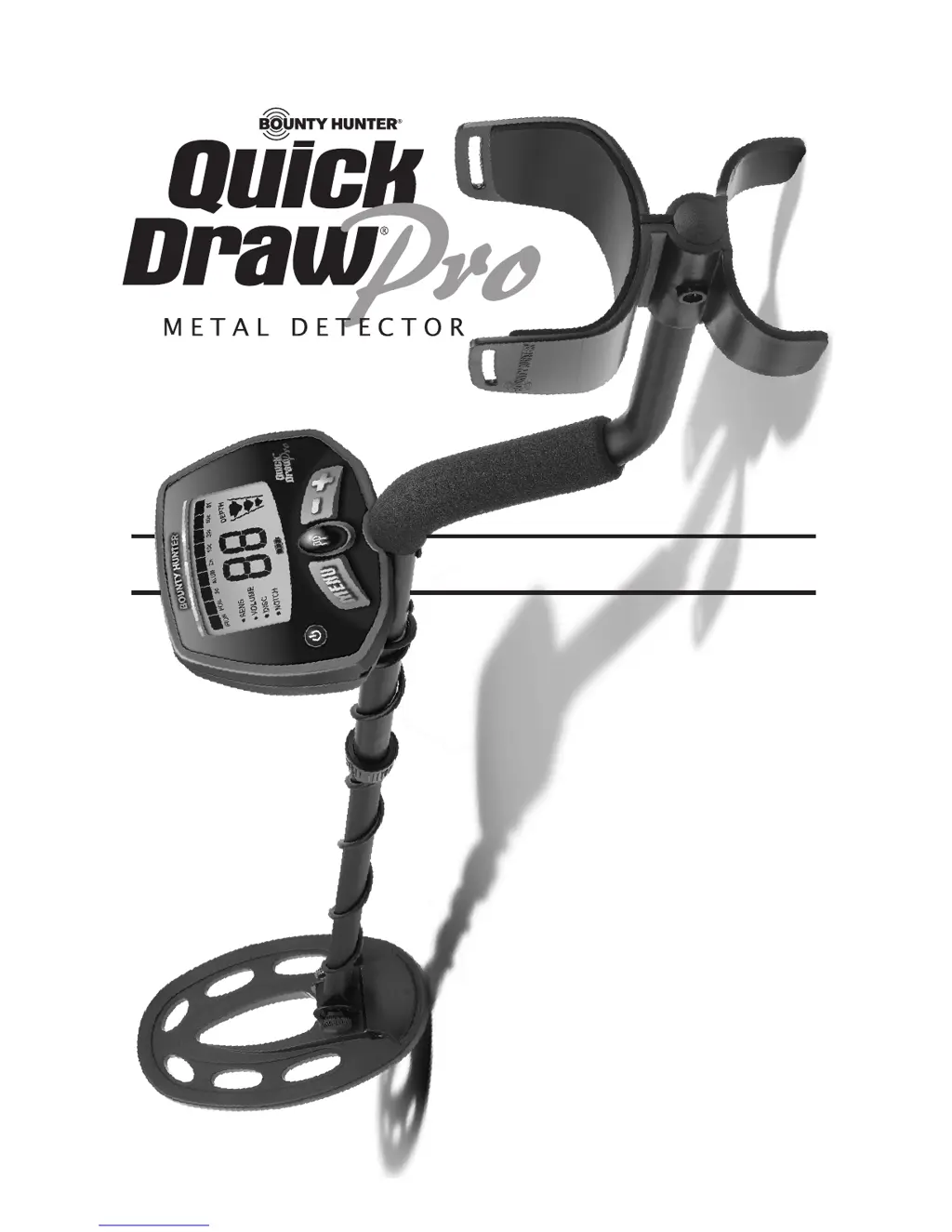
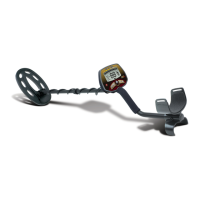
Bounty Hunter Quick Draw - User Manual

Bounty Hunter Quick Draw
20 pages
Print Icon
To Next Page IconTo Next Page
Loading...
OWNERS MANUAL
Use 9-volt
ALKALINE batteries.
Do not use
“Heavy Duty” batteries.
Do not use
ordinary “Zinc Carbon” batteries.

Questions and Answers

Summary

Assembling the Detector

Batteries

Quick-Start Demonstration

The Basics of Metal Detecting

How to Work the Controls

Control Panel Overview

Explanation of the detector's main buttons and their functions.

The Display

Menu Settings

Sensitivity and Volume

Adjusting detector sensitivity and speaker volume levels.

Discrimination and Notch

Using Discrimination and Notch to filter targets.

Pinpoint Feature

Pinpointing Targets

Steps and techniques for accurately locating targets.

Target Identification

Target-ID and Tones

Understanding the 2-digit Target-ID and 3-tone audio feedback.

Target Conductivity Arc

Visual guide to classifying targets based on conductivity.

Depth and Target Display

Using the Detector

Characteristics and Limitations

Troubleshooting Guide

Bounty Hunter Quick Draw Specifications

General IconGeneral
CategoryMetal Detector
ModelQuick Draw
Operating Frequency6.6 kHz
Discrimination ControlYes
Sensitivity AdjustmentYes
Depth IndicationYes
Pinpoint ModeNo
DisplayLCD
LengthAdjustable
Target Identification3-Segment Digital Target Identification
BatteryTwo 9V batteries
TypeVLF
Intended UseCoin, Relics
Headphone JackYes
Battery Life20 Hours
Search Coil8-inch waterproof

Related product manuals