
 Need help?
Do you have a question about the Bounty Hunter Quick Draw II and is the answer not in the manual?
Details the two primary operating modes: All Metal and Discriminate/Notch/Auto Notch.
Defines essential terms like Elimination, Discrimination, Iron, Relic, and Trash Items.
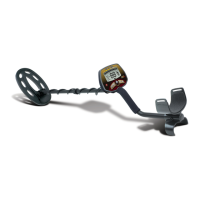
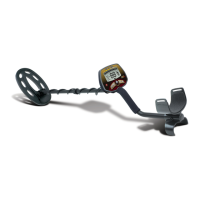
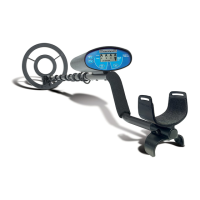
Visually identifies the main components and parts of the Quick Draw II metal detector.
Step-by-step instructions for correctly inserting the required 9-Volt batteries.
Covers supplies needed and initial switch settings for demonstrating modes.
Guides through demonstrating All Metal, Discriminate, Notch, and Auto Notch modes.
Instructions for powering on the detector and selecting operating modes.
Explains how to interpret the LCD display for probable metal identification and depth.
Explains the function of the Low Battery and Depth indicators on the detector.
How to adjust sensitivity to eliminate electromagnetic interference (EMI).
Explains how to enter and use the All Metal and Discriminate modes.
Explains how to enter and use the Notch and Auto Notch modes.
Classifies metal objects into three categories based on low, medium, and high audio tones.
Guides on accurate pinpointing of targets and proper coil swinging technique.
Best practices for sweeping, recognizing signals, and handling trashy ground.
Provides recommended settings for coinshooting, relic hunting, jewelry, and other applications.
Lists common detector issues, their causes, and recommended solutions.
 General
| Brand | Bounty Hunter |
|---|---|
| Model | Quick Draw II |
| Category | Metal Detector |
| Language | English |


 To Next Page