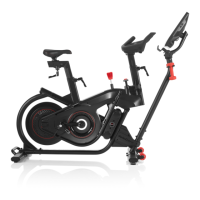
BowFlex C7: Why isn't the resistance shown on the console?
Follow this troubleshooting guide to help resolve resistanceissues on the BowFlex C7 indoor cycling bike.
Some common complaints may include:
Resistance is not registering on the console
Resistance level is not shown on the console
Console does not display resistance
Follow these steps to troubleshoot the issue
1. Check for updates on your machine. Verify you have a good Wi-Fi connection. Unplug your machine and plug it back
in. When the BowFlex or JRNY page displaying serial numbers in the 4 corners appears, tap the upper right corner 10
times within 3 seconds (reference 1.1). If you are unable to reach this screen, log out and tap the upper right corner
10 times within 3 seconds from the Log In screen (reference 1.2).
(Reference 1.1)
The initial screen showing the BowFlex or JRNY logo appears with serial numbers in each corner. Tap the upper right corner 10 times within
3 seconds to access the menu to force an update.
(Reference 1.2)
ID:12152.1

 Need help?
 General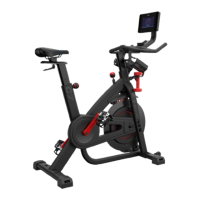

 To Next Page