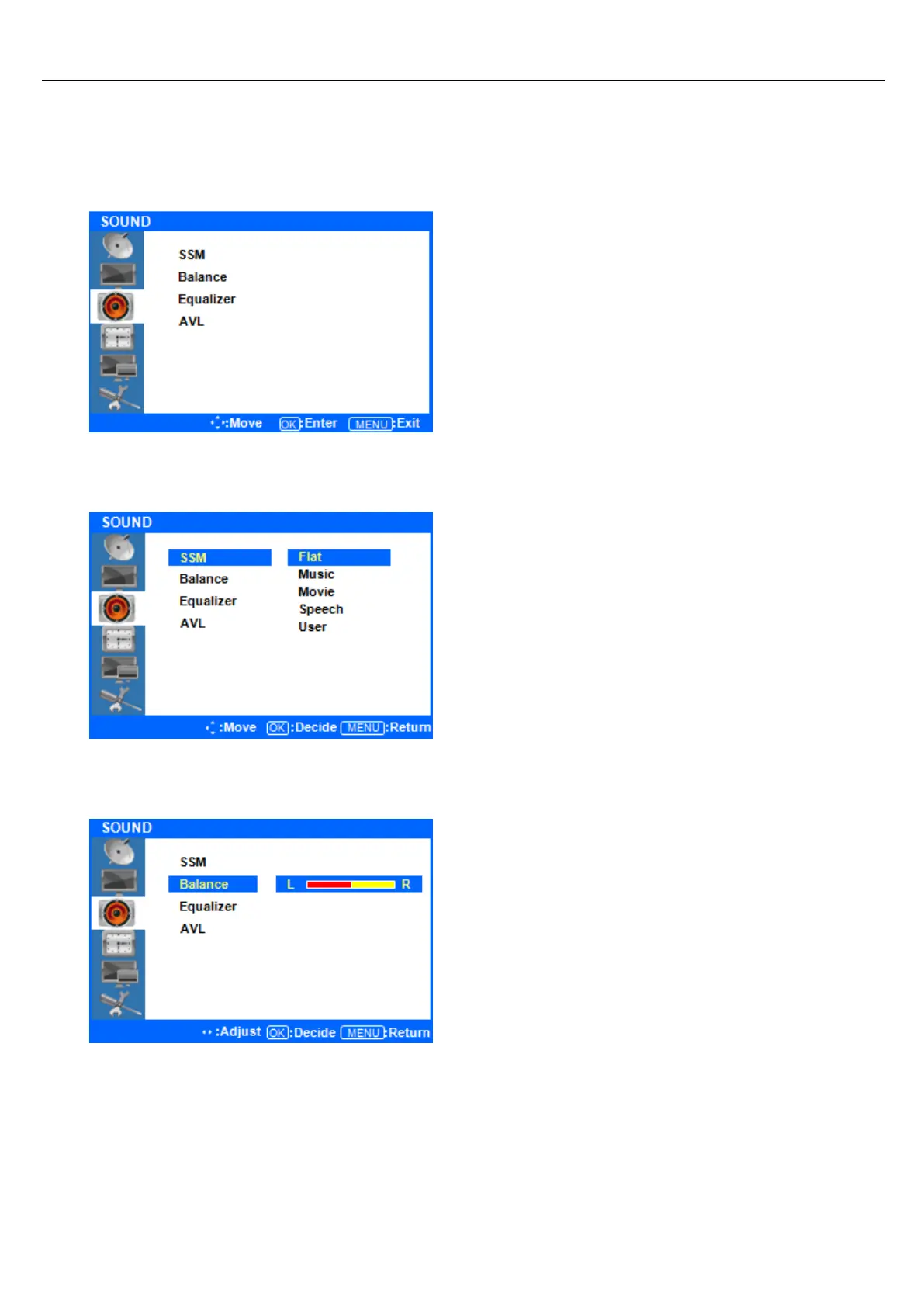
Sound Menus
◆ Press [MENU] Button.
The OSD Main MENU will be shown.
◆ Entering the Sound MENU
Press the ▲/▼ buttons to move up to the SOUND
Menu. Press the ENTER button to enter the menu.
◆ Select Sound Status Mode
Press the ▲/▼ buttons to move up to the SSM
(Sound Status Mode) Menu, and press the ENTER
button to view the settings. Press ▲/▼ Button to
select either Flat/Music/Movie/Speech/User, and
press the ENTER button to select one.
Press ◁ or the Menu Button to move or go back
to the previous menu options.
Press ▲/▼ Button to highlight the Balance Menu,
and press the ENTER button to adjust the settings.
Press the ◁/▷ buttons to adjust the Left/Right
Balance value.



 To Next Page