EasyManua.ls Logo

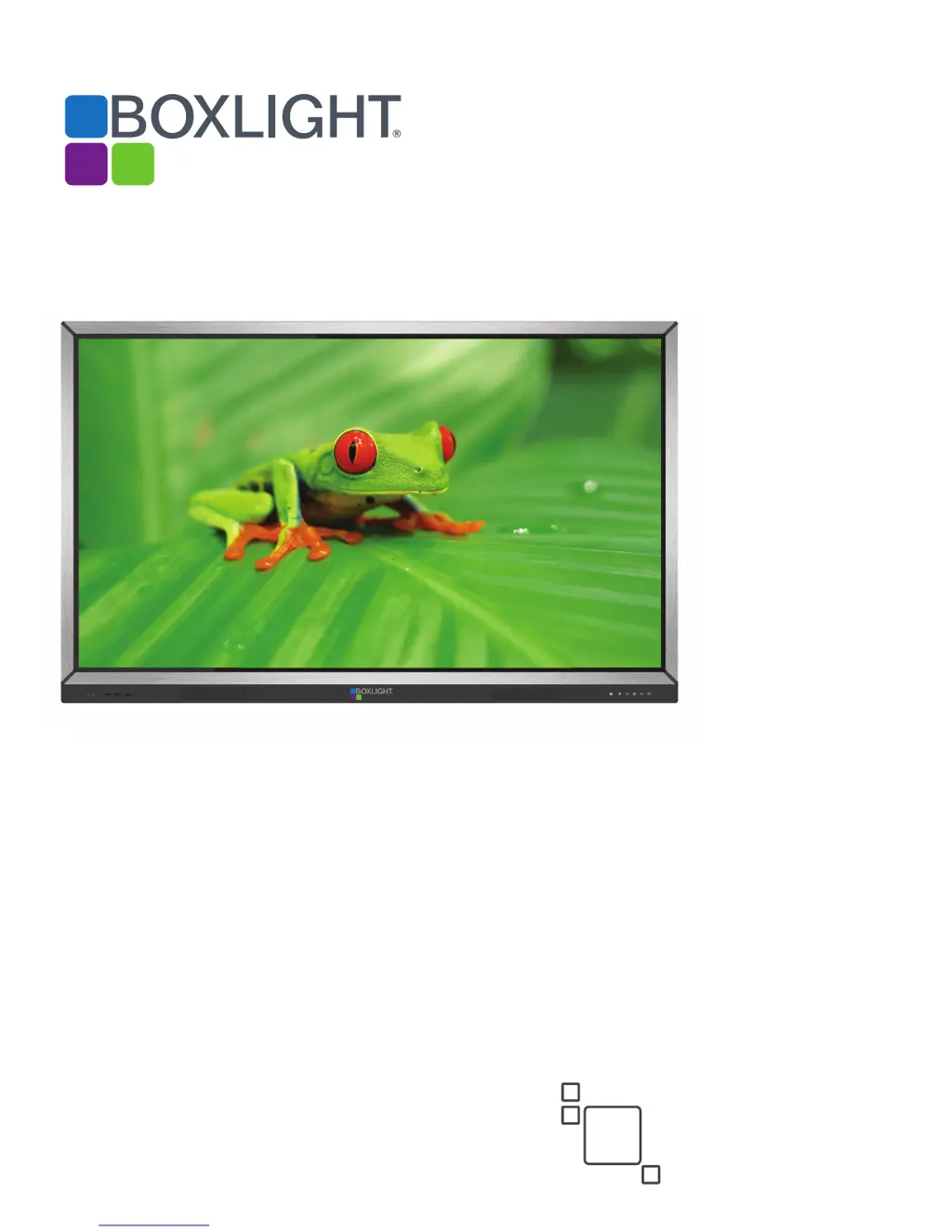
BOXLIGHT ProColor 652U - User Manual

BOXLIGHT ProColor 652U
36 pages
Print Icon
To Next Page IconTo Next Page
Loading...
ProColor 652U, 702U, 752U, & 862U
BOXLIGHT.COM
ProColor Series1
User Guide
2nd
Edition

Questions and Answers

  • M
    Melissa ArroyoAug 19, 2025
    What to do if there is no picture or no sound on my BOXLIGHT ProColor 652U?
    • S
      Sarah StephensonAug 19, 2025
      If your BOXLIGHT Gateway displays no picture or sound, first ensure the display is powered up. Then, confirm the video input cable is properly connected and selected. If you are in internal computer mode, verify that the internal computer has started.
  • G
    George RiveraAug 21, 2025
    How to fix BOXLIGHT Gateway remote control not working?
    • J
      Juan ThorntonAug 22, 2025
      If your BOXLIGHT Gateway remote control isn't working, make sure there are no obstructions blocking the signal between the remote and the display's IR port. Also, check that the battery electrode in the remote control is correctly positioned and that the remote control does not need a battery replacement.
  • D
    David DoughertyAug 23, 2025
    Why is there video but no audio on my BOXLIGHT Gateway?
    • S
      Steven BoydAug 25, 2025
      If the video is displayed but there is no audio on your BOXLIGHT Gateway, first check whether mute is active. Then, adjust the volume. Finally, verify the input cable is connected correctly.
  • L
    Lauren BartlettAug 26, 2025
    What to do if the touch function is invalid on BOXLIGHT ProColor 652U?
    • E
      emma46Aug 27, 2025
      If the touch function is invalid on your BOXLIGHT Gateway, check whether the touch driver is installed and started. Also, confirm that the computer recognizes the touch USB connection.
  • C
    Chris ColeAug 28, 2025
    Why does my BOXLIGHT ProColor 652U image lack color or has incorrect color?
    • P
      Peter HowardAug 28, 2025
      If your BOXLIGHT Gateway displays an image with a lack of color or incorrect color, ensure the video input cable is properly connected. You can also adjust chromaticity and brightness or contrast in the menu.
  • E
    Eric JohnsonAug 30, 2025
    How to fix BOXLIGHT ProColor 652U Gateway signal out of range?
    • J
      Justin WalkerAug 30, 2025
      If you are getting a 'signal out of range' message on your BOXLIGHT Gateway, verify that the computer’s resolution is set properly.
  • T
    thorntontinaSep 1, 2025
    Why does my BOXLIGHT ProColor 652U have horizontal or vertical stripes or image dithering?
    • M
      Madison WestSep 1, 2025
      If you are experiencing horizontal or vertical stripes or image dithering on your BOXLIGHT Gateway, confirm the video input cable is properly connected. Check to ensure that other electronic equipment or power tools are not placed around the machine.
  • J
    Jasmine ChavezSep 3, 2025
    How to fix BOXLIGHT ProColor 652U Gateway no color, color is weak or image is weak?
    • J
      John RobinsonSep 3, 2025
      If your BOXLIGHT Gateway has no color, weak color, or a weak image, try adjusting the chromaticity, brightness, or contrast in the menu. Also, check whether the signal wire is well connected.
  • J
    James WilsonSep 5, 2025
    Why does my BOXLIGHT Gateway machine automatically shut down?
    • J
      Jeffery ReedSep 5, 2025
      If your BOXLIGHT Gateway is automatically shutting down, determine if auto-sleep has been activated. Also, confirm the display has power.
  • T
    Tyler MatthewsSep 7, 2025
    How to correct touch positioning on BOXLIGHT Gateway?
    • C
      Christopher GarciaSep 7, 2025
      If the touch positioning is not correct on your BOXLIGHT Gateway, check whether the driver is properly installed and make a correction. You can also calibrate the device.

BOXLIGHT ProColor 652U Specifications

General IconGeneral
Display TechnologyLCD
Input PortsHDMI, VGA, USB
Touch TechnologyInfrared
Screen Size60" to 300"
Projection Size60" to 300"
ConnectivityWireless (optional), LAN