34 | USER GUIDE ProColor 652U, 702U, 752U 862U
Cloud Dive
Click to connect to the Cloud Dive.
ScreenLock
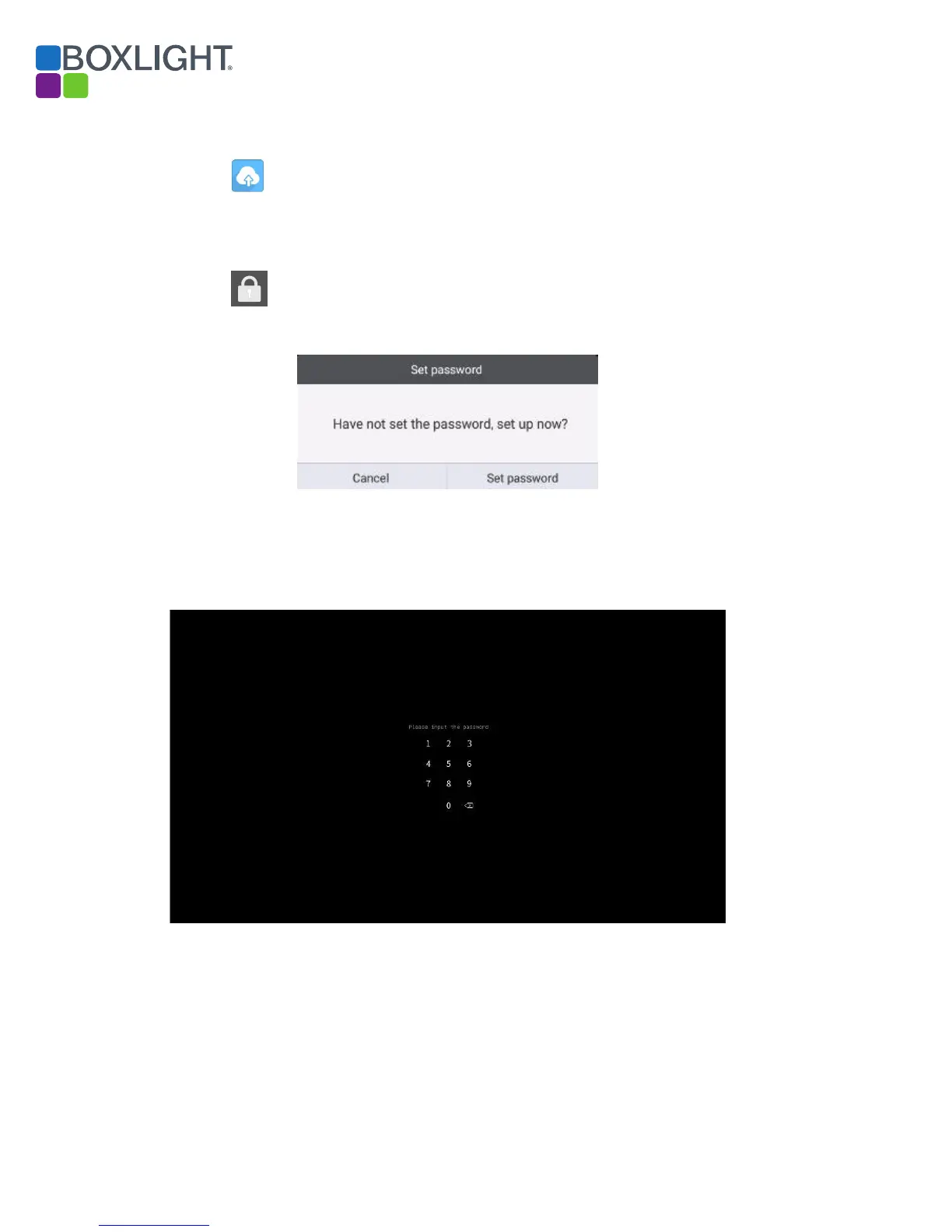
Click to lock the screen, the Set Password page will appear if you
have not yet set the password.
Fig 11-1 Set password
If you have set the password, then the screen will be locked. You need to
enter the password to unlock.
Fig 11-2 Input the password
Set password
Entering the Password



 To Next Page