USER GUIDE ProColor 652U, 702U, 752U 862U | 33
BOXLIGHT.COM
Android
System
Setting Date & time, and About Device.
Browser
When the network is connected and active click and a URL.
Input
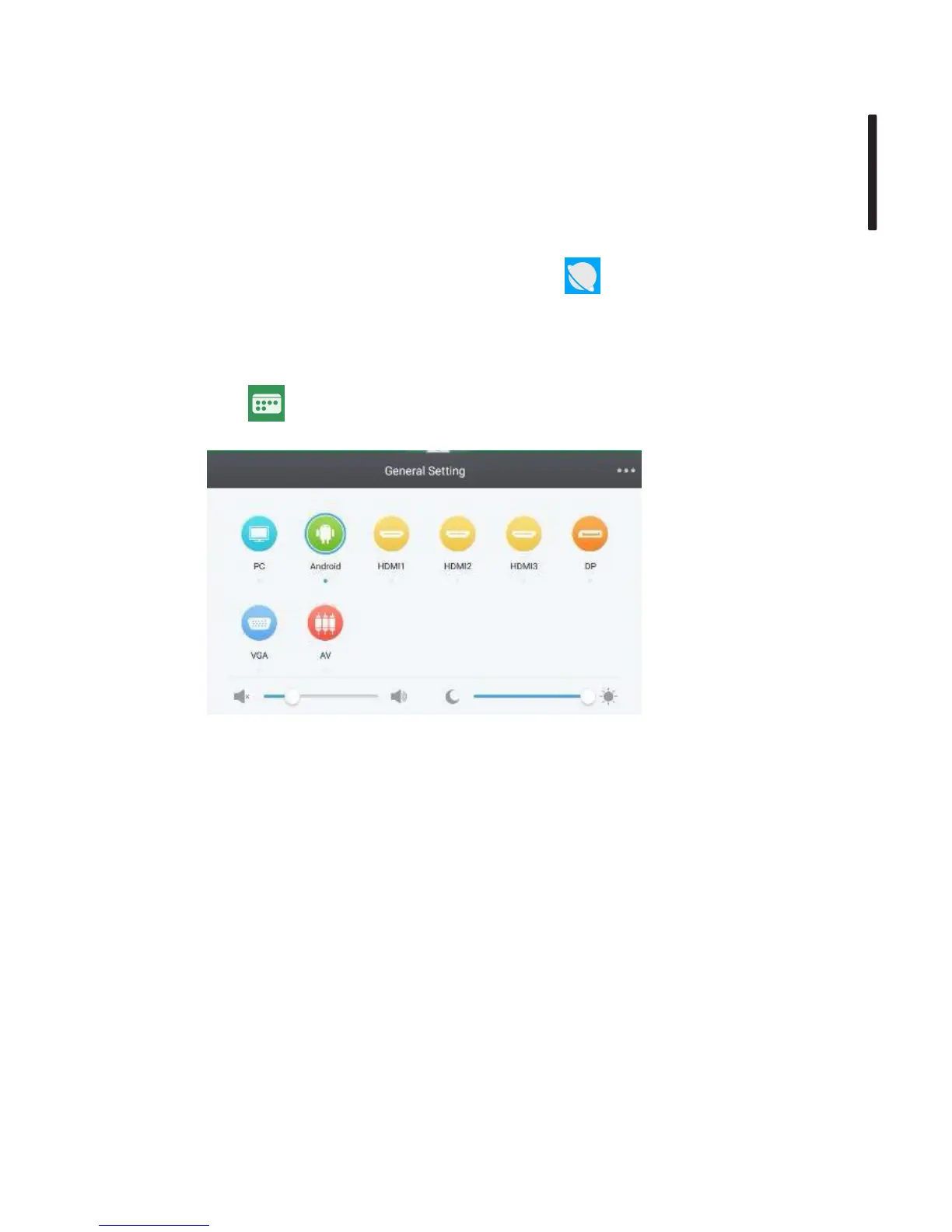
Click to open the General Settings menu.
General Settings
PC: Selects the PC input.
Android: Selects the Android input.
HDMI: Selects the HDMI input.
VGA: Selects the VGA input.
AV: Selects the AV input.
DVI: Selects the DVI input.


 To Next Page