EasyManua.ls Logo

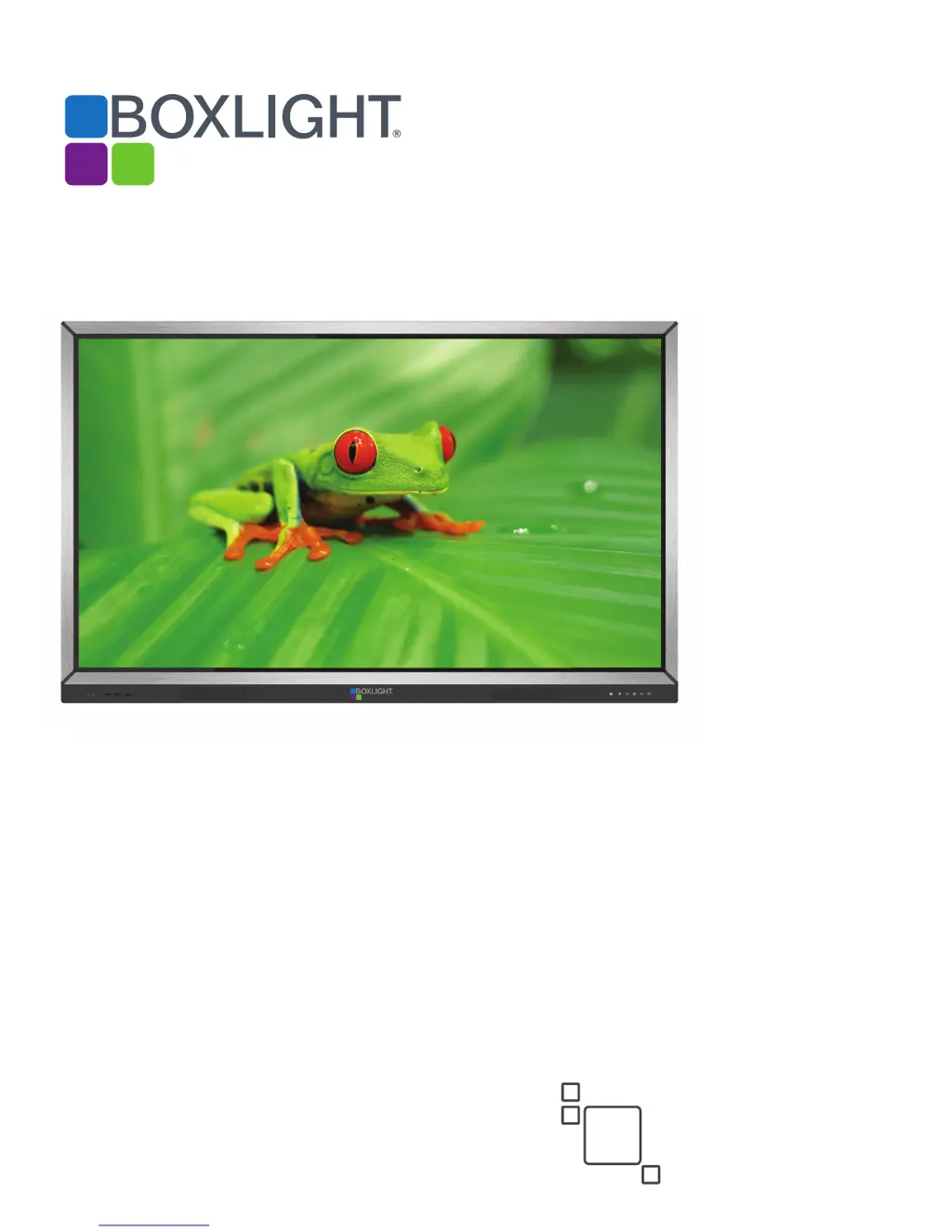
BOXLIGHT ProColor 652U - User Manual

BOXLIGHT ProColor 652U
36 pages
Print Icon
To Next Page IconTo Next Page
Loading...
ProColor 652U, 702U, 752U, & 862U
BOXLIGHT.COM
ProColor Series1
User Guide
2nd
Edition

Questions and Answers

  • R
    Rachel BarkerSep 10, 2025
    How to fix background with vertical lines or streaks on BOXLIGHT ProColor 652U?
    • V
      Veronica KramerSep 10, 2025
      If you are experiencing vertical lines or streaks in the background of your BOXLIGHT Gateway display, select automatic correction in the menu. Alternatively, adjust the clock and phase position in the menu.
  • L
    lori98Sep 12, 2025
    What to do if BOXLIGHT Gateway display format is not supported?
    • W
      watkinsemilySep 12, 2025
      If your BOXLIGHT Gateway displays a format that is not supported, select automatic correction in the menu. Alternatively, adjust the clock and phase position in the menu.
  • J
    jbaileySep 14, 2025
    Why does only one speaker have sound on my BOXLIGHT ProColor 652U?
    • P
      Priscilla WallaceSep 14, 2025
      If only one speaker has sound on your BOXLIGHT Gateway, adjust the sound balance in the menu. Verify the computer is producing audio on both channels. Also, verify the input cable is connected correctly.
  • R
    Rachel ReyesSep 16, 2025
    How to fix HDMI output without sound on BOXLIGHT ProColor 652U Gateway?
    • S
      shannon83Sep 16, 2025
      If you are experiencing HDMI output without sound on your BOXLIGHT Gateway, verify the input cable is connected correctly and that the computer is producing audio.

BOXLIGHT ProColor 652U Specifications

General IconGeneral
Display TechnologyLCD
Input PortsHDMI, VGA, USB
Touch TechnologyInfrared
Screen Size60" to 300"
Projection Size60" to 300"
ConnectivityWireless (optional), LAN