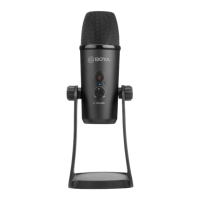
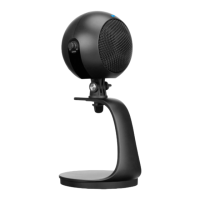
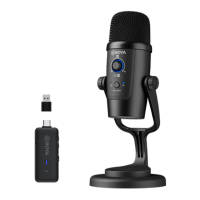
How to use
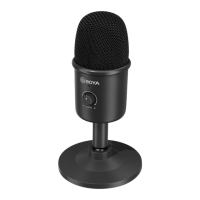
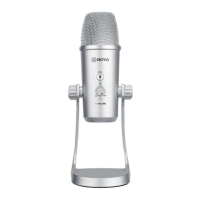
1. Unscrew the knobs of both sides at anti-clockwise.
2. Adjust the microphone at your desired angle, then screw the knobs of both sides
at anti-clockwise to _x the microphone.
3. Plug the mini USB of supplied cable into the USB port of microphone, and conect
the other plug into the available USB prot of your computor.
4. Connect your headphone to 3.5mm headphone output if needed.
Set Up for iOS devices
1. Using supplied Lightning cable, connects microphone with a Micro USB port.
2. Plug the Lightning connector with your iOS device.
3. The indicator of microphone will stay green when open Video/recording APP
from smartphone.
4. Start recording.
Set Up for Android devices
1. Use supplied Type-c cable and connect microphone with a Micro USB port.
2. Plug the Type-c connector with your Andriod device.
3. The indicator of microphone will stay green when open Video/recording APP
from smartphone.
4. Start recording.
NOTE:
Not all Android devices support external microphone when taking video, and you may need to
download a third-party app and set up sound source as external microphone.


 To Next Page