Switching Between Your Mobile Phone and Headset
When talking on the phone, double-click the MFB to switch the voice from your speaker to your mobile
phone. By double clicking the MFB again, the voice will switch back to the speaker.
Reconnect
When the speaker and mobile phone are disconnected, press MFB, it will reconnect.
Note: Some devices may have a prompt screen, that will ask you if you would like to pair your device.
Voice-Command Dial
If your mobile phone supports this function, press and hold MFB for 2 seconds to activate voice
command. If the headset is playing music, the music will be paused automatically during this time. By
re-pressing and re-holding MFB for 2 seconds during the voice dial mode, voice dial will be canceled.
Note: Please refer to the manual of your mobile phone for voice-command dial support.
Pause and Restart Music: When listening to music, click MFB to pause music and click MFB
again to restart music.
Play Previous Song: Press backward button.
Play Next Song: Press forward button.
Specifications
V3.0+EDR Bluetooth Technology
Profile supports: HSF, HFP, A2DP, AVRCP
Transmission Distance: 10 meters/33 feet
Transmission range: 2.40GHz~2.48GHz
Size: 137x10.3x38 mm
Net Weight: 176 grams
Music Time: 5 hours
Talk Time: 6 hours
Standby Time: 100 hours
Operating Temperature: -20-60 °C
Device ID: B120
Pin Code: 0000
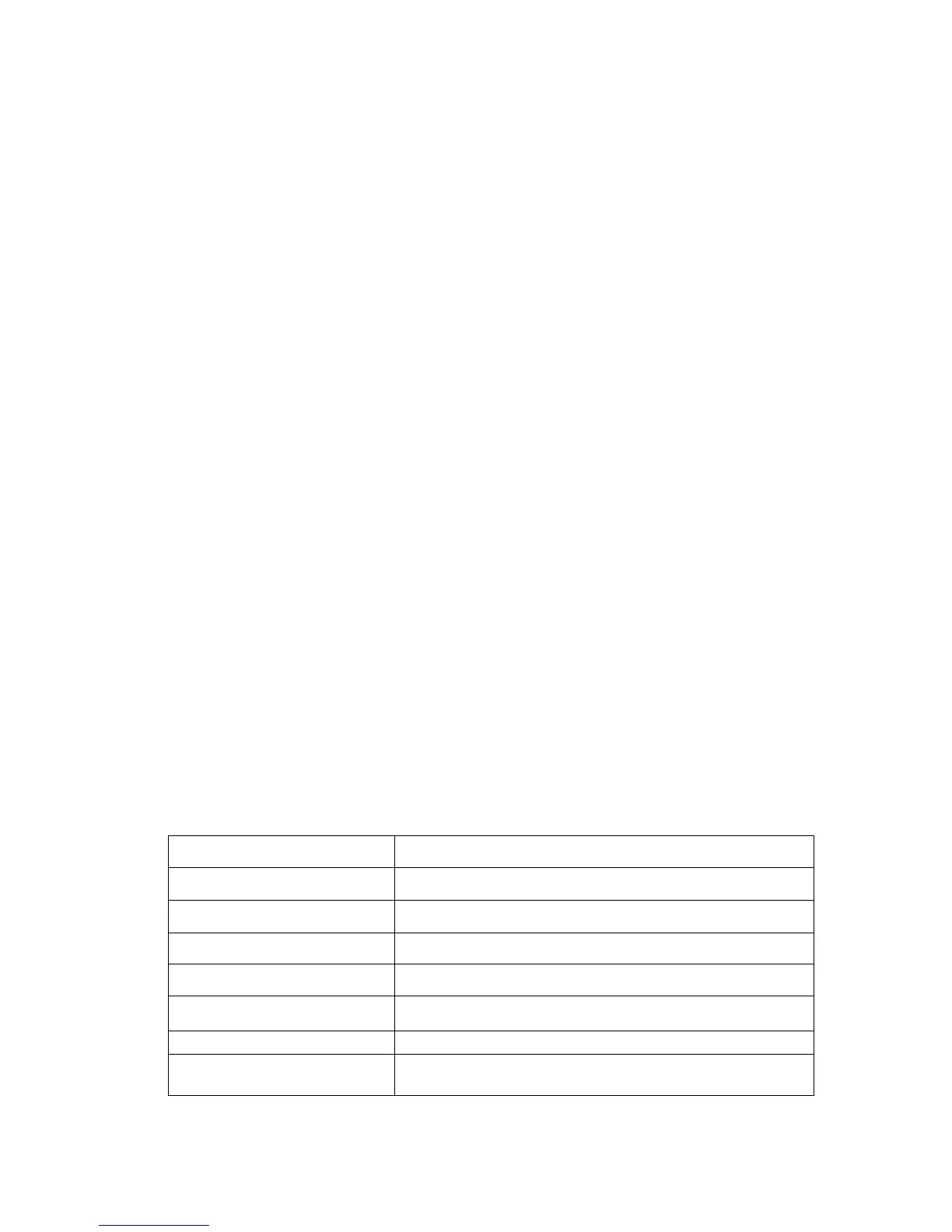
LED Indicator Status
Charging Red LED Light
Charging Complete Red LED light turn off
Stand by Blue LED light flashes twice every 5 seconds
Power On (Talking) Blue LED light flashes twice every 3 seconds
Power On (Incoming Call) Blue LED light flashes continuously
Power On (Not Connected) Blue LED light flashes once every 5 seconds
Battery Low Red LED light flashes once every 5 seconds
Pairing Mode LED light flashes in red and blue alternately



 To Previous Page
 Loading...