Model 4040DDS– Operating Manual
10
Section 3
Operating Instructions
3.1 General Description
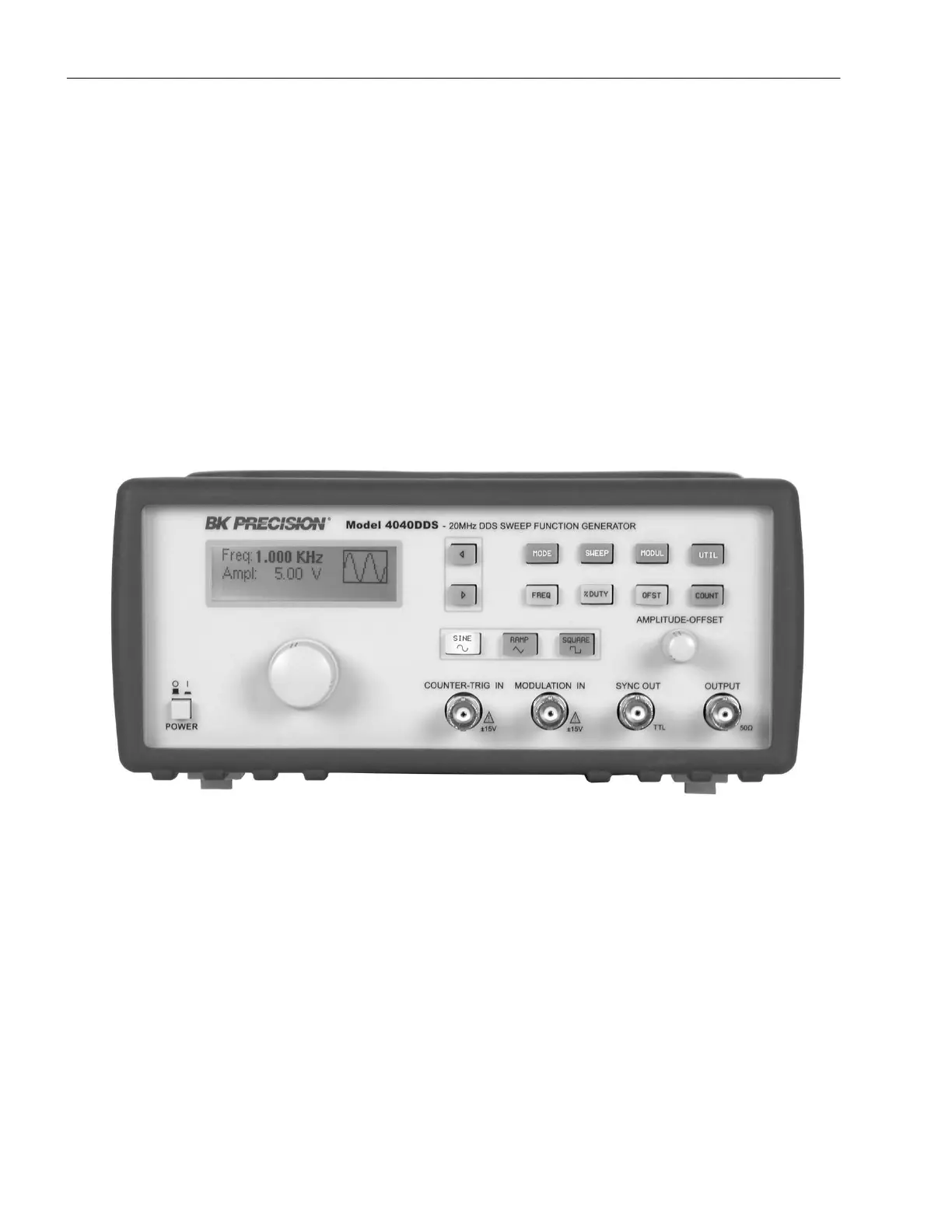
This section describes the displays, controls and connectors of the MODEL 4040DDS - Function Generator.
All controls for the instrument local operation are located on the front panel. The connectors are located on both
front and rear panels.
Figure 3.1 - MODEL 4040DDS Front Panel
1. Power ON-OFF -Applies and removes AC power to the unit.
2. Display Window -Displays all instrument data and settings on a LCD.
3. Function Keys -Select the output waveform, Sine, Square, Triangle or the MODE, SWEEP and
MODULATION..
4. Rotary Knob -Used to increment/decrement numerical values or to scan
through the possible selections.
5. Modify Keys -Used to move the cursor (when visible) to either left or right.



 To Next Page