Model 4040DDS– Operating Manual
14
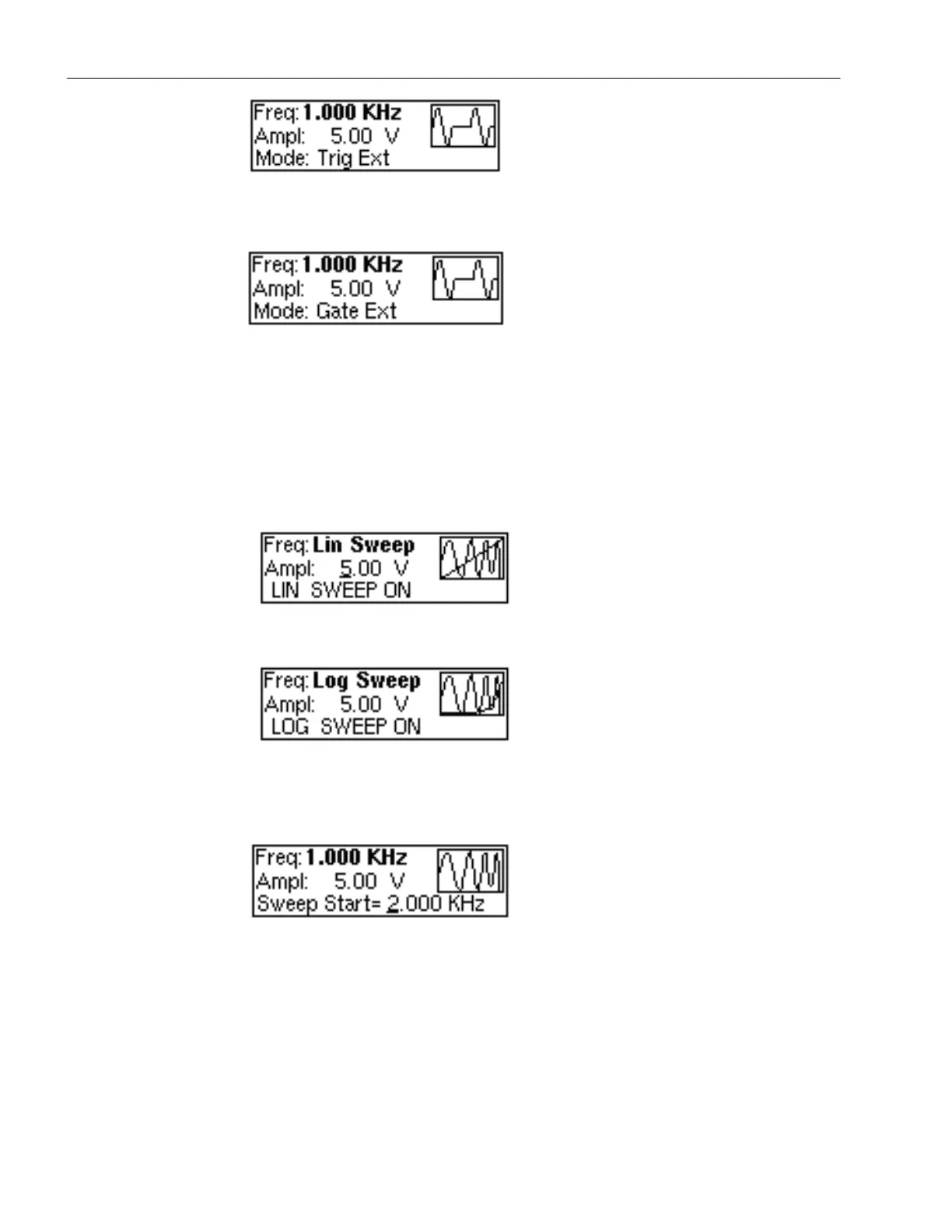
External Trigger Menu
External Gate Menu
3.6.3 SWEEP Key
Selects the Sweep Mode and allows LINEAR or LOGARITHMIC sweep mode.
To select the sweep mode, press SWEEP. Each pushbutton operation selects the LIN, LOG or OFF mode.
The Sweep Start, Stop and Rate parameters are changed with the Utility key.
LIN Sweep Menu
LOG Sweep Menu
3.6.4 UTILITY Key
Utility Menu
Selects the Sweep parameters editing mode. The Sweep Start, Sweep Stop and Sweep Rate parameters are
displayed and can be modified with the rotary knob.
Last parameter available on this menu is the Intensity mode.
Intensity - Change the intensity and contrast of the LCD display, for optimal viewing angle.
.



 To Next Page