29
POWER ON OPTIONS
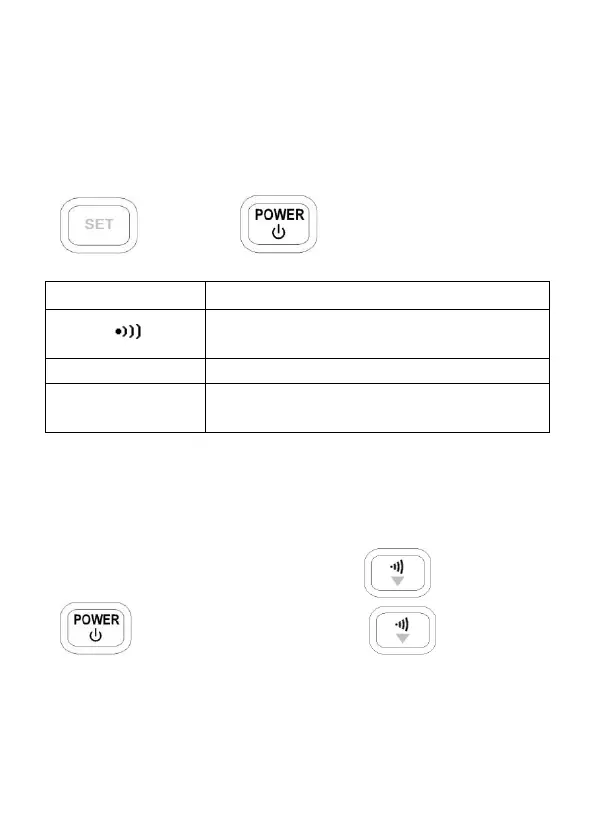
To select power on options, press and hold the
pushbutton as indicated in the table below while
turning on the meter. For example, press and hold
and press to enter setup menu.
Reset the high and the low limits to
factory default values.
SET
Setup menu for configuration
settings of the meter.
Reset HI/LO Limits
To reset the high and low limit values to factory
default values, press and hold the and press
button. Keep holding the button for
five or more seconds or until you hear two audible
beeps. Now, release and all HI and LO limit values
are reset back to factory default values.



 To Next Page