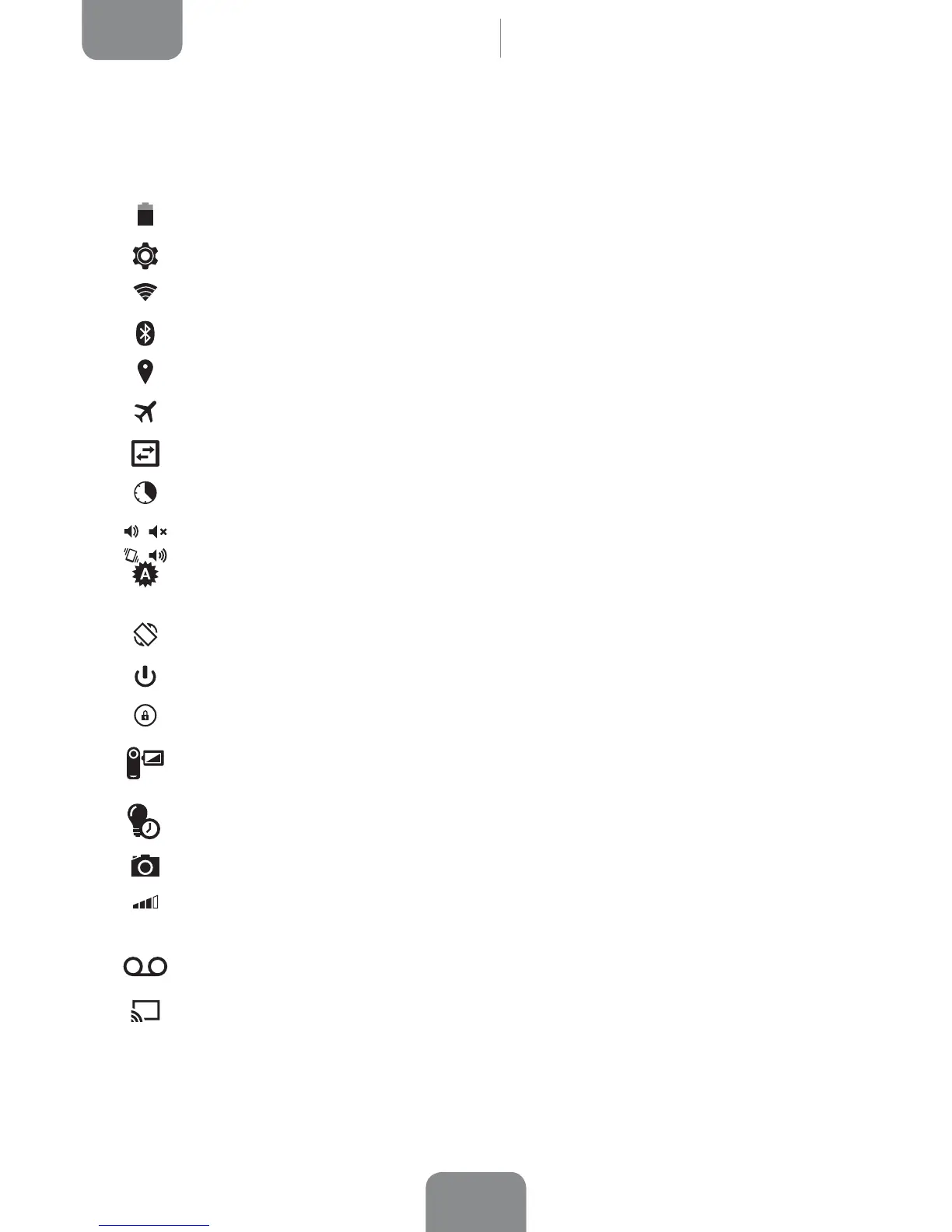
Entre las opciones que podemos activar/desactivar mediante el menú desplegable
que aparece al deslizar hacia abajo la parte derecha de la barra superior están:
Battery: Provides direct access to Settings > Battery.
Settings: Opens the general Settings menu.
Wi-Fi: Enables/disables the Wi-Fi connection.
Bluetooth: Enables/disables the Bluetooth function.
Location: Enables/disables GPS on your tablet.
Aeroplane mode: Enables/disables the signal.
Data connection: Enables/disables your data connection.
Data usage: A shortcut to Settings > Data usage.
Audio Proles: Select from General, Silent, Meeting or Outdoor.
Brightness: You can select from automatic or manual brightness adjustment
and set the desired level.
Auto Rotate: Enables/disables automatic rotation of the screen.
Shutdown: Enables power-off via the pull-down menu.
Lock/Sleep: Activates the screen lock.
Screen record: Makes real-time video recording of what is being shown on
the screen.
Time out: Adjust the time interval before the screen automatically switches off.
Screenshot: Take a picture of the screen via the pull-down menu.
Volume: Enables control of the audio volume (General, Notifications,
Multimedia and Alarms).
Sound record: Provides access to the app for making audio recordings.
Cast screen: Enables detection of remote screens for sending images and
sound.
Desktop



 To Next Page