Settings
ACCOUNT SETTINGS
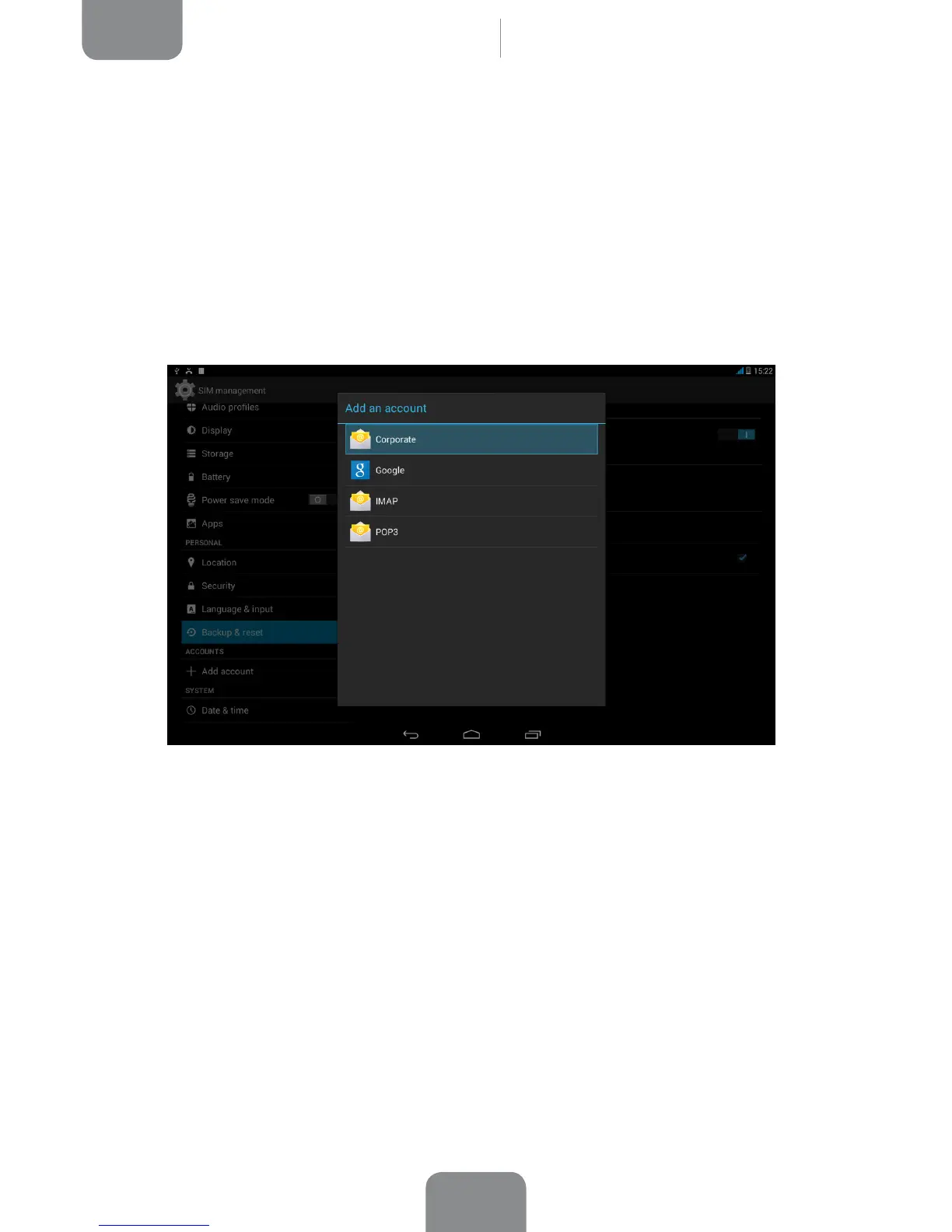
Here you can choose which email accounts (POP, IMAP or Exchange) you want to
sync with your tablet. To add a new account, press the Add account icon. Choose
from Email, Corporate (linked to a Microsoft Exchange server) or Google. Set up
the account by following the instructions that appear on the screen. Then press on
the email address to sync your email, contacts, calendar and other options (provided
that syncing is permitted by the service provider).



 To Next Page