Settings
Backup & Reset
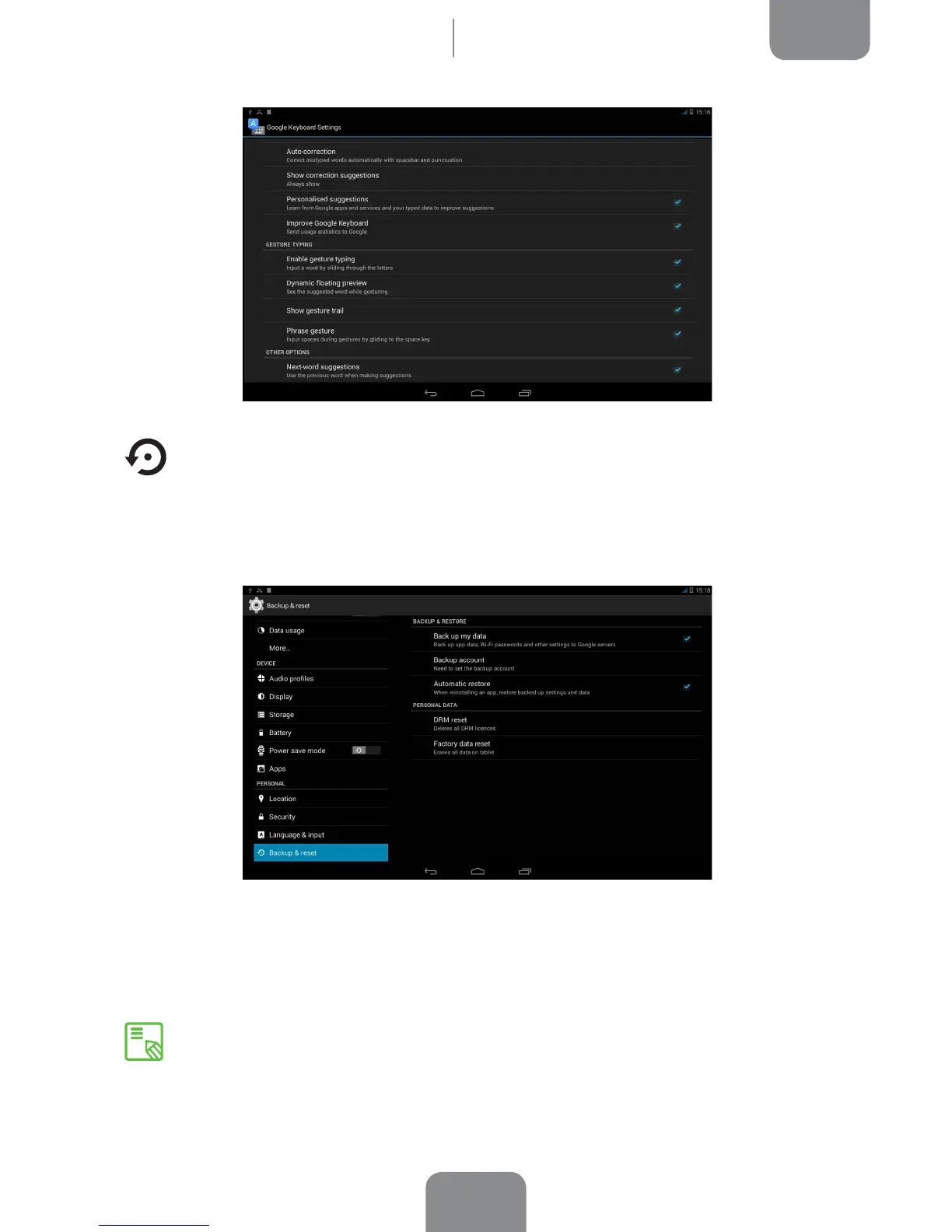
Here you can back up your app data and settings, Wi-Fi passwords, etc. on the
Google data servers. (To back up your data, a Google account must be congured
on your device).
You can also carry out a factory data reset and delete all pending DRM (digital
content protection) licences if you have already deleted the corresponding les.
Carrying out a factory data reset will erase all the data on your tablet’s internal
SD and remove any additional programs and apps installed. Making backup
copies of all your multimedia les is therefore recommended before restoring
the factory settings.



 To Next Page