Settings
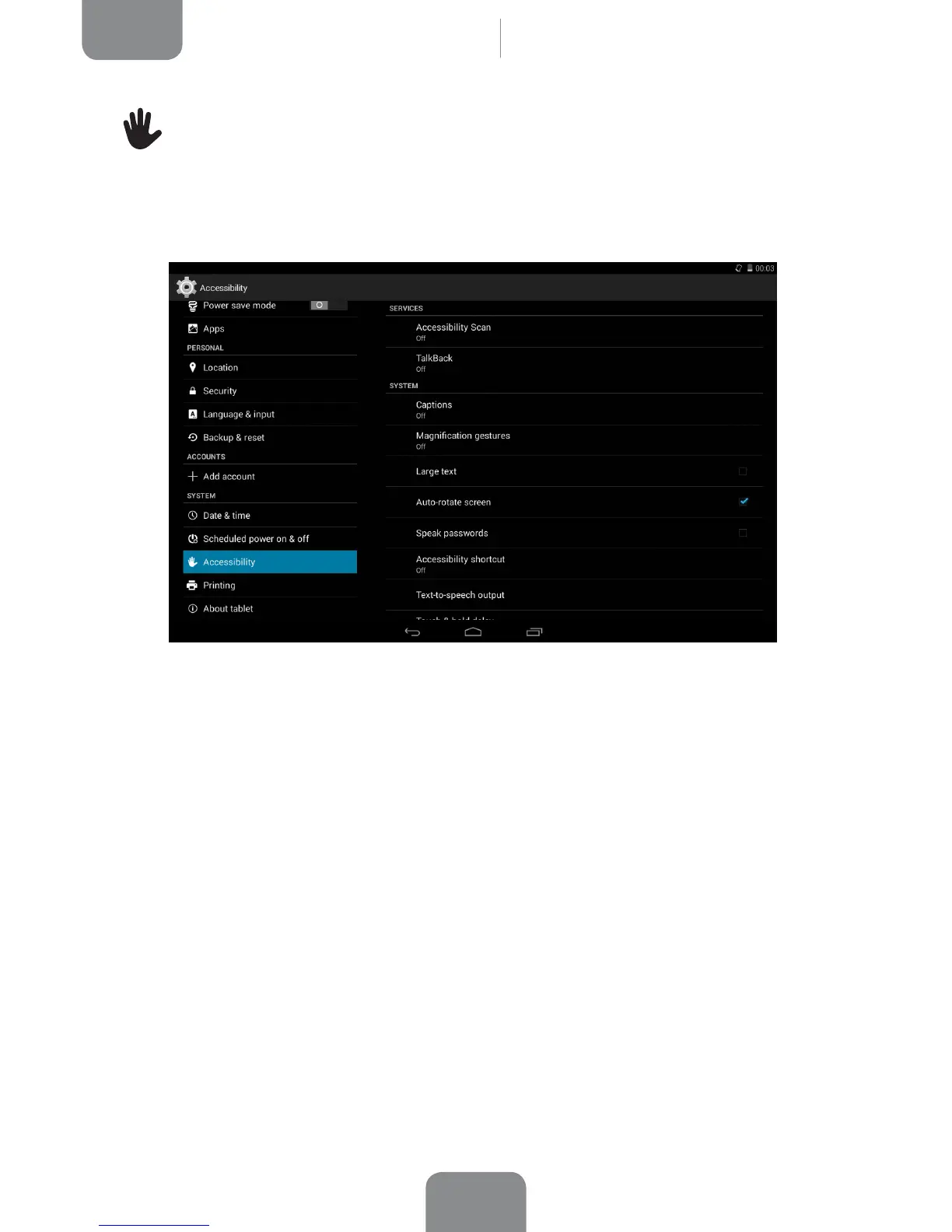
Accessibility
Here you can access certain system services to facilitate access to the device, such
as large text, spoken word, physical buttons as virtual buttons, spoken passwords,
quick boot, etc.
Your tablet also includes the TalkBack app, which offers spoken feedback and visual
settings specially designed for visually impaired users.
When you open the app for the rst time, a tutorial will guide you through the basic
settings:
Speech volume: Adjusts the volume of speech in relation to multimedia volume.
Use pitch changes: Enables/disables the use of lower tones when a key is pressed.
Keyboard echo: This option speaks typed keys aloud. Speech is enabled/disabled
when the screen is switched off.
Speak when screen is off: This option enables/disables voice notications when
the screen is off.
Proximity sensor: Enables/disables the proximity sensor to turn off speech
whenever you want.
Shake to start continuous reading: Enable the continuous reading function by
shaking your device.



 To Next Page