Start-up Procedure
-70-
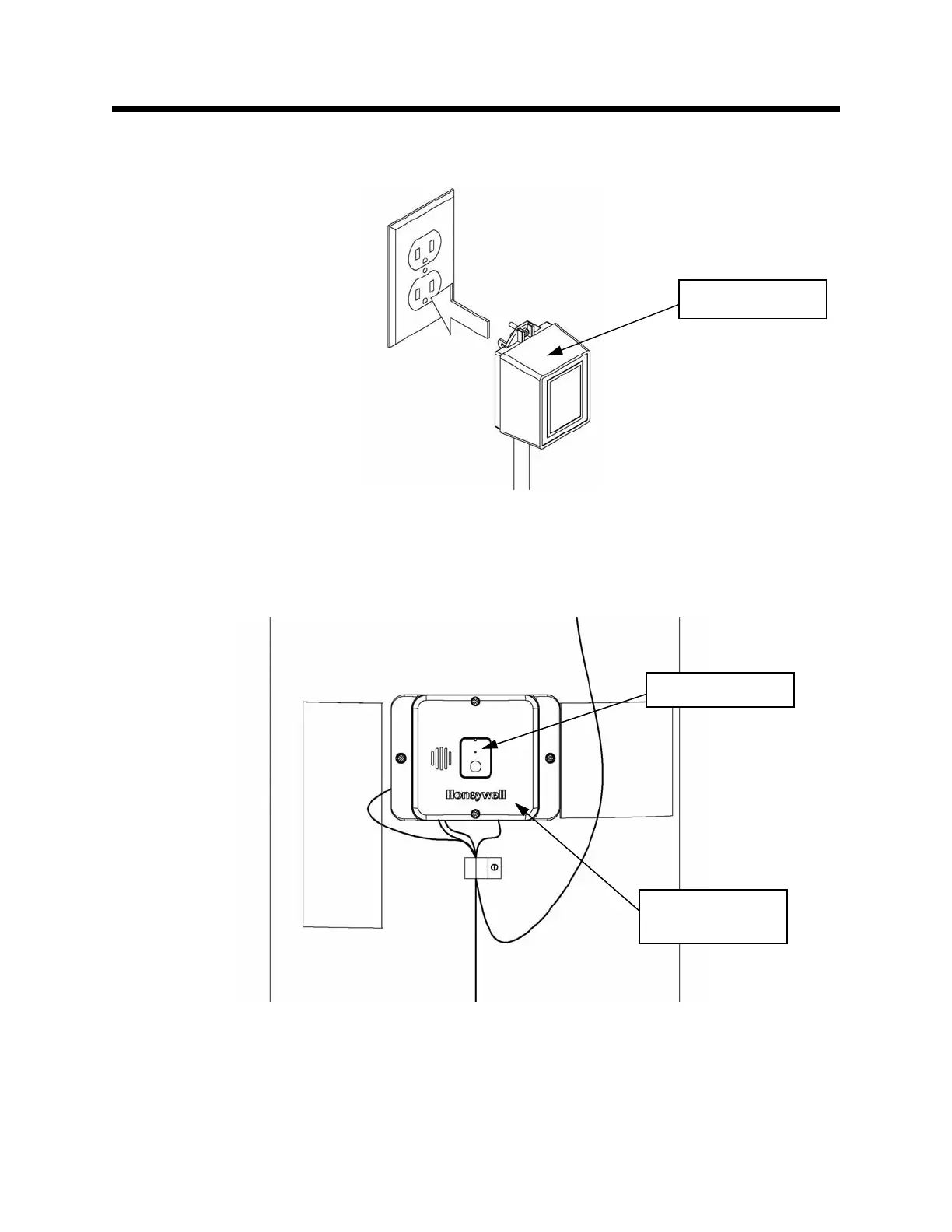
Plug in Transformer
Step 7: Plug in the Transformer that powers the Accessory Module, as well as its components. This is
shown in Figure 108.
Observe Accessory Module Start-up Sequence
Step 8: Watch the LED on the Accessory Module, and observe as it progresses through the Start-up
Sequence. This is shown in Figure 109. If the LED on the Accessory Module goes green at the end of the
Start-up Sequence, proceed to Step 11 on page 72.
Figure 108
Figure 109
Transformer
Accessory
Module
Observe LED


 To Next Page