Start-up Procedure
-71-
Action Required for Improper Start-up Sequence
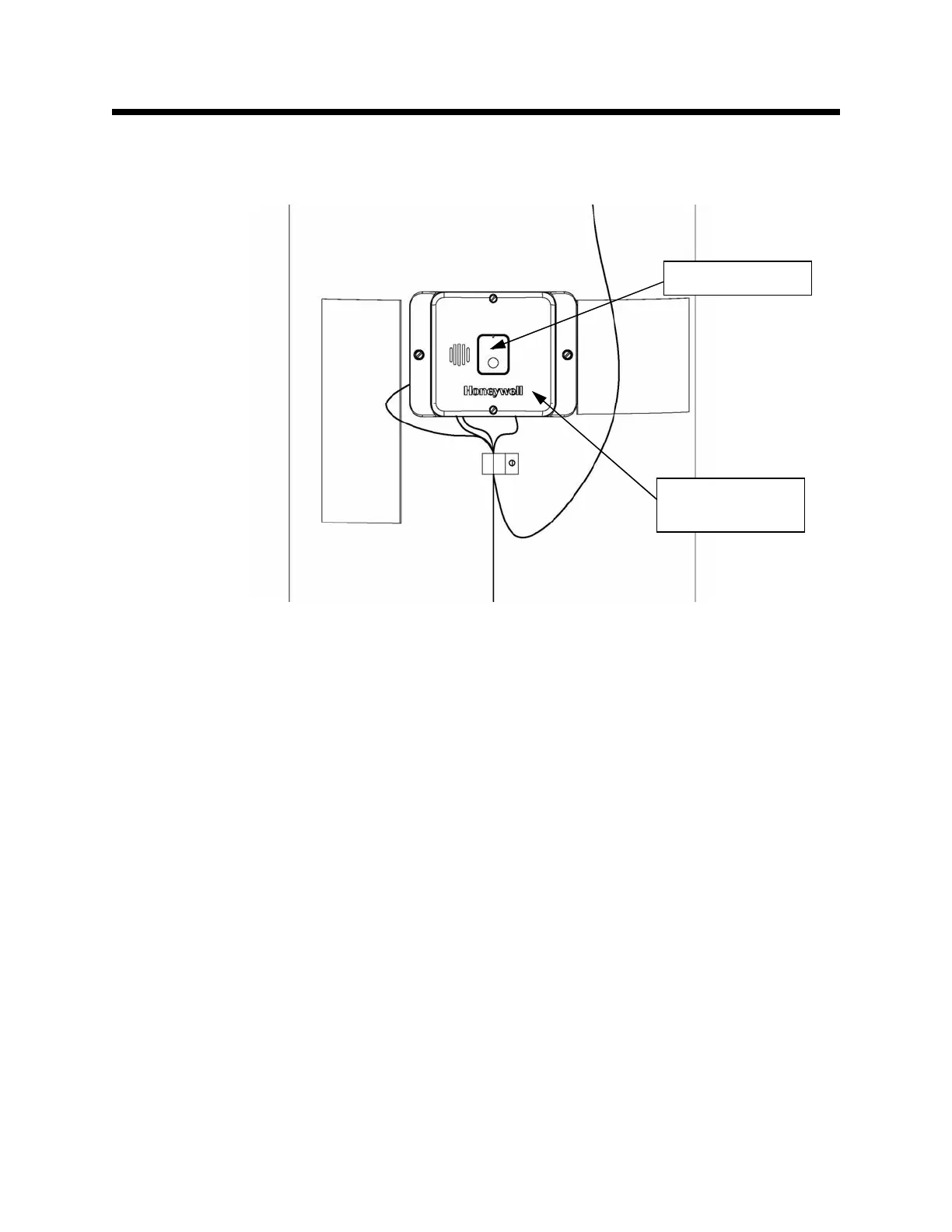
Step 9: If the Start-up Sequence results in a red LED strobe, the internal electronics on the Accessory
Module failed. The Accessory Module must be replaced. This is shown in Figure 110.
Faulty Component / Improper Assembly of Components
Step 10: If another LED sequence is showing (other than a red LED strobe), diagnose the sequence using
the Diagnostic Codes table on page 73.
Figure 110
Accessory
Module
Observe LED


 To Next Page