Bradyprinter 200MVP and 300MVP User’s Guide 77
&RPPXQLFDWLRQV'LDJQRVWLFV7HVW
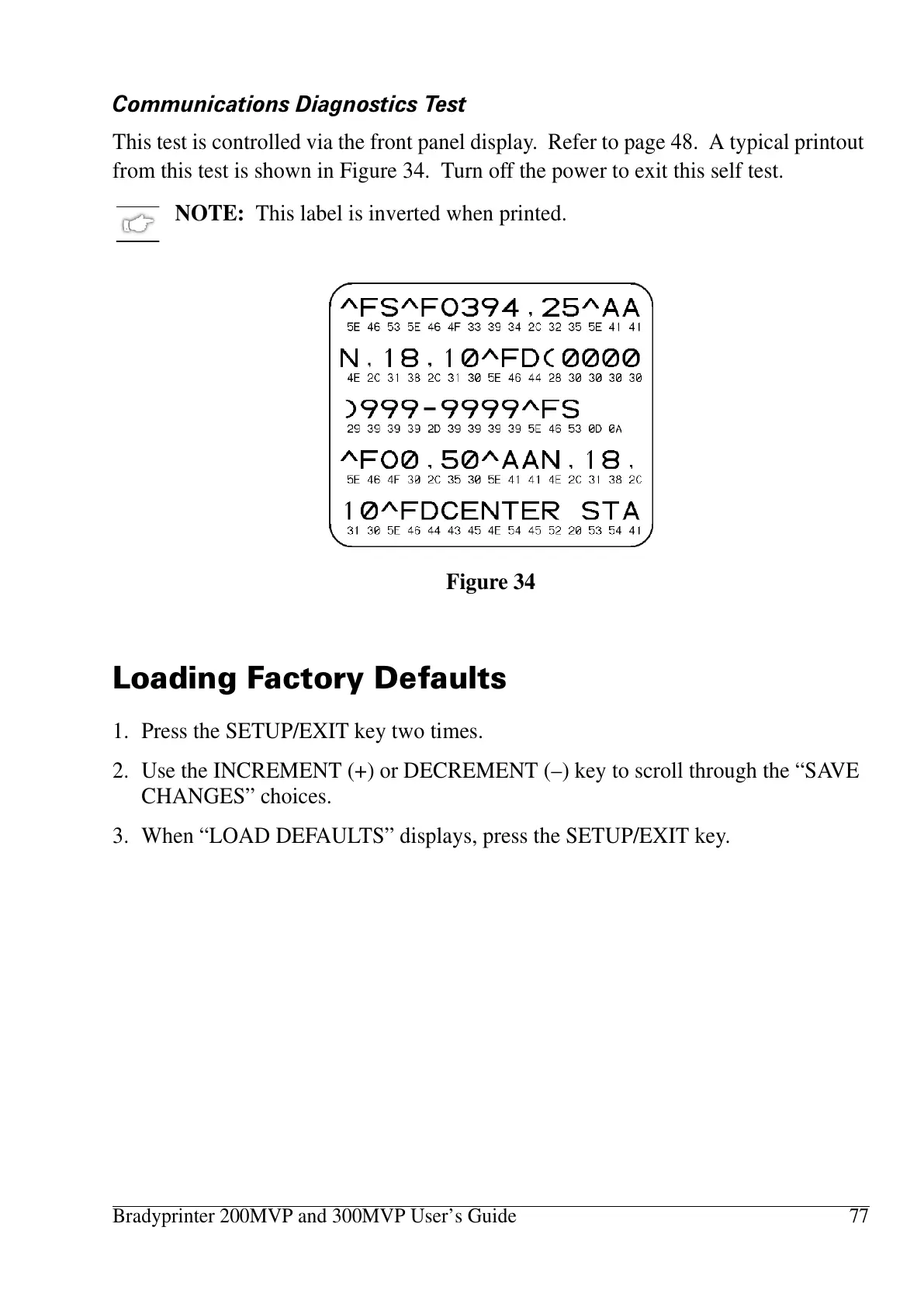
This test is controlled via the front panel display. Refer to page 48. A typical printout
from this test is shown in Figure 34. Turn off the power to exit this self test.
NOTE: This label is inverted when printed.
/RDGLQJ)DFWRU\'HIDXOWV
1. Press the SETUP/EXIT key two times.
2. Use the INCREMENT (+) or DECREMENT (–) key to scroll through the “SAVE
CHANGES” choices.
3. When “LOAD DEFAULTS” displays, press the SETUP/EXIT key.
Figure 34















 To Next Page