EasyManua.ls Logo

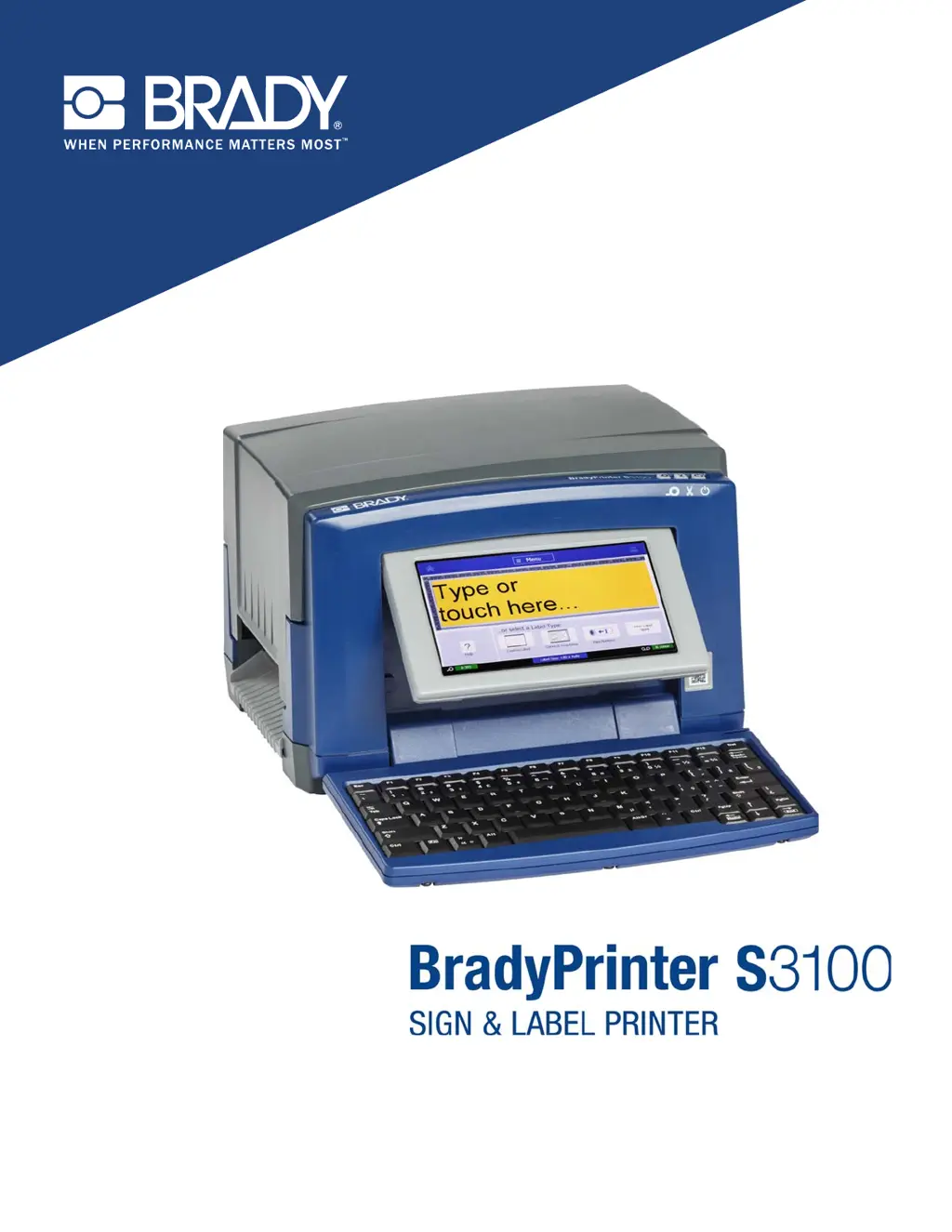
Brady BradyPrinter S3100 - User Manual

Brady BradyPrinter S3100
164 pages
Print Icon
To Next Page IconTo Next Page
Loading...
Users Manual

Table of Contents

Other manuals for Brady BradyPrinter S3100

Questions and Answers

Summary

Introduction and Printer Setup

Product Overview and User Interface

Details product features, specifications, and how to navigate the printer's menus and screens.

Initial Setup and PC Connectivity

Guides on unpacking, powering on, connecting to a PC, and setting initial system defaults.

Label Creation and Object Management

Creating and Customizing Labels

Instructions for creating various label types (text, template, custom) and setting attributes.

Working with Label Objects

Covers adding, editing, moving, sizing, and manipulating objects like text, graphics, and barcodes.

Printing, File Management, and Maintenance

Printing Labels and Job Control

Explains how to print, preview, cancel, resume jobs, and adjust print settings.

Label Files, System Tools, and Maintenance

Covers managing label files, using system utilities, installing upgrades, and performing maintenance.

Troubleshooting and Reference Information

Troubleshooting Common Issues

Provides solutions for common printer problems and error messages.

Glossary, Compliance, and Specialty Features

Includes glossary, regulatory compliance, character mapping, specialty labels, and cross-reference guides.

Summary

Introduction and Printer Setup

Product Overview and User Interface

Details product features, specifications, and how to navigate the printer's menus and screens.

Initial Setup and PC Connectivity

Guides on unpacking, powering on, connecting to a PC, and setting initial system defaults.

Label Creation and Object Management

Creating and Customizing Labels

Instructions for creating various label types (text, template, custom) and setting attributes.

Working with Label Objects

Covers adding, editing, moving, sizing, and manipulating objects like text, graphics, and barcodes.

Printing, File Management, and Maintenance

Printing Labels and Job Control

Explains how to print, preview, cancel, resume jobs, and adjust print settings.

Label Files, System Tools, and Maintenance

Covers managing label files, using system utilities, installing upgrades, and performing maintenance.

Troubleshooting and Reference Information

Troubleshooting Common Issues

Provides solutions for common printer problems and error messages.

Glossary, Compliance, and Specialty Features

Includes glossary, regulatory compliance, character mapping, specialty labels, and cross-reference guides.

Brady BradyPrinter S3100 Specifications

General IconGeneral
Print TechnologyThermal Transfer
Resolution300 dpi
ApplicationIndustrial Labeling
Max Print Width4 inches
ConnectivityUSB, Ethernet
DisplayColor touchscreen
Power Supply100-240V AC, 50/60Hz

Related product manuals