EasyManua.ls Logo

Brady BMP 21-PLUS - User Manual

Brady BMP 21-PLUS
92 pages
Print Icon
To Next Page IconTo Next Page
Loading...
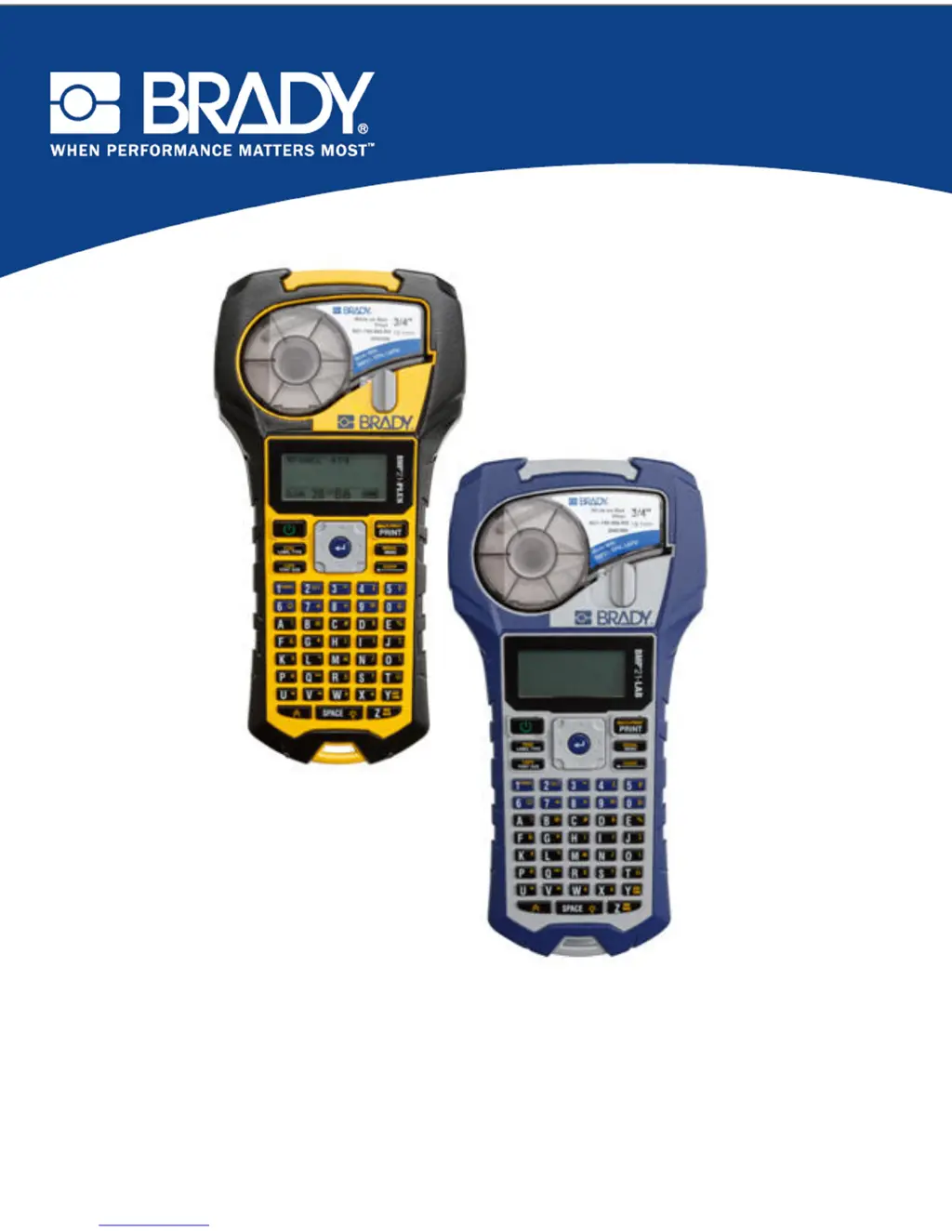
BMP
®
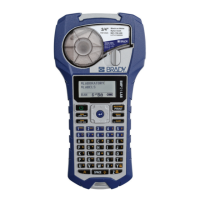
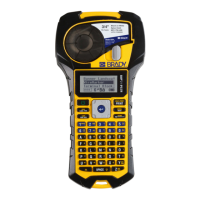
21-PLUS LABEL PRINTER
BMP
®
21-LAB LABEL PRINTER
USER’S MANUAL

Table of Contents

Other manuals for Brady BMP 21-PLUS

Questions and Answers

  • K
    Kristin PattersonSep 12, 2025
    Why is my Brady BMP 21-PLUS Label Maker cutter not working?
    • D
      denise76Sep 12, 2025
      If the cutter on your Brady Label Maker isn't cutting, there might be label slivers in the cutter assembly. Use a small tool like tweezers or needle-nose pliers to carefully remove the media slivers from the cutter assembly. Be careful not to damage any components and never use your fingers. If concerned, contact technical support.
  • J
    joshuachavezAug 25, 2025
    What to do if my Brady BMP 21-PLUS Label Maker LCD reads “Error”?
    • S
      Samantha HughesAug 25, 2025
      If your Brady Label Maker displays 'Error' on the LCD, it could be due to a low battery or incorrect media. If using batteries, replace them with 6 new AA batteries. Alternatively, if you're using a lithium-ion battery, remove it from the printer and recharge it using the AC adapter. Also, ensure that you insert the correct media cartridge.
  • T
    Timothy SalasAug 25, 2025
    Why does my Brady BMP 21-PLUS Label Maker printer not power up when turned on?
    • C
      christina06Aug 26, 2025
      If your Brady Label Maker printer is not powering up, the battery pack might not be charged. If using batteries, replace them with 6 new AA batteries. If you're using the lithium-ion battery, remove it from the printer and recharge it using the AC adapter. To use the printer while charging the lithium-ion battery, insert 6 AA alkaline batteries in the battery compartment.
  • D
    Daniel MckinneySep 23, 2025
    Why does my Brady BMP 21-PLUS show 'Error - Cannot Fit' when there are too many lines?
    • S
      Samantha Lucas DDSSep 23, 2025
      If you receive an "Error - Cannot Fit" message on your Brady Label Maker, it could be due to too many lines of text. The maximum number of lines allowed is four. Remember that a blank line is considered another line of text, so avoid pressing ENTER at the end of a line if you don't want another line.
  • S
    samuel89Sep 12, 2025
    How do I fix void areas or lines on printed text from my Brady BMP 21-PLUS?
    • O
      orodriguezSep 12, 2025
      If you see void areas or lines on the printed text from your Brady Label Maker, it could be due to a creased line on the label. When printing over the crease, the ribbon ink can't fill in the indentation. To fix this: 1. Advance the label material to jump over the crease. 2. Reprint your label.
  • B
    brookscodySep 18, 2025
    What to do if my Brady Label Maker has poor print quality and I suspect the media?
    • K
      katherinehopkinsSep 18, 2025
      If you are experiencing poor print quality on your Brady Label Maker, the media might not be usable. Try another media cartridge.
  • W
    Wendy SchmittSep 5, 2025
    How to change location of the human readable text in a barcode on my Brady BMP 21-PLUS Label Maker?
    • H
      hugheschristineSep 5, 2025
      The human readable text is automatically added below the label on the Brady Label Maker. This position is fixed and cannot be changed.
  • M
    Madeline BrightSep 6, 2025
    Why doesn't my Brady Label Maker menu display all label types?
    • T
      Theresa SmithSep 6, 2025
      The BMP21-PLUS/BMP21-LAB Brady Label Maker only displays the label types that will work with the installed label material (cartridge). Insert the proper label material (cartridge) for the labels you want to produce.
  • C
    Christopher KeySep 18, 2025
    Why does my Brady Label Maker print void areas or lines due to ribbon wrinkling?
    • C
      Curtis WagnerSep 18, 2025
      If void areas or lines appear on printed text from your Brady Label Maker, and you suspect ribbon wrinkling, remove the cartridge from the printer and advance the ribbon by rotating the take-up spool clockwise until the wrinkled or damaged ribbon is no longer visible (typically one or two full turns). Reinstall the cartridge and continue printing normally. Alternatively, try a new cartridge.
  • W
    washingtonmariaAug 30, 2025
    Why is the cutter on my Brady BMP 21-PLUS not cutting?
    • G
      Gabrielle HowellAug 30, 2025
      If the cutter on your Brady Label Maker is not cutting, there might be label slivers in the cutter assembly. Use a small tool, such as tweezers or needle-nose pliers, to carefully remove the media slivers from the cutter assembly. Use caution not to damage any components, and avoid using your fingers due to sharp components. If you have concerns, contact technical support.

Summary

Introduction and Specifications

Hardware and Power

Power Source Options

Explanation of how to power the printer using AA batteries, a lithium-ion pack, or an AC adapter.

Printer Operation

Power On and Interface

Instructions on how to turn the printer on and use the editing screen and status information.

Printing Labels

Steps for printing a single label or multiple copies using the print and multi-print functions.

Label Creation and Formatting

Advanced Formatting Features

Applying symbols, international characters, barcodes, and serialization to labels.

Troubleshooting and Maintenance

Troubleshooting Common Problems

Diagnosing and resolving issues related to hardware, power, print quality, and software errors.

Printer Cleaning Procedures

Instructions for cleaning the printer's display screen and internal components for optimal performance.

Brady BMP 21-PLUS Specifications

General IconGeneral
Print TechnologyThermal Transfer
Resolution203 dpi
Keyboard TypeQWERTY
DisplayLCD
Cutter TypeManual
Max Print Width0.75 inches
Power Source6 AA Batteries or AC Power Adapter

Related product manuals