File Management
Replace (Overwrite) a File
52
BMP
®
21-PLUS/BMP
®
21-LAB User’s Manual
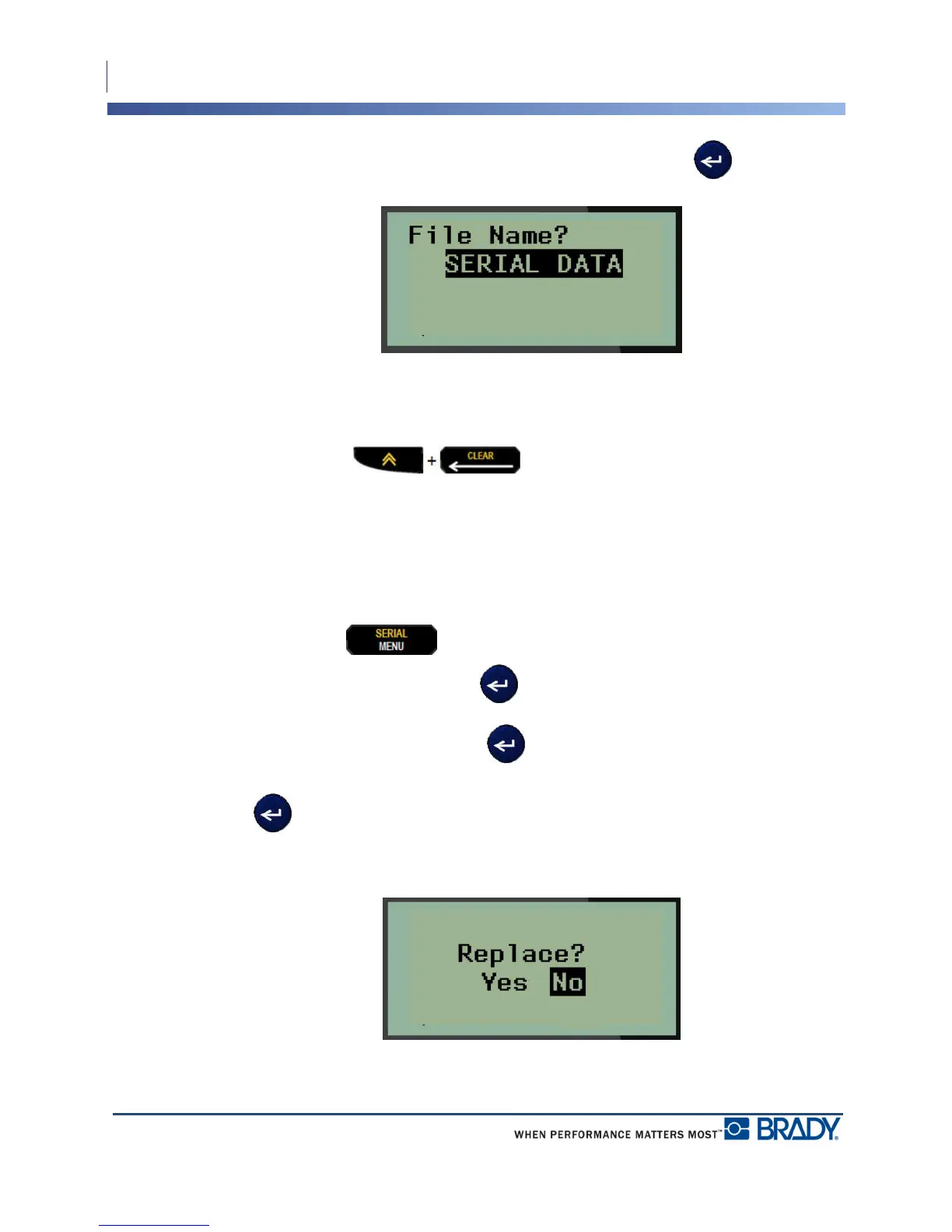
5. In the File Name? field, enter a name for the file, then press Enter .
When the file is saved, you are returned to the Editing screen with the saved file still displayed.
To remove the saved file from the screen:
6. Press CLEAR .
Replace (Overwrite) a File
You can only save 12 files on the BMP
®
21-PLUS/BMP
®
21-LAB Label Printer. To save
another file, you need to replace (overwrite) one of the previously saved files. To replace, or
overwrite, a file:
1. Press MENU .
2. Navigate to File, then press Enter .
3. Navigate to Save, then press Enter .
4. Navigate to the numbered field containing the file you want to overwrite and press Enter
.
A message displays requesting confirmation on replacing the previous file.



 To Next Page