Keypad
Navigation and Editing Keys
20
BMP
®
21-PLUS/BMP
®
21-LAB User’s Manual
Keypad
Navigation and Editing Keys
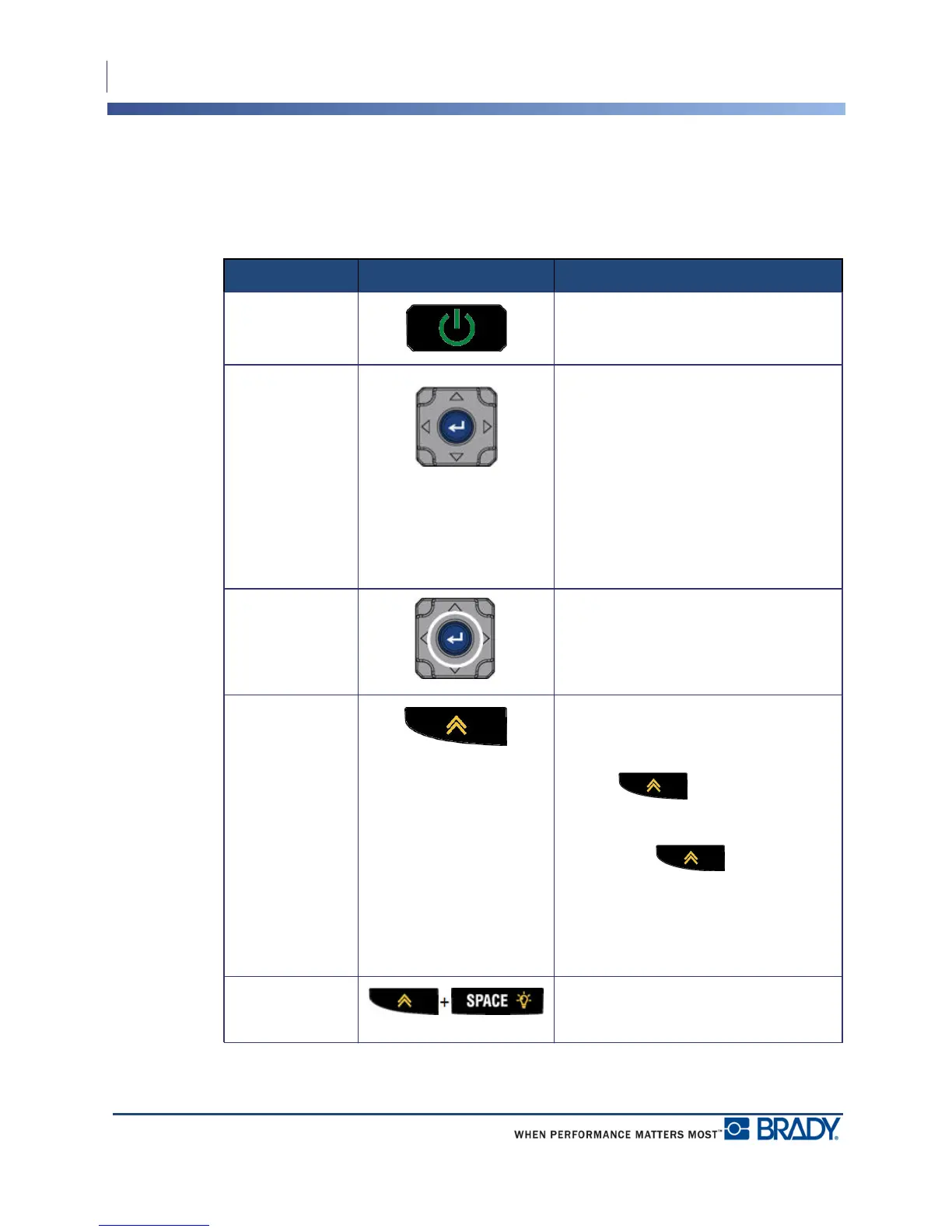
Function Key Description
Power Turns on the printer
Navigation Keys Navigation keys:
• In a line of text, move the cursor left
or right a character at a time, or up
and down a line at a time.
• In menus, move the selection up or
down in primary menu choices; left
or right through secondary menu
choices (such as Symbols or
International characters), if
available.
ENTER Key
• Adds a new blank line in label data.
• Accepts menu selections and
attributes.
Alternate
Function Key
• Used in conjunction with the
alternate function (displayed in
gold) on some of the keys. Press
the key, then press the
alternate function key.
OR
Hold the key while
simultaneously pressing the key
that has the alternate function.
• Used to access special characters
on the alphanumeric keys.
Backlight Key Increases readability of screen in low
light conditions.



 To Next Page