Menus
Backlight Time
34
BMP
®
21-PLUS/BMP
®
21-LAB User’s Manual
Backlight Time
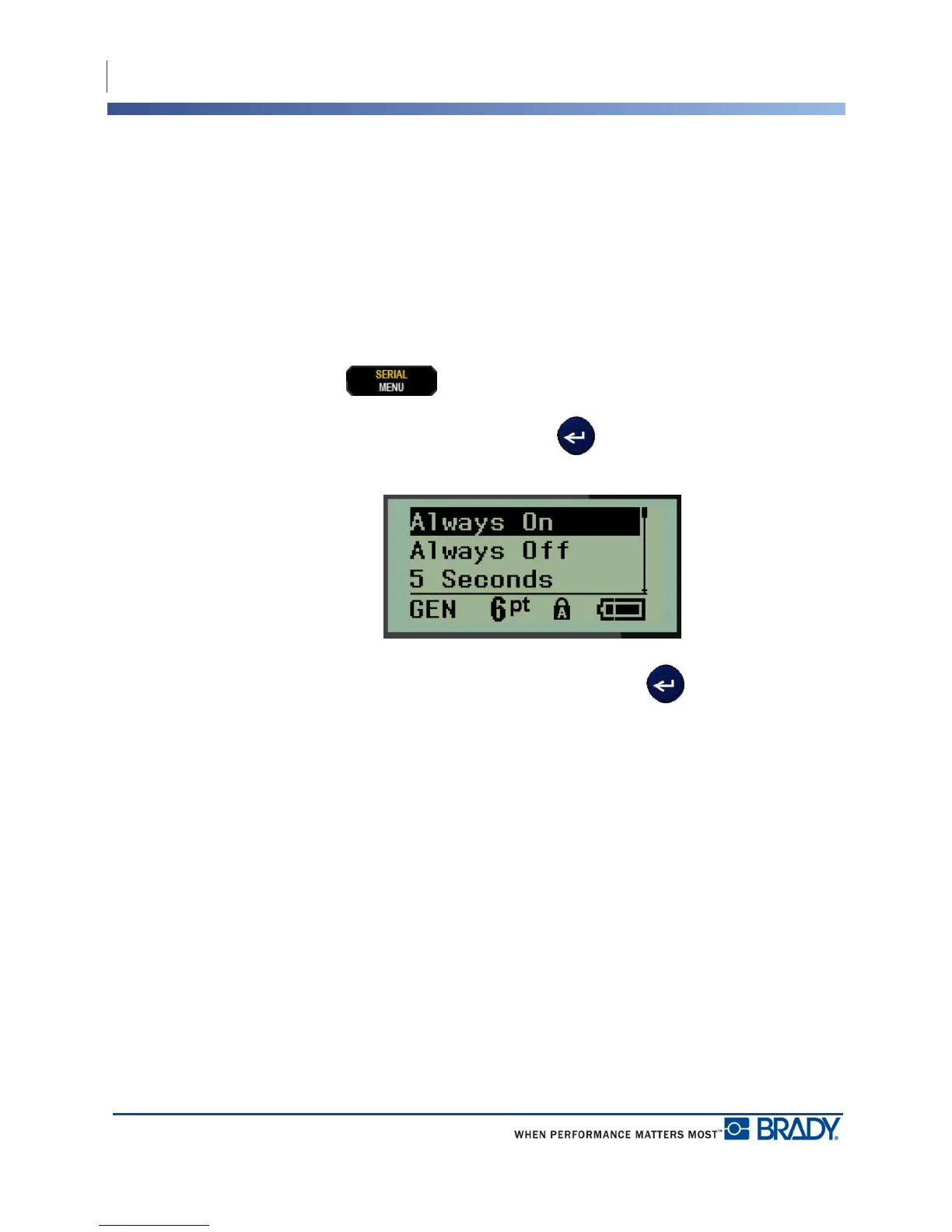
The Backlight Time sets the backlight auto-off time-out. This refers to the number of seconds
of inactivity detected, after which the backlight automatically shuts off.
If you prefer to keep the backlight on at all times while using the AC adapter, choose Always
On. To turn it off completely, select Always Off. Otherwise set the number of seconds of
inactivity the printer should detect before shutting off the backlight. The options run from 5
seconds to 30 seconds, at 5-second intervals.
To reset the Backlight options:
1. Press MENU .
2. Navigate to Backlight Time, then press Enter .
3. Navigate to the desired backlight options, then press Enter .



 To Next Page