33
Menus
Set Zero Style
BMP
®
21-PLUS/BMP
®
21-LAB User’s Manual
Set Zero Style
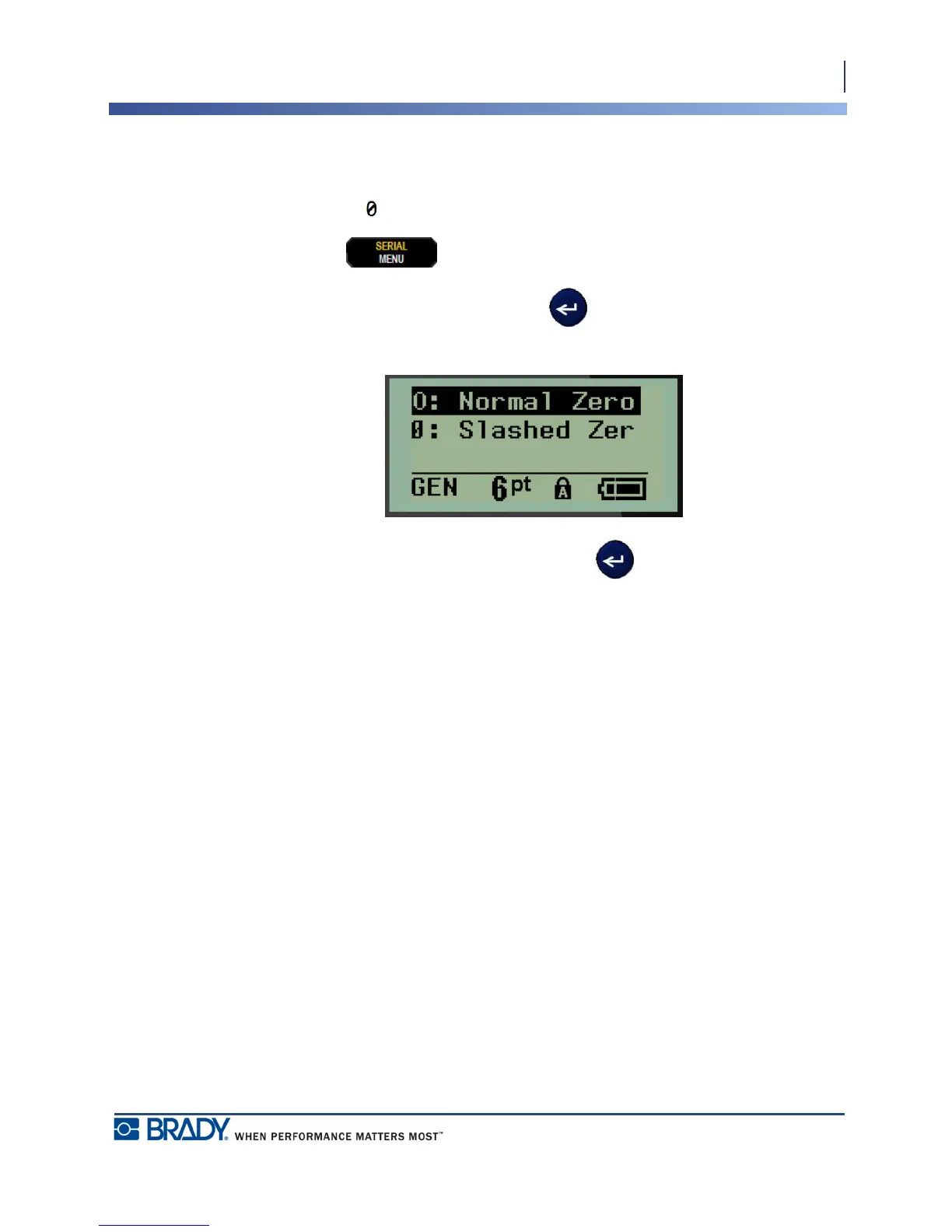
The Set Zero Style default determines if the number zero will print as an open zero (0), or
intersected by a line ( ), as on a computer. To set the Zero Style default:
1. Press MENU .
2. Navigate to Set Zero Style, then press Enter .
3. Navigate to the desired zero style, then press Enter .



 To Next Page