Serialization
Edit a Sequence
50
BMP
®
21-PLUS/BMP
®
21-LAB User’s Manual
Add Serialization
To add serialization to labels:
1. Position the cursor on the label where you want the serialization to display.
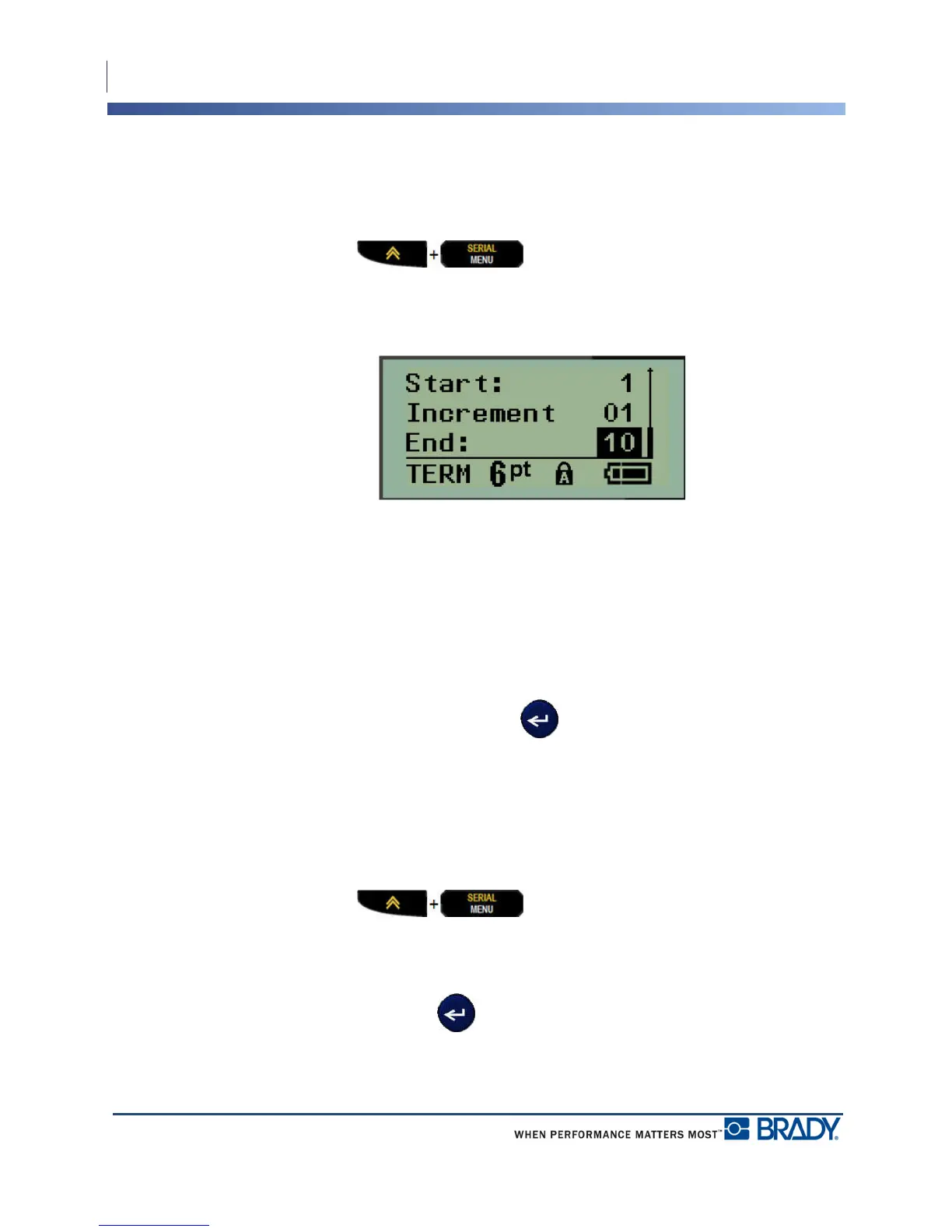
2. Press SERIAL .
A dialog box displays where you can enter the start value of the serialization, the increment
value, and the end value.
For simple serialization:
3. With the cursor immediately displayed in the Start: field, enter the start value of the
sequence.
4. In the Increment field, enter the increment value.
5. In the End: field, enter the end value of the sequence.
The default increment is 1. If that is the desired increment, skip this entry field.
6. To process the serialization, press Enter .
Edit a Sequence
You can change the serialization values after a sequence has been determined. To edit the
sequence values, from anywhere on the label (the cursor does not have to be in the serialized
data set):
1. Press SERIAL .
The Serial dialog box displays with the current values listed.
2. Navigate to the value fields to change and enter the new value.
3. When finished, press Enter .



 To Next Page