File Management
Delete a File
54
BMP
®
21-PLUS/BMP
®
21-LAB User’s Manual
Delete a File
The display screen does not have to be cleared before deleting a file. A file can be deleted with
other data still on the screen.
To delete a previously saved file:
1. Press MENU .
2. Navigate to File, then press Enter .
3. Navigate to Delete, then press Enter .
A list of previously saved files displays.
4. Navigate to the file to delete, then press Enter .
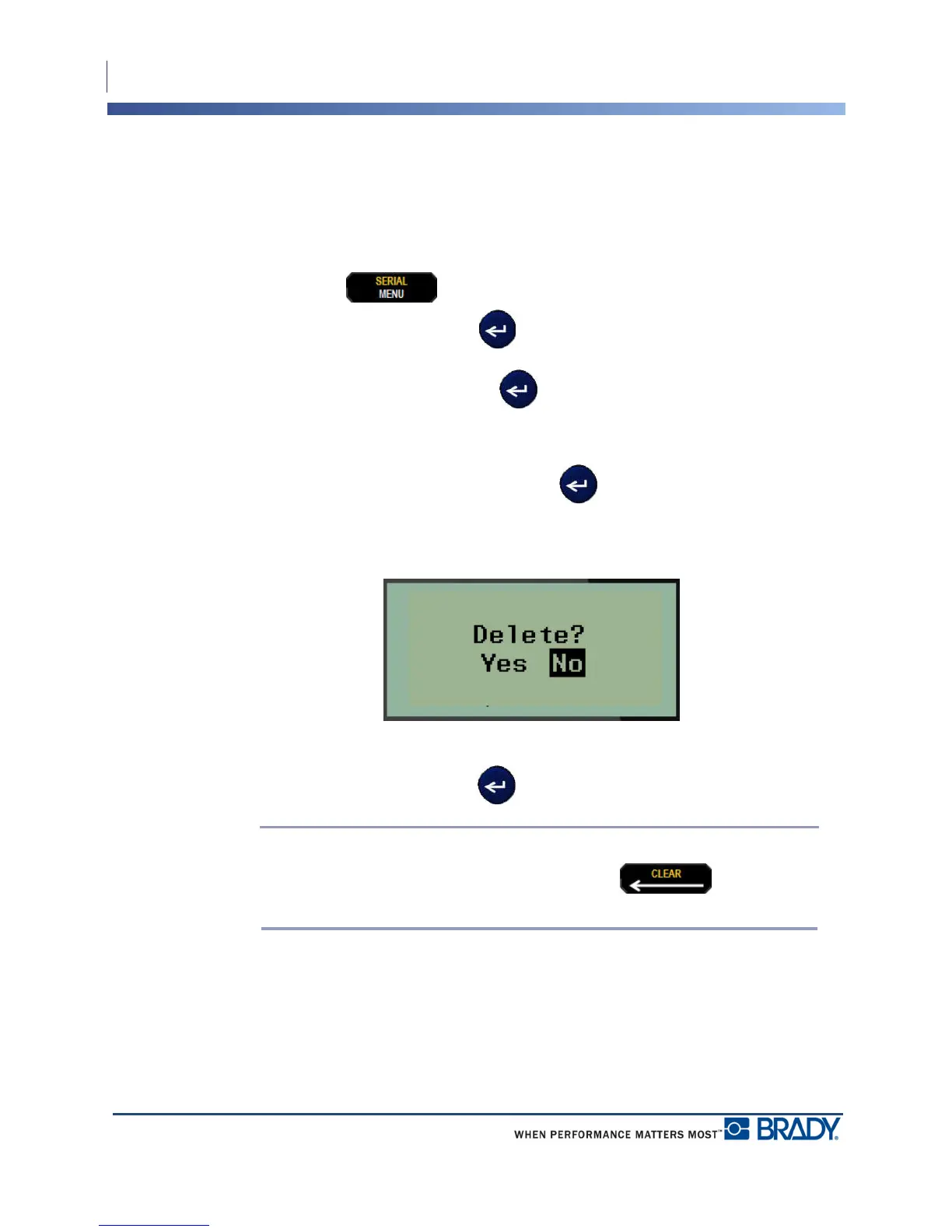
A delete confirmation message displays.
5. Navigate to Yes, then press Enter .
Note: If you enter ‘No’, you will be returned to the list of saved files. You can
select another file to delete OR press [BACKSPACE] to move out of
the File>Delete menus and return to the Editing screen.
When a file is deleted, it is removed from the system and is no longer available for use.



 To Next Page