19
Power On
Editing Screen
BMP
®
21-PLUS/BMP
®
21-LAB User’s Manual
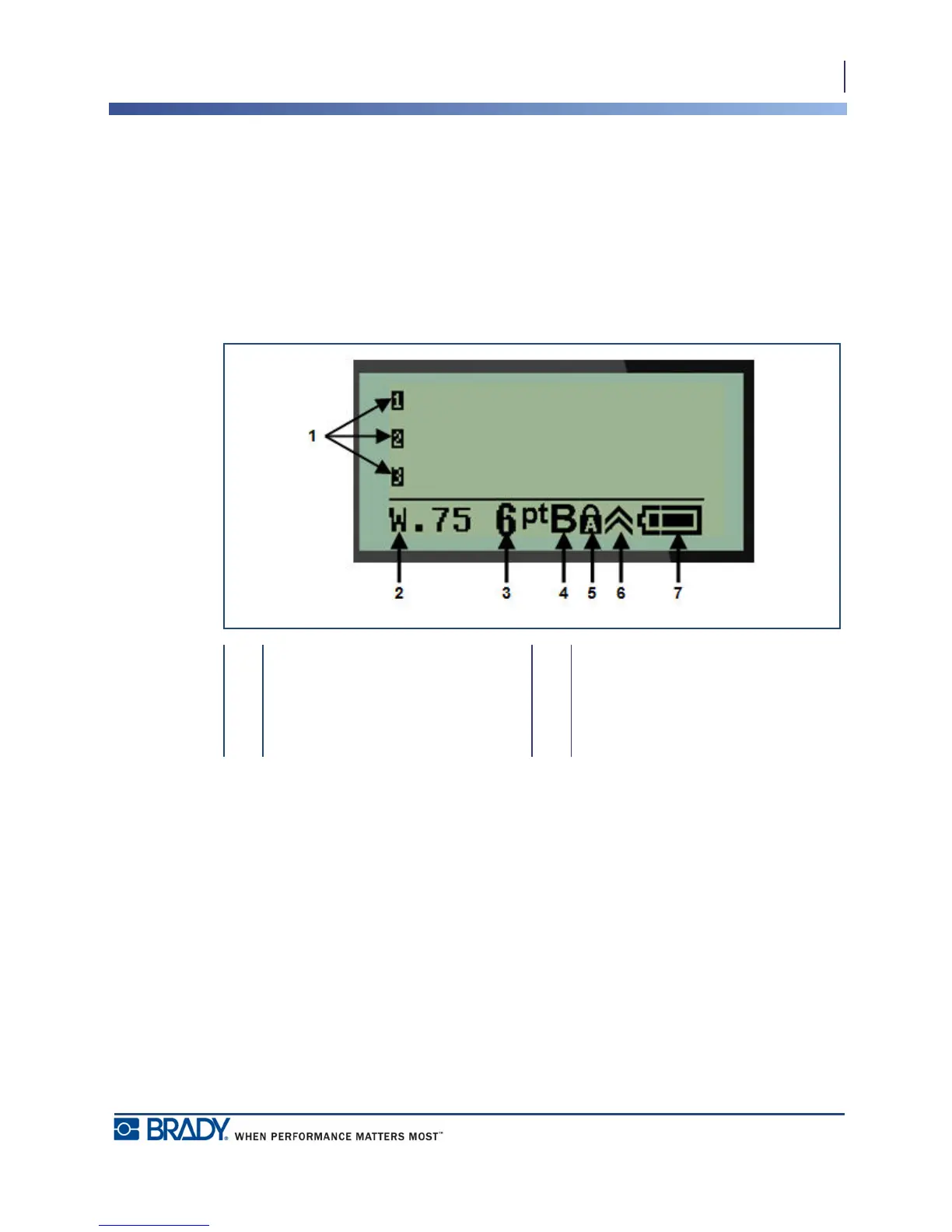
Editing Screen
The editing screen enables you to view formatting features directly on the screen while you are
entering and editing data.
Status Information
A status bar displays permanently at the bottom of the screen and contains the following:
1 Text lines 5 Caps lock (on)
2 Label type 6 Function key indicator (in use)
3 Font size 7 Battery life indicator
4 Bold font (on)



 To Next Page