Menus
Cancel a Menu or Data Field
24
BMP
®
21-PLUS/BMP
®
21-LAB User’s Manual
Data Fields
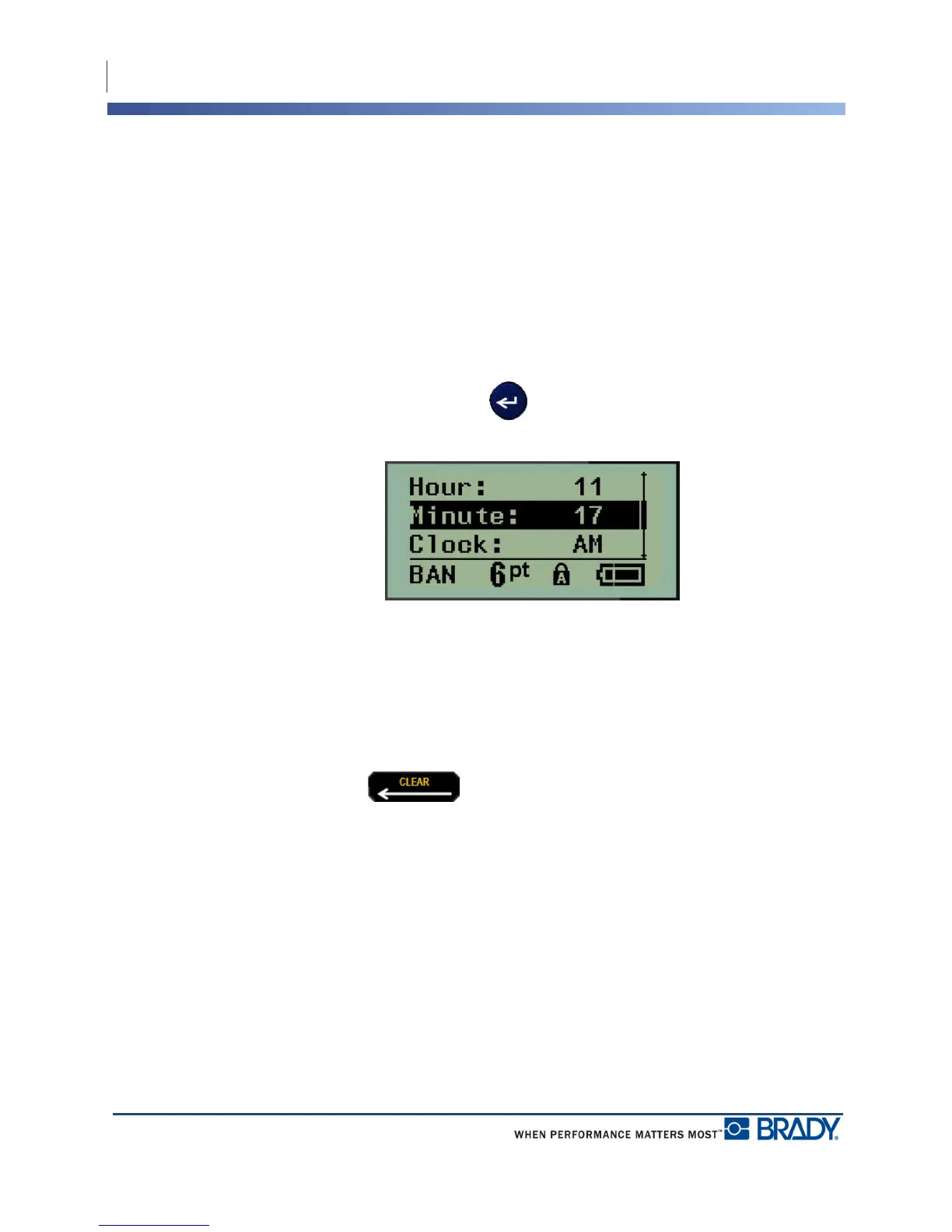
For some menu items, there may be data fields requesting additional information. To enter the
information:
1. Using navigation keys, navigate to the data field.
2. Enter data using the keyboard.
OR
Use the left/right navigation keys to toggle through a series of predesigned values.
3. Use navigation keys to move off the field after entering data.
4. To accept data entered, press Enter .
Figure 2 • Data input fields
Cancel a Menu or Data Field
To cancel a menu or data field, without accepting changes:
1. Press Backspace .



 To Next Page