43
Formatting
International Character Set
BMP
®
21-PLUS/BMP
®
21-LAB User’s Manual
International Character Set
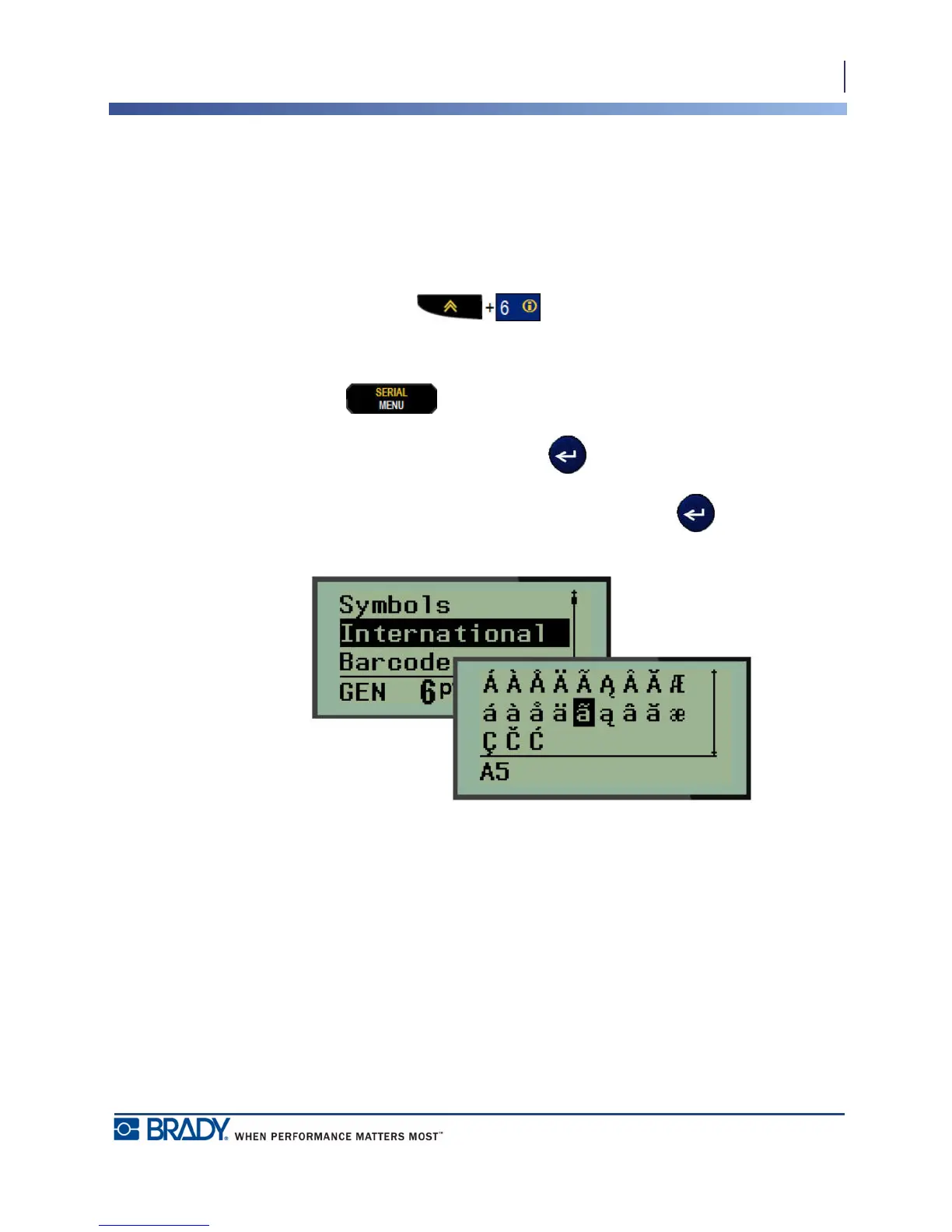
The International Character Set supplies characters specific to some international alphabets
with diacritical and accent marks incorporated into the characters. To add a character from the
International Character Set:
1. Position the cursor where you want the international character to display.
2. Press International key .
OR
Press MENU .
Navigate to International, then press Enter
3. Navigate to the desired international character, then press Enter .



 To Next Page