31
Menus
Units
BMP
®
21-PLUS/BMP
®
21-LAB User’s Manual
Units
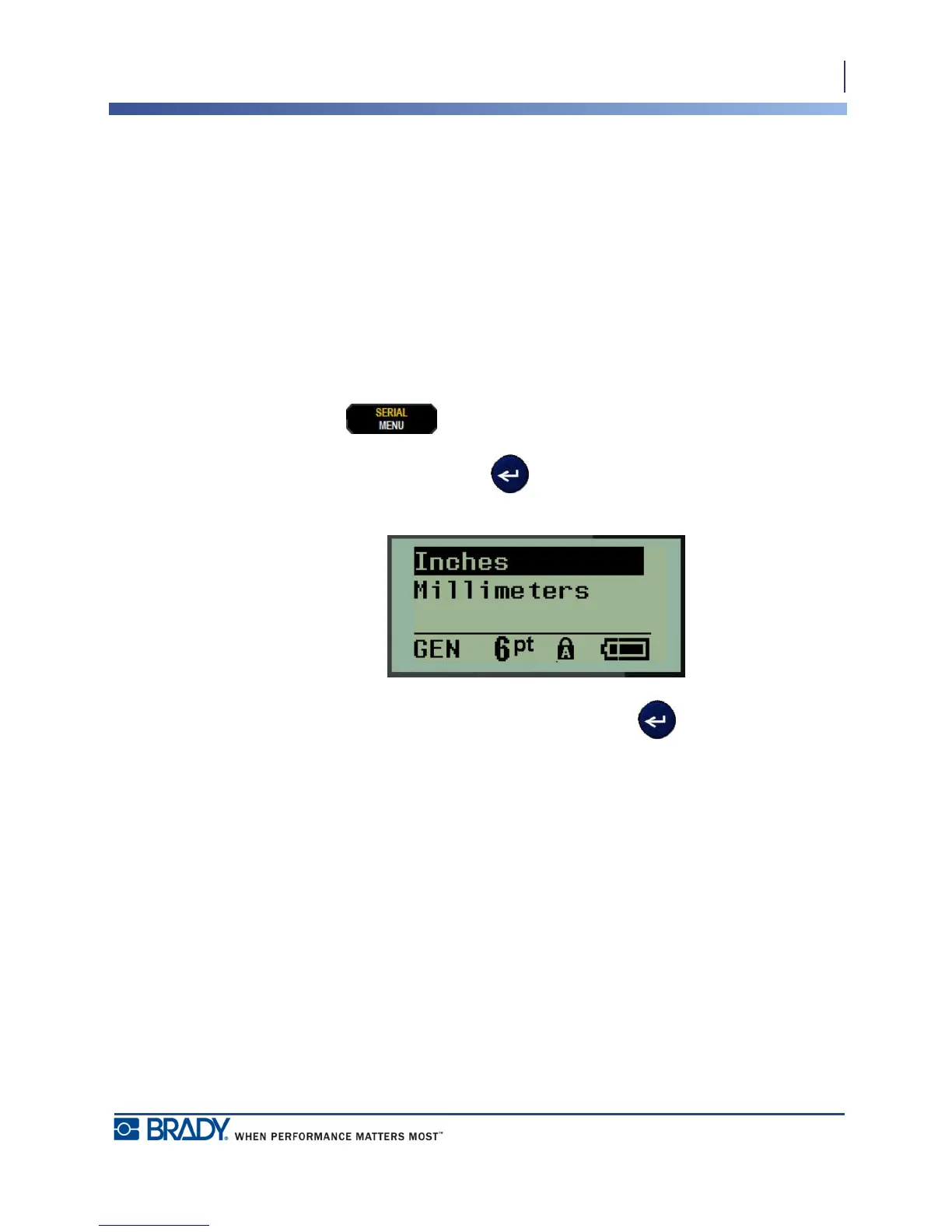
The Units setting is used to configure label parameters for the printer. The units are:
• Inches
• Millimeters
Once configured, you do not have to indicate “inches” or “millimeters” (or their globally
accepted abbreviations or marks) when entering numbers in data fields. Likewise, in any scale
or range of measurement field (as found under Label Type), the range of measurements will
automatically configure to the units selected in the Menu function.
To set the default units:
1. Press MENU .
2. Navigate to Units, then press Enter .
3. Navigate to the desired units of measure, then press Enter .



 To Next Page