27
Menus
Printer Defaults
BMP
®
21-PLUS/BMP
®
21-LAB User’s Manual
Set Clock
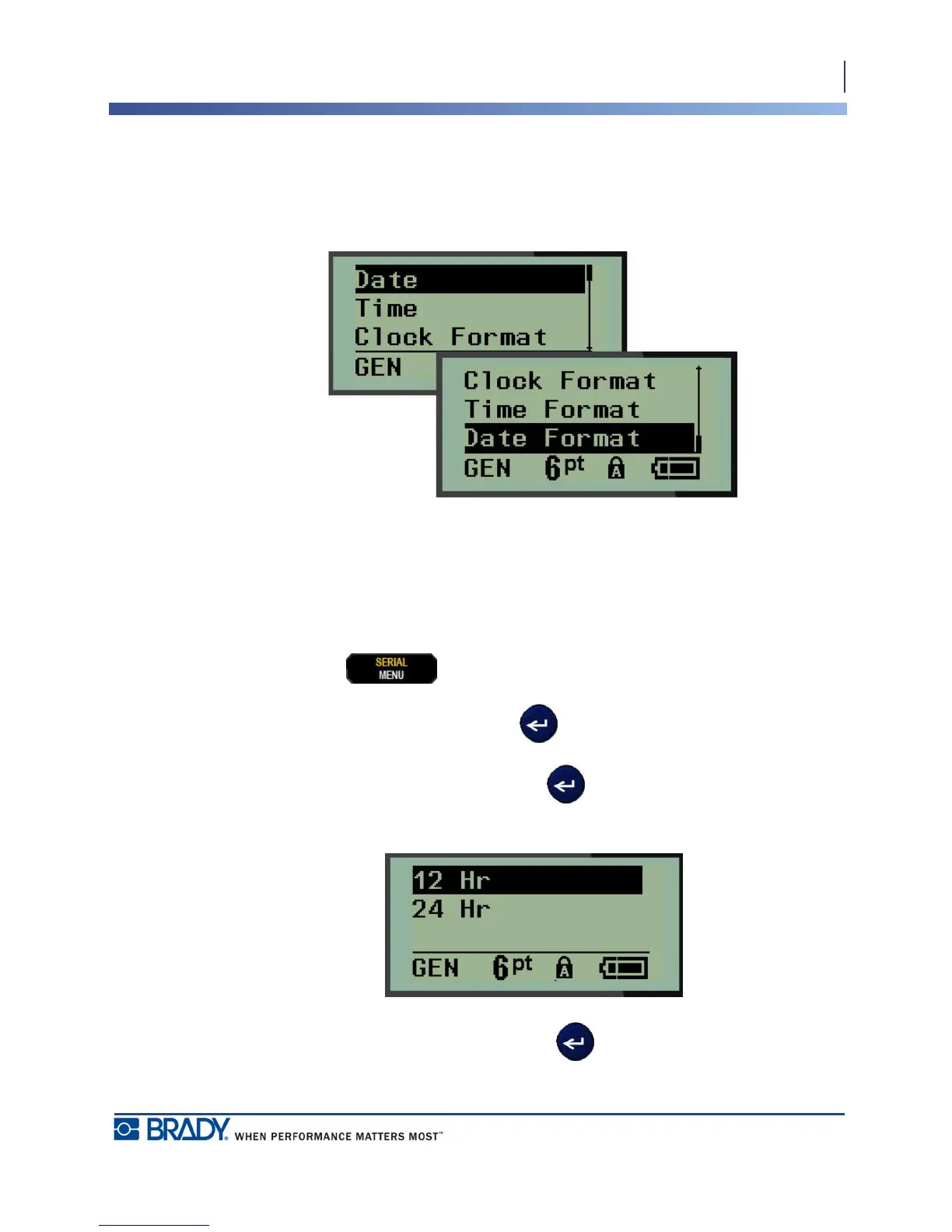
The following settings can be found under the Set Clock menu function. Set the Date and Time
options upon initial start-up of the printer.
Figure 3 • Time/Date settings in Set Clock function
Clock Format
Before setting the date and time, set the Clock Format. This enables you to use a 12-hour clock
or a 24-hour clock. To set the Clock Format:
1. Press MENU .
2. Navigate to Set Clock, then press Enter .
3. Navigate to Clock Format, then press Enter .
4. Select the desired format, then press ENTER .



 To Next Page