Formatting
Barcode
46
BMP
®
21-PLUS/BMP
®
21-LAB User’s Manual
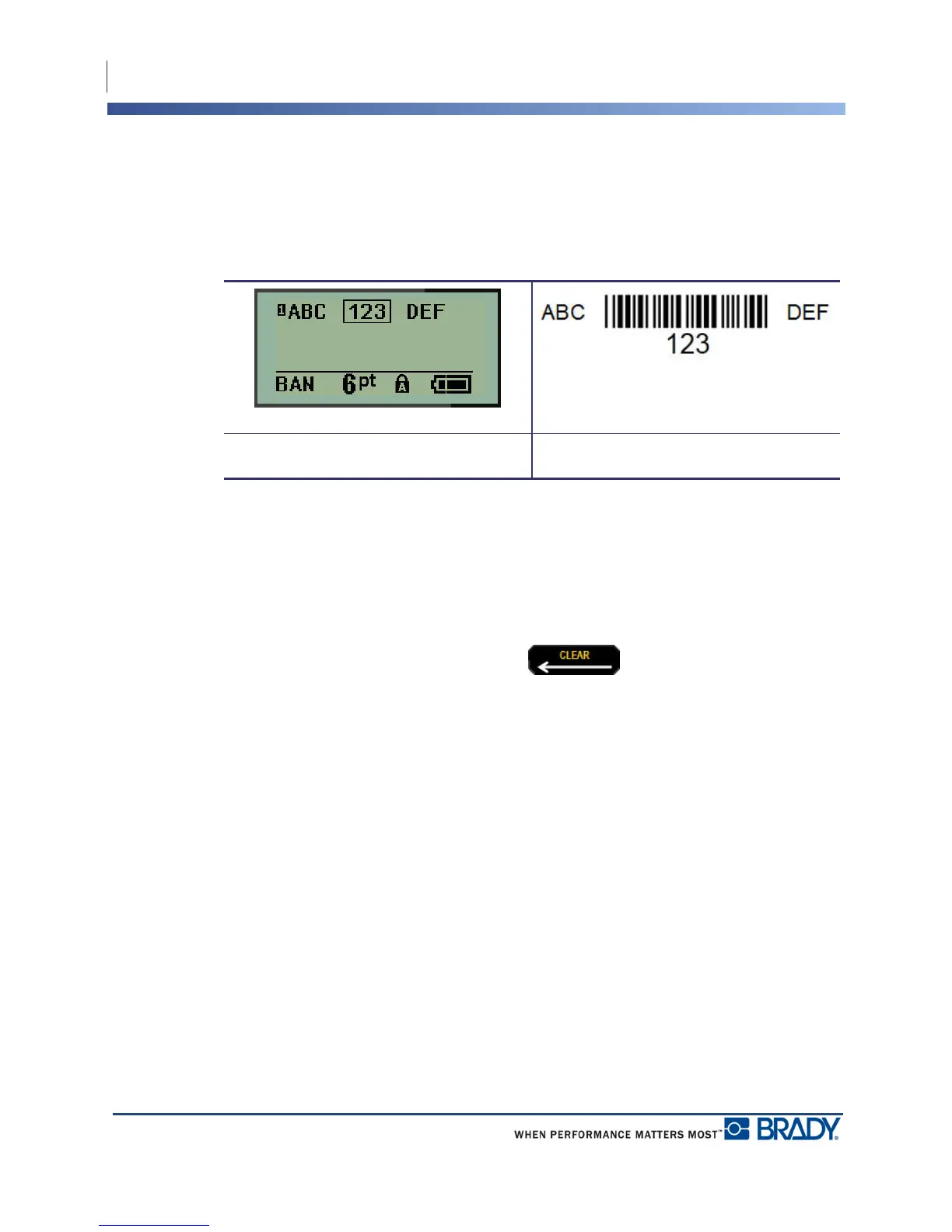
If you want to enter more data on the same line of text as the barcode:
1. Press the right navigation key to move off the barcode.
2. Enter the data. (Be sure to press Space before entering more data if you want to separate
the data from the barcode.)
Edit Barcode Data
To edit barcode data:
1. Using the left or right navigation keys, position the cursor in the barcode text.
2. If you are deleting barcode data, be sure to position the cursor to the right of the character
you want to delete, then press Backspace .
3. If you are inserting additional data, position the cursor in the barcode data where new data
will be entered, then enter the data.
4. To exit the barcode data, use the left or right navigation keys to move off the barcode data.
.
Barcode in line of data Printed label of barcode in line of data



 To Next Page