11
Power Source
AC Power Adapter
BMP
®
21-PLUS/BMP
®
21-LAB User’s Manual
AC Power Adapter
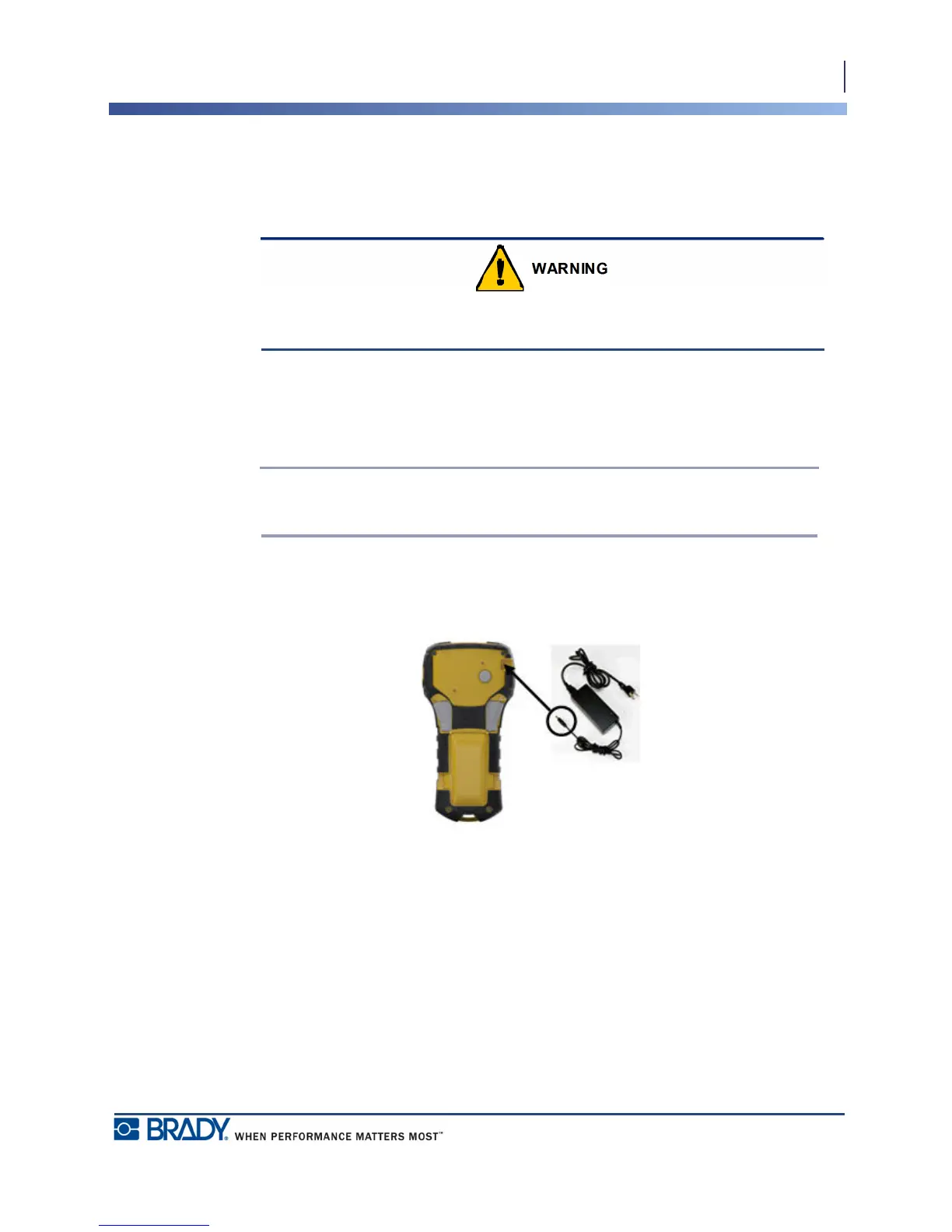
The printer can be powered by an AC/DC power adapter. The AC/DC power adapter can also
be used to recharge the BMP21-PLUS-BATT battery pack outside of the printer.
Use only the 9V DC, 3.3A Brady AC/DC adapters, shown below, for supplying power to
the BMP
®
21-PLUS/BMP
®
21-LAB Label Printer.
Attaching the Adapter
The printer can be powered through a designated AC power adapter.
Note: The lithium ion battery does NOT charge within the printer when using the
AC adapter.
1. Insert the round end of the optional adapter
cable into the plug-in port on the left side
of the printer..
2. Plug the other end of the cord into an
electrical outlet.



 To Next Page