Power Source
AC Power Adapter
12
BMP
®
21-PLUS/BMP
®
21-LAB User’s Manual
Charging the Lithium Ion Battery Pack
The lithium Ion battery pack accessory cannot be charged in the printer. The battery pack must
be removed from the printer and charged using the BMP21-AC AC adapter. To use the printer
while charging the battery, insert 6 AA alkaline batteries in the battery compartment.
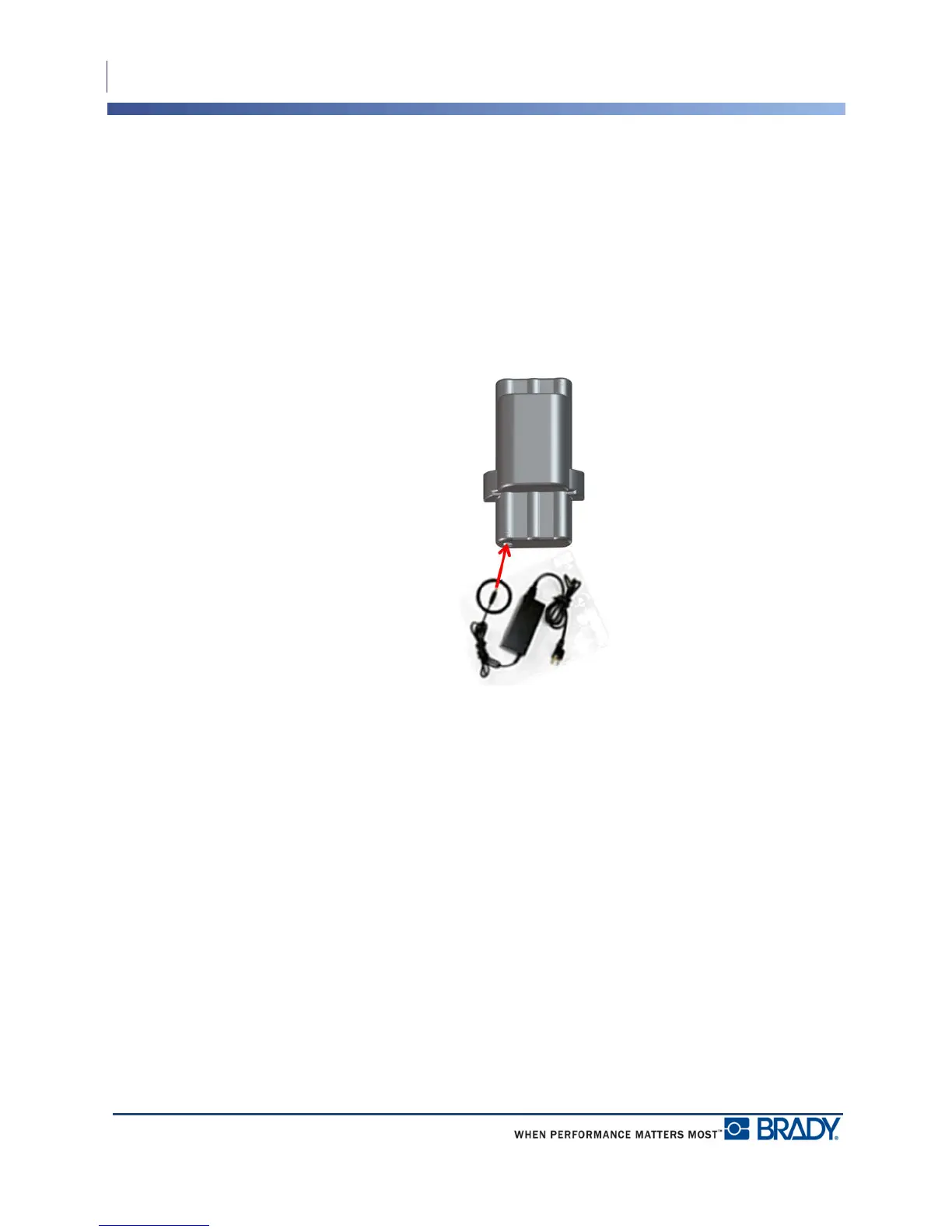
Attaching the Adapter to the Battery Pack
1. Insert the round end of the adapter cable
into the plug-in port on the lower left side
of the battery pack..
2. Plug the other end of the adapter cord into
an electrical outlet.



 To Next Page