WireMarker Label Type (BMP
®
21-PLUS only)
Selecting a Label Type
60
BMP
®
21-PLUS/BMP
®
21-LAB User’s Manual
WireMarker Label Type (BMP
®
21-PLUS only)
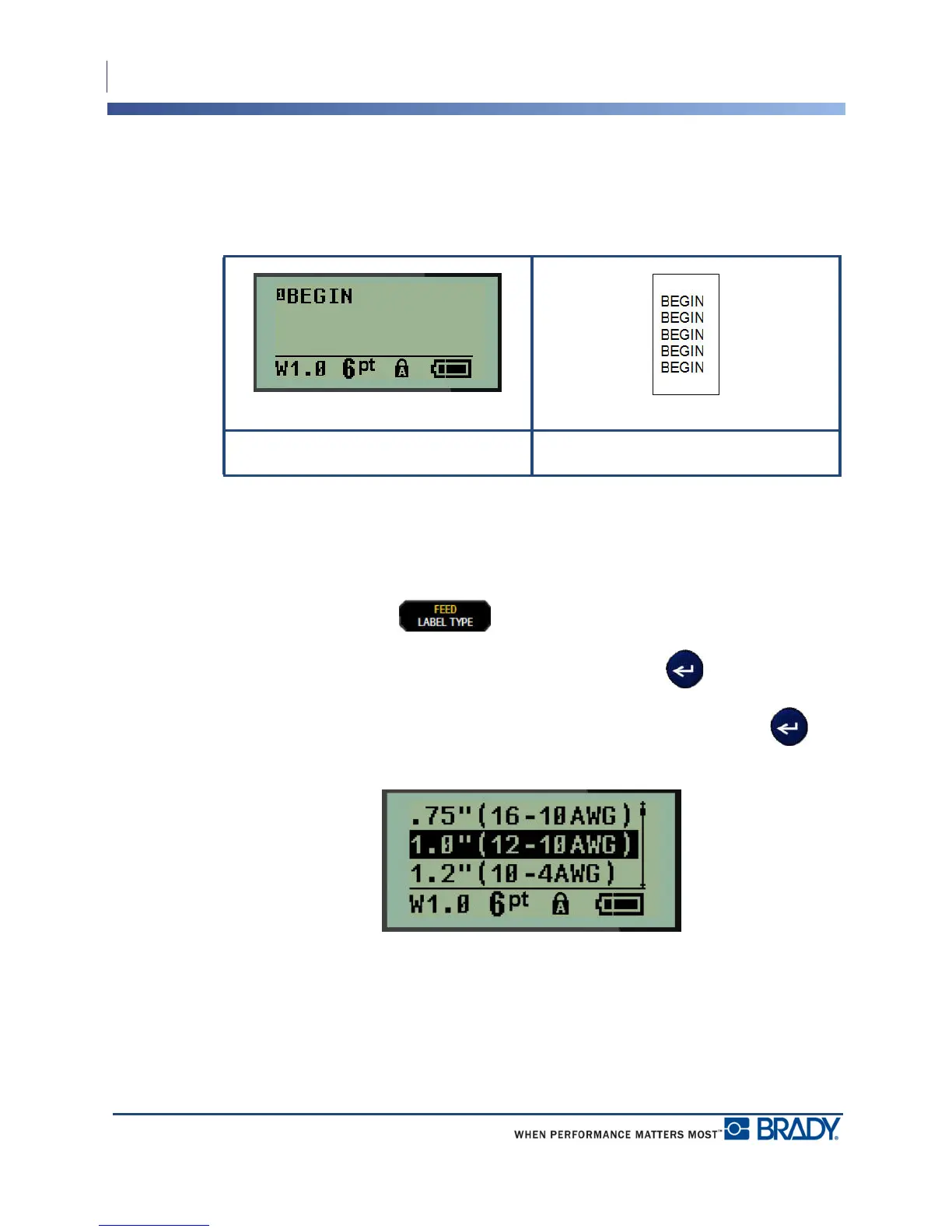
The WireMarker label type is designed to repeat entered data down the length of the label. The
data repeats as many times as possible, considering the font size and the wire size selected.
Figure 6 • Repeated data on a WireMarker label
All media, except Permasleeve, support WireMarker label types.
To use the WireMarker label type:
1. Press LABEL TYPE .
2. Using navigation keys, choose WireMarker, then press Enter .
3. Navigate to the appropriate label size to fit the intended wire, then press Enter .
4. Enter the data you want repeated down the length of the label.
The repeated data does not display on the screen, but displays on printout.
WireMarker label type - text on screen WireMarker label type - printed text



 To Next Page