Formatting
Symbols
42
BMP
®
21-PLUS/BMP
®
21-LAB User’s Manual
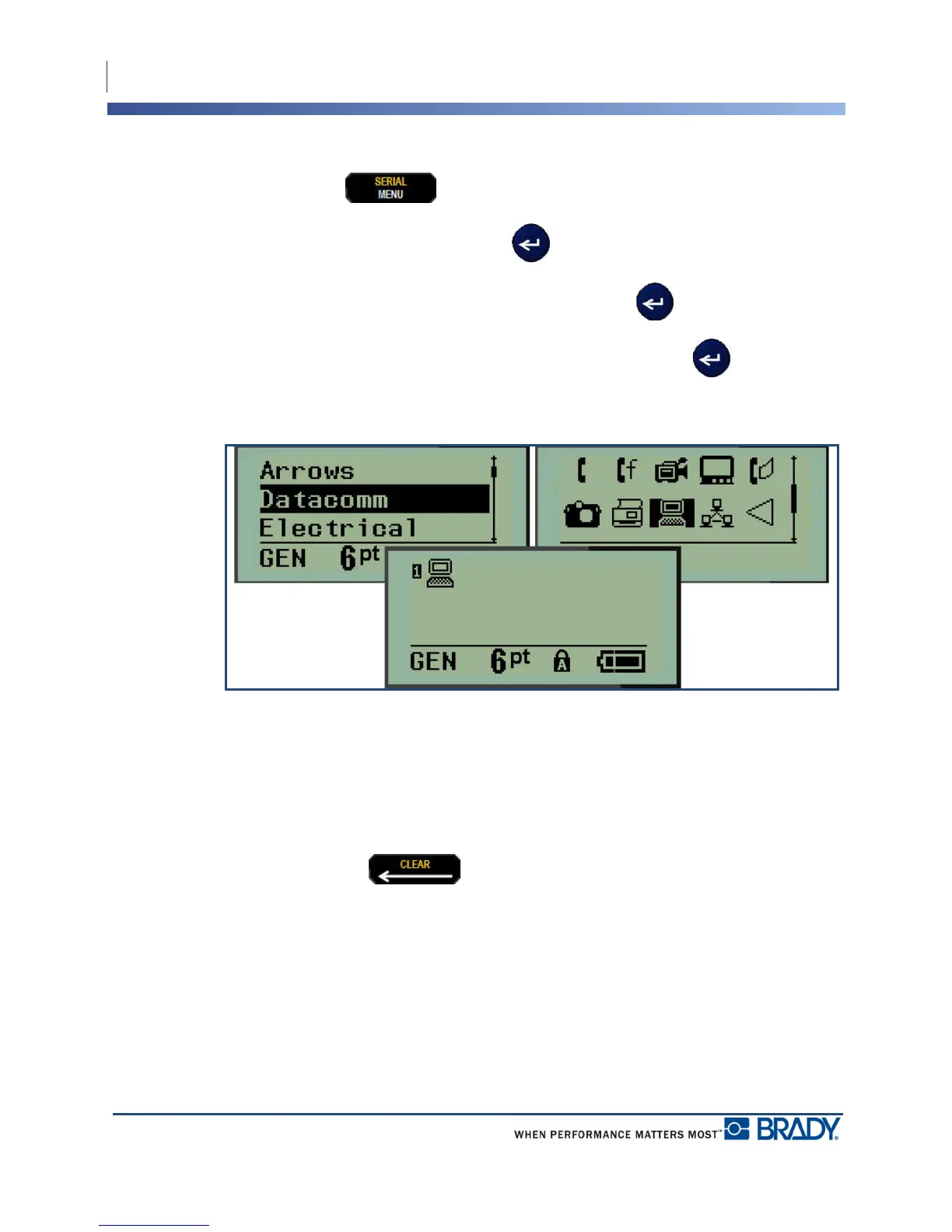
You can also choose symbols through the Menu function.
1. Press MENU .
2. Navigate to Symbols, then press Enter .
3. Navigate to the desired symbol category, then press Enter .
4. Using navigation keys, select the desired symbol, then press Enter .
The symbol displays with the same font size that is currently in use.
Figure 5 • Selecting a symbol
Remove a Symbol
The symbol is the same as any other character. To remove a symbol:
1. Position the cursor to the right of the symbol.
2. Press Backspace .



 To Next Page