53
File Management
Open a File
BMP
®
21-PLUS/BMP
®
21-LAB User’s Manual
To overwrite the previous file:
5. Navigate to Yes, then press Enter .
6. In the File Name? field, enter a name for the file, then press Enter .
Open a File
To open (recall) a saved file:
1. Press MENU .
2. Navigate to File, then press Enter .
3. Navigate to Open, then press Enter .
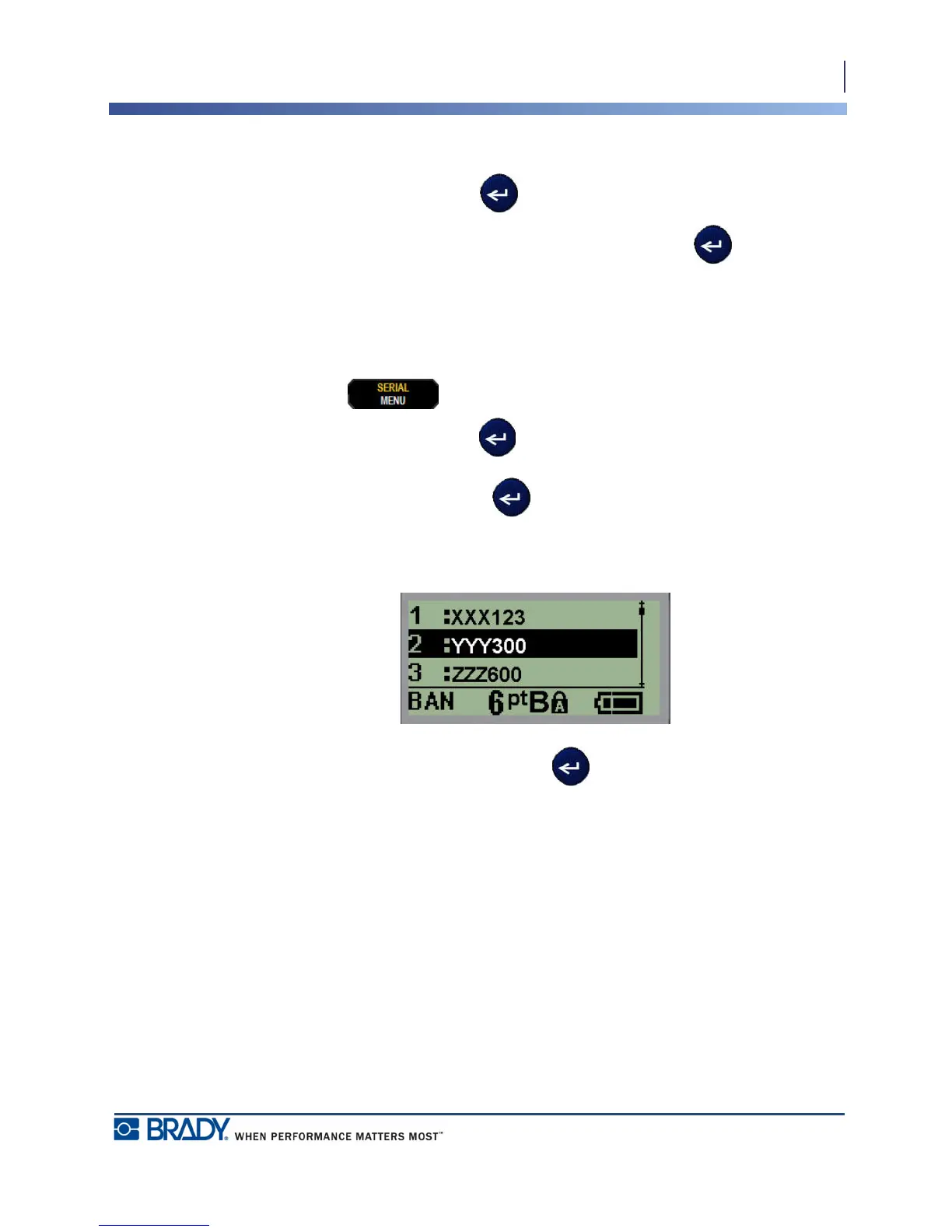
A list of previously saved files displays.
4. Navigate to the file to open, then press Enter .
Only one file can be displayed on the screen at a time. When opening a saved file, if the
Editing screen contains data, the opened file overwrites that data. If the previous data on the
screen was not saved, that data is lost.



 To Next Page