Menus
Printer Defaults
28
BMP
®
21-PLUS/BMP
®
21-LAB User’s Manual
Date Format
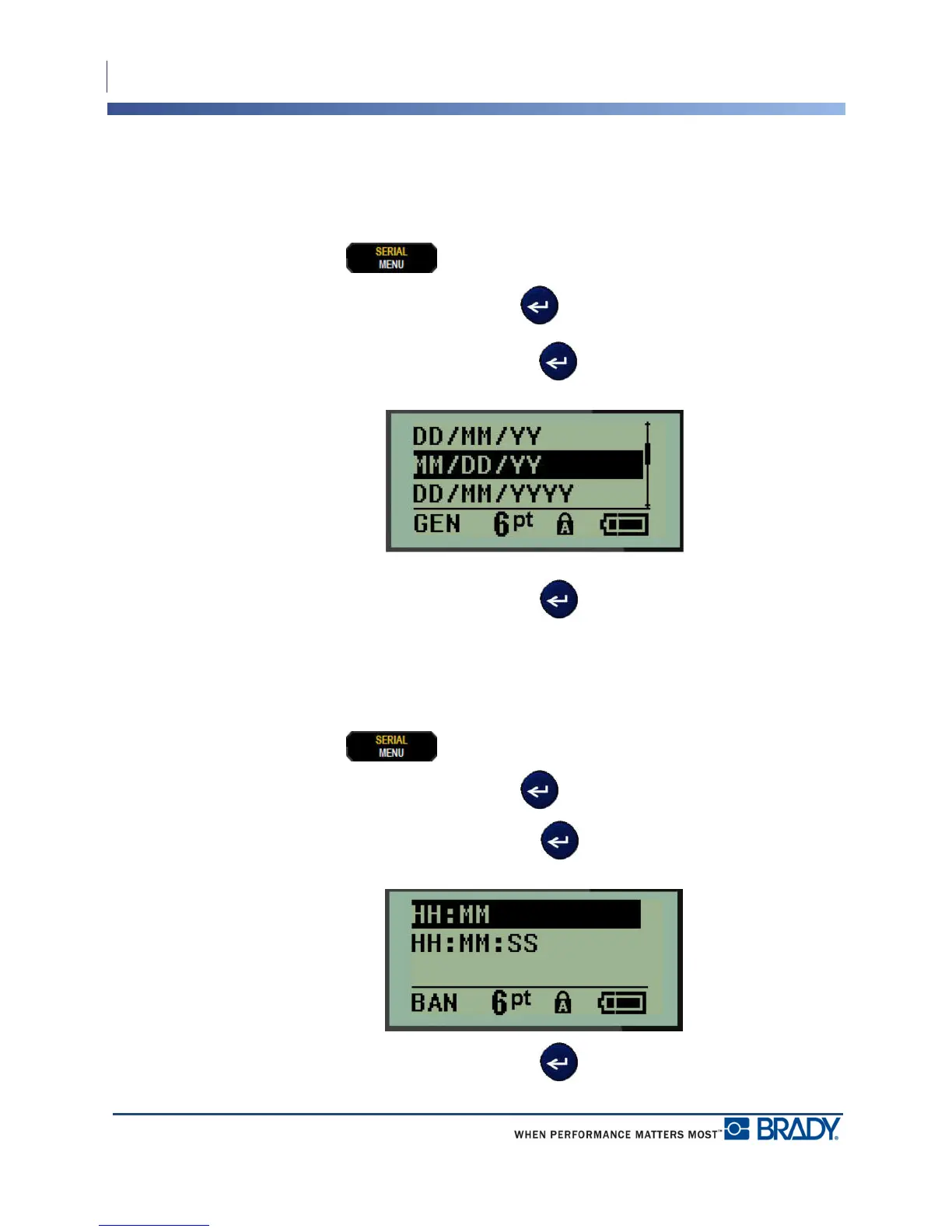
You have four choices for the date format. The date can be displayed in the American standard
(MM/DD/YY) or the International Standard (DD/MM/YY). You can also have the date
display 2 digits or 4 digits for the year (e.g., YY = 13, YYYY = 2013). To set the date:
1. Press MENU .
2. Navigate to Set Clock, then press Enter .
3. Navigate to Date Format, then press Enter .
4. Select the desired format, then press Enter .
Time Format
Next, choose the Time Format to use. The Time Format displays the time in hours and
minutes, or hours, minutes, and seconds. To set the time:
1. Press MENU .
2. Navigate to Set Clock, then press Enter .
3. Navigate to Time Format, then press Enter .
4. Select the desired format, then press Enter .



 To Next Page