29
Menus
Printer Defaults
BMP
®
21-PLUS/BMP
®
21-LAB User’s Manual
Set Date
Once you have set the date and time format, you can now set the actual date and time.
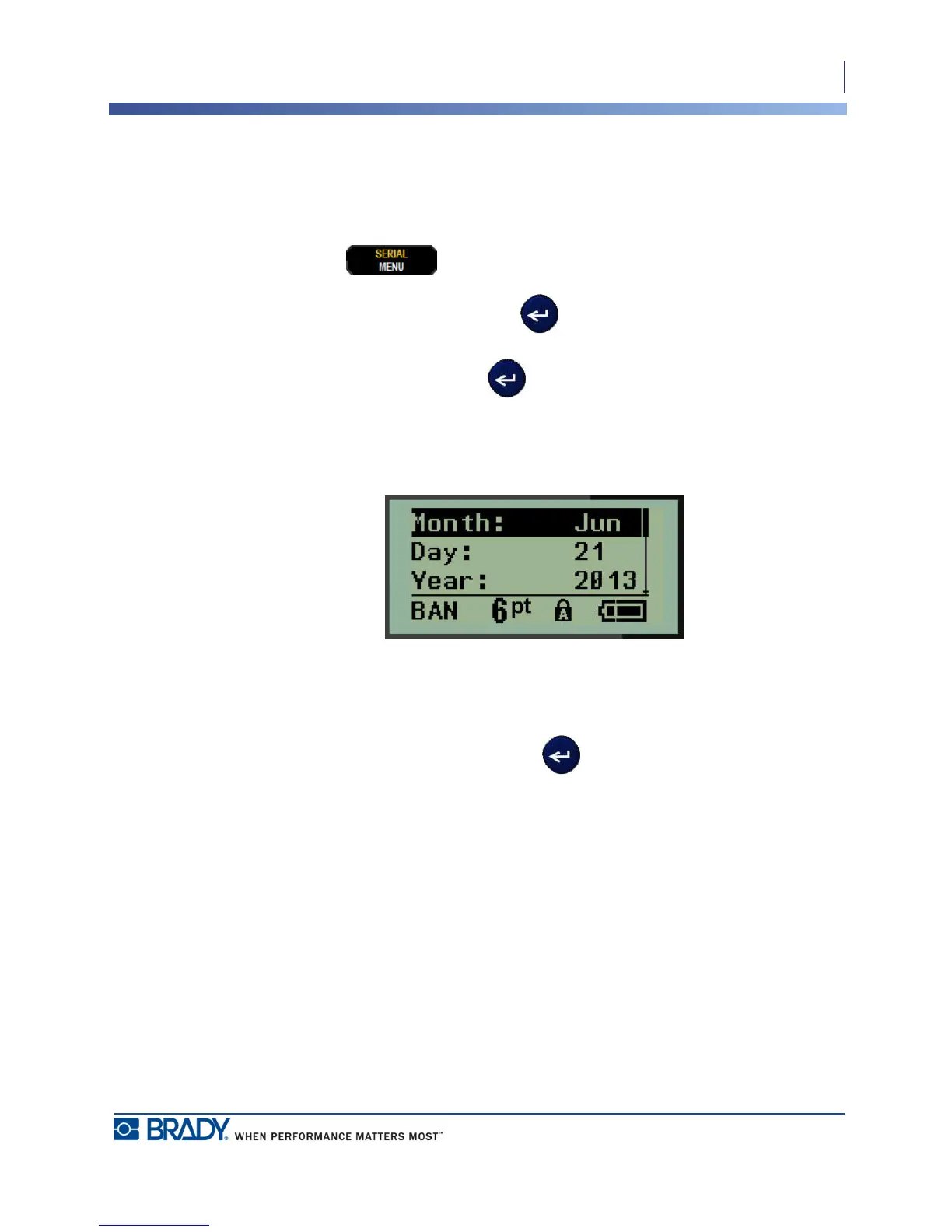
To set the date:
1. Press MENU .
2. Navigate to Set Clock, then press Enter .
3. Navigate to Date, then press Enter .
4. Navigate to various fields to set the desired month, day, and year for the time you want
displayed on your labels.
5. Enter the date from the keyboard OR use the left/right navigation key to decrease or
increase the date, one month, day, or year at a time. (The left navigation key decreases the
number, the right navigation key increases the number.)
6. When finished setting the date, press Enter .



 To Next Page