21
Keypad
Navigation and Editing Keys
BMP
®
21-PLUS/BMP
®
21-LAB User’s Manual
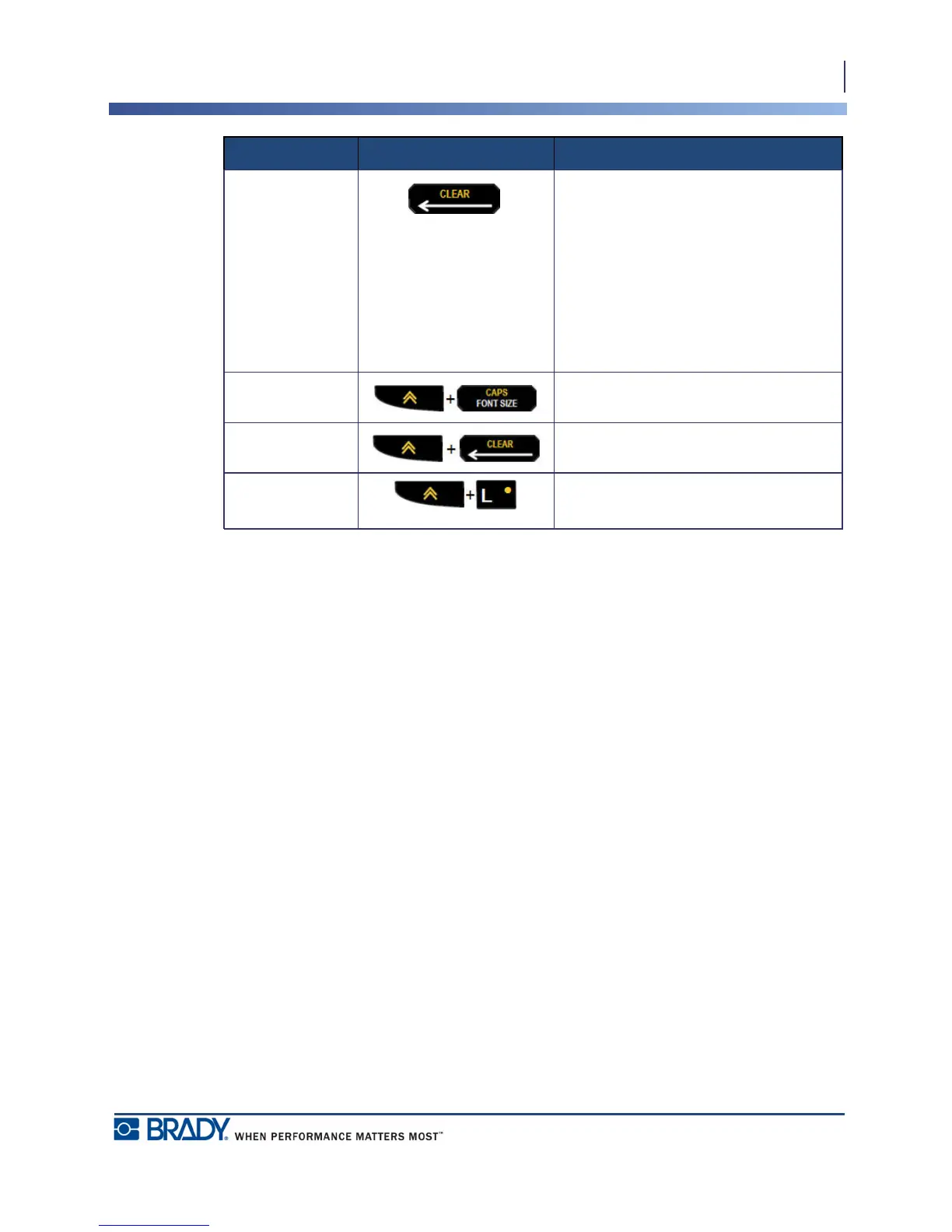
Backspace Key
• Removes characters one at a time,
moving to the left.
• Backs out of menu options and
functions, one screen at a time.
Note: Depending on how deep you are
into menus and functions, you may
have to press Backspace multiple
times.
Caps Lock Key Acts as a toggle to lock text into
uppercase as data is entered.
Clear Key Clears data from the screen.
Decimal Point Adds a decimal point or period.
Function Key Description



 To Next Page