BradyPrinter S3100 Sign & Label Printer User’s Manual
67
5 Printing Your Labels
Previewing Labels
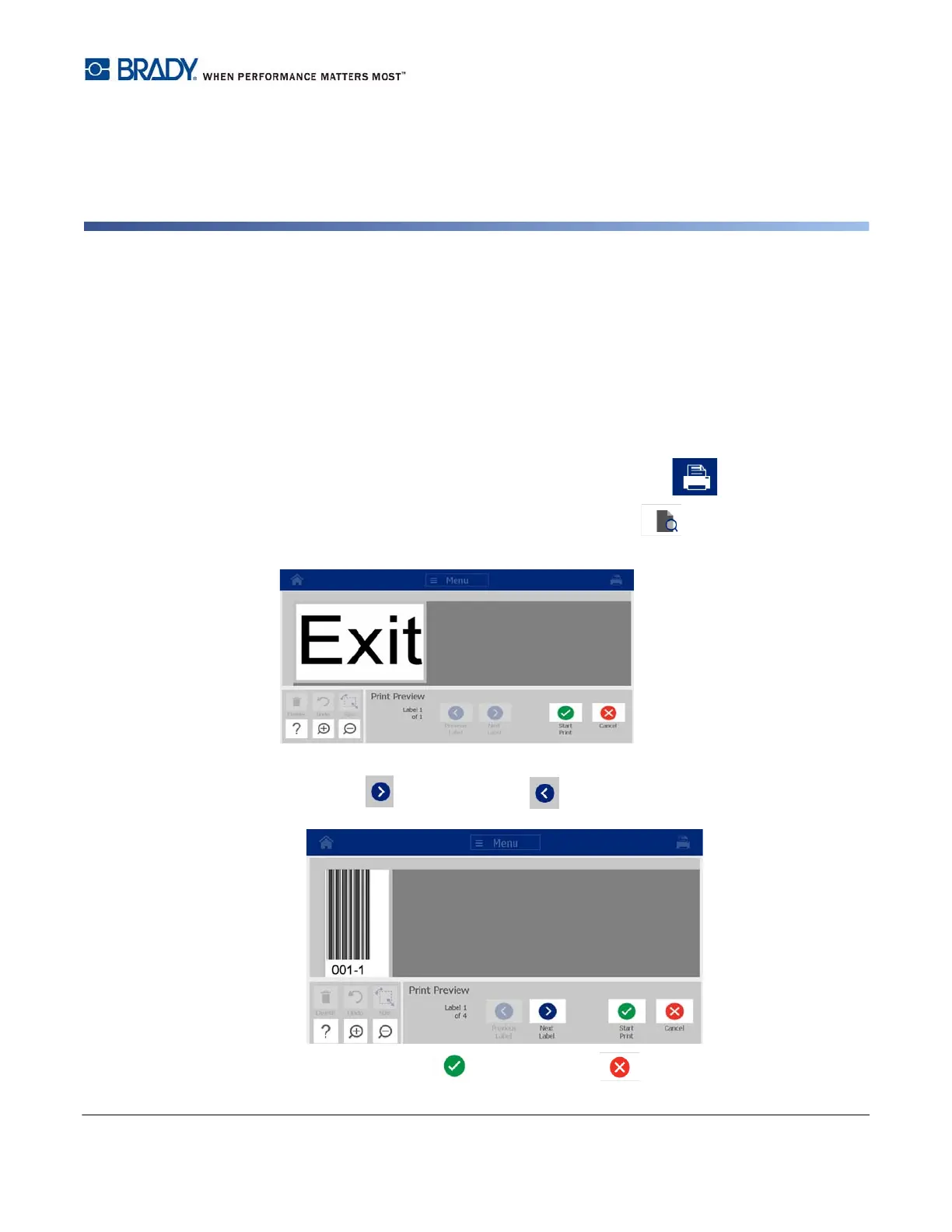
Preview your labels before printing to make sure they will print as expected.
To preview a label:
1. With a defined label in the Editor, touch the Print button.
2. From the Print dialog box, touch the Preview button . The entire label is
displayed for your review.
3. (Serial data only.) If you used serial data, multiple labels are generated. Touch the
Next Label or Previous Label button to view the labels generated from the
serial object.
4. Touch the Start Print or Cancel button .














 To Next Page