BradyPrinter S3100 Sign & Label Printer User’s Manual
21
Setting up the System Defaults
Localization and Unit of Measure
Localization and Unit of Measure
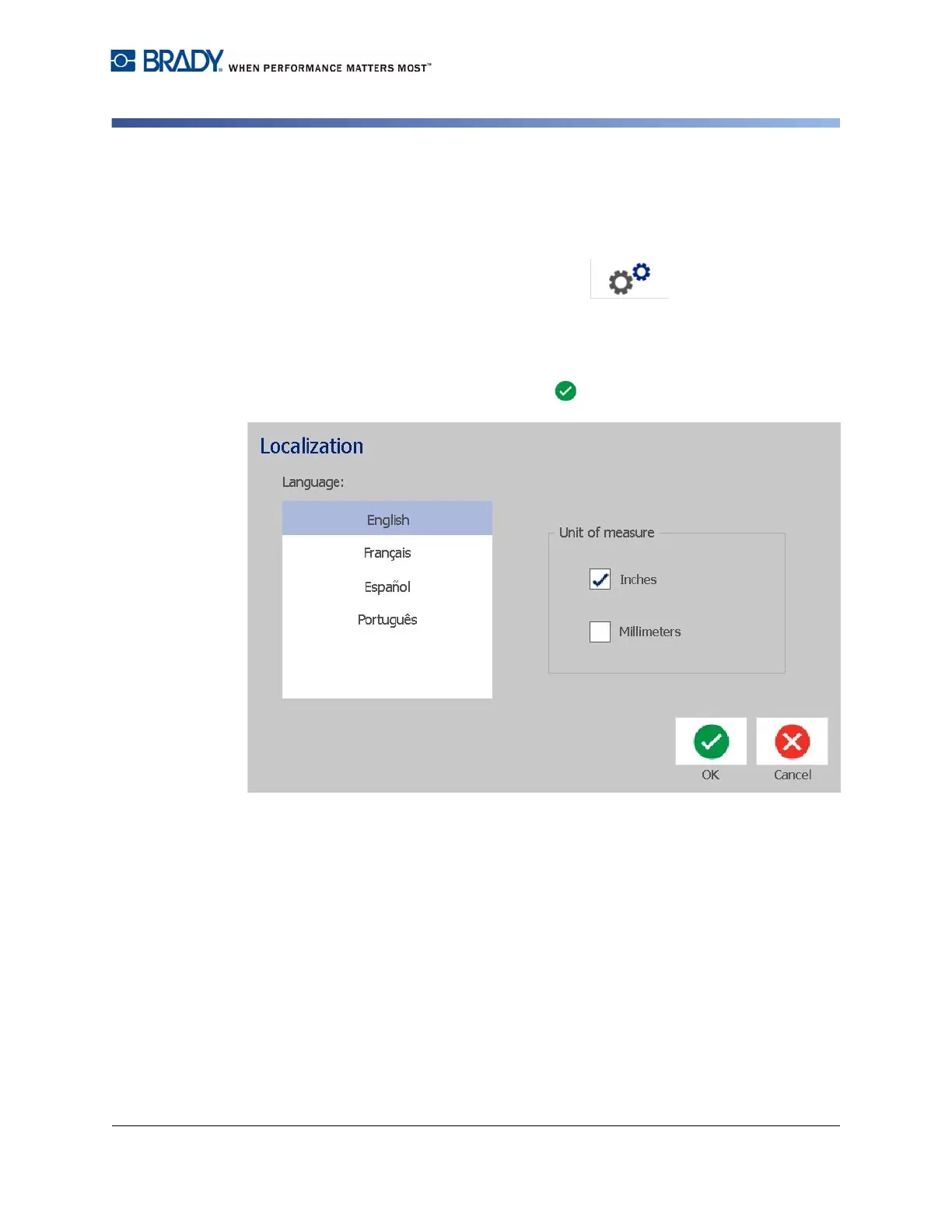
To choose a language and unit of measure:
1. Touch the Menu button.
2. In the menu list, touch the Setup button.
3. From the Setup menu, touch the Localization button.
4. In the Language list, choose the language you want the system to display.
5. Select a Unit of measure (Inches vs. Millimeters).
6. When done, touch the OK button.














 To Next Page