15
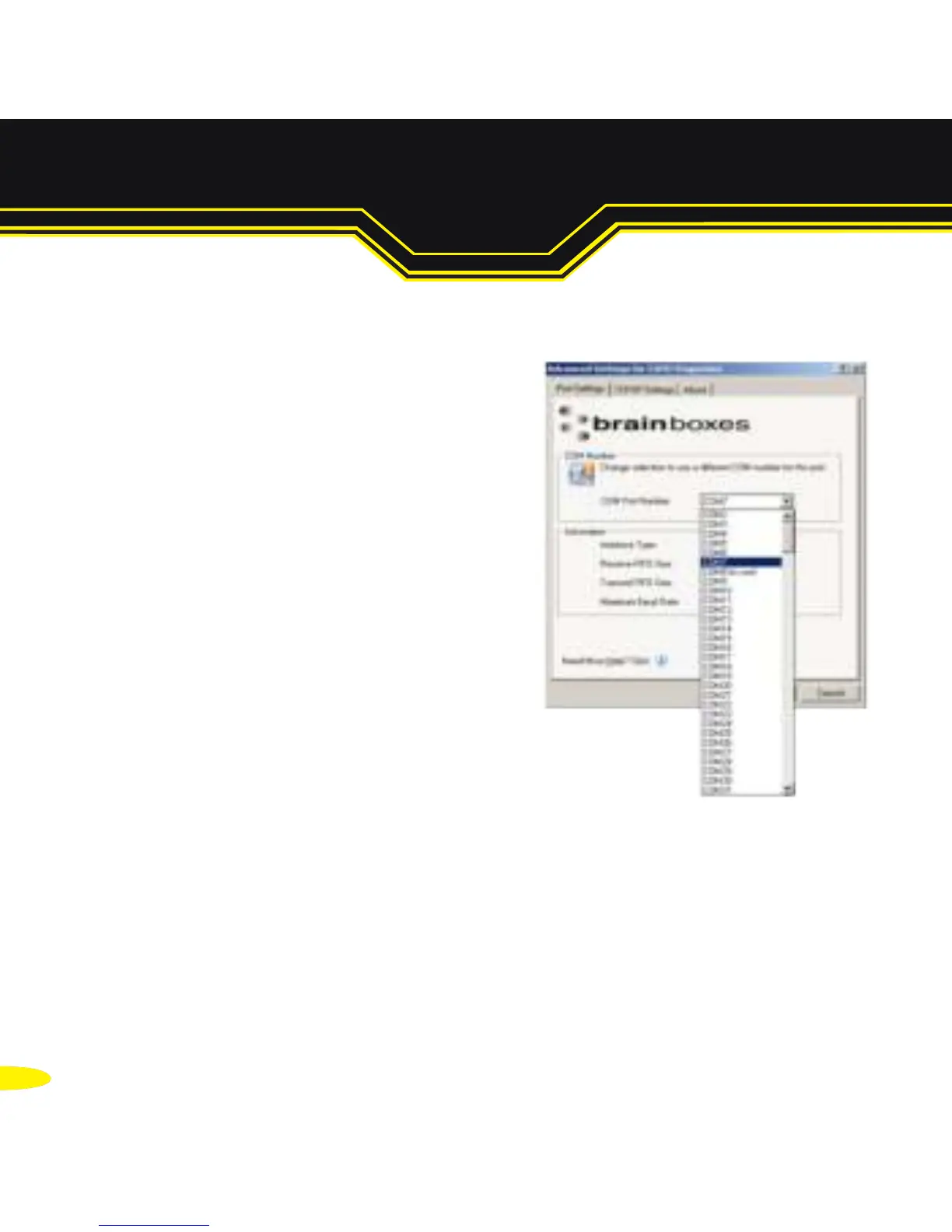
6.3. Advanced Configuration: Changing the COM label
1. Double click on the Port entry in the
Boost.LAN Manager.
2. Click on the 'Port Settings' tab
3. Click Advanced
4. A new COM Port label can be selected from the dropdown menu.
Click OK to set the new COM Label.
If the COM Port number is labelled “in use”, it is either currently
used by a COM Port present on the system, or is reserved for a
device which is not currently present. It is still possible to select this
COM number and force the change, if you are sure it is not required
by any other device.



 To Next Page