25
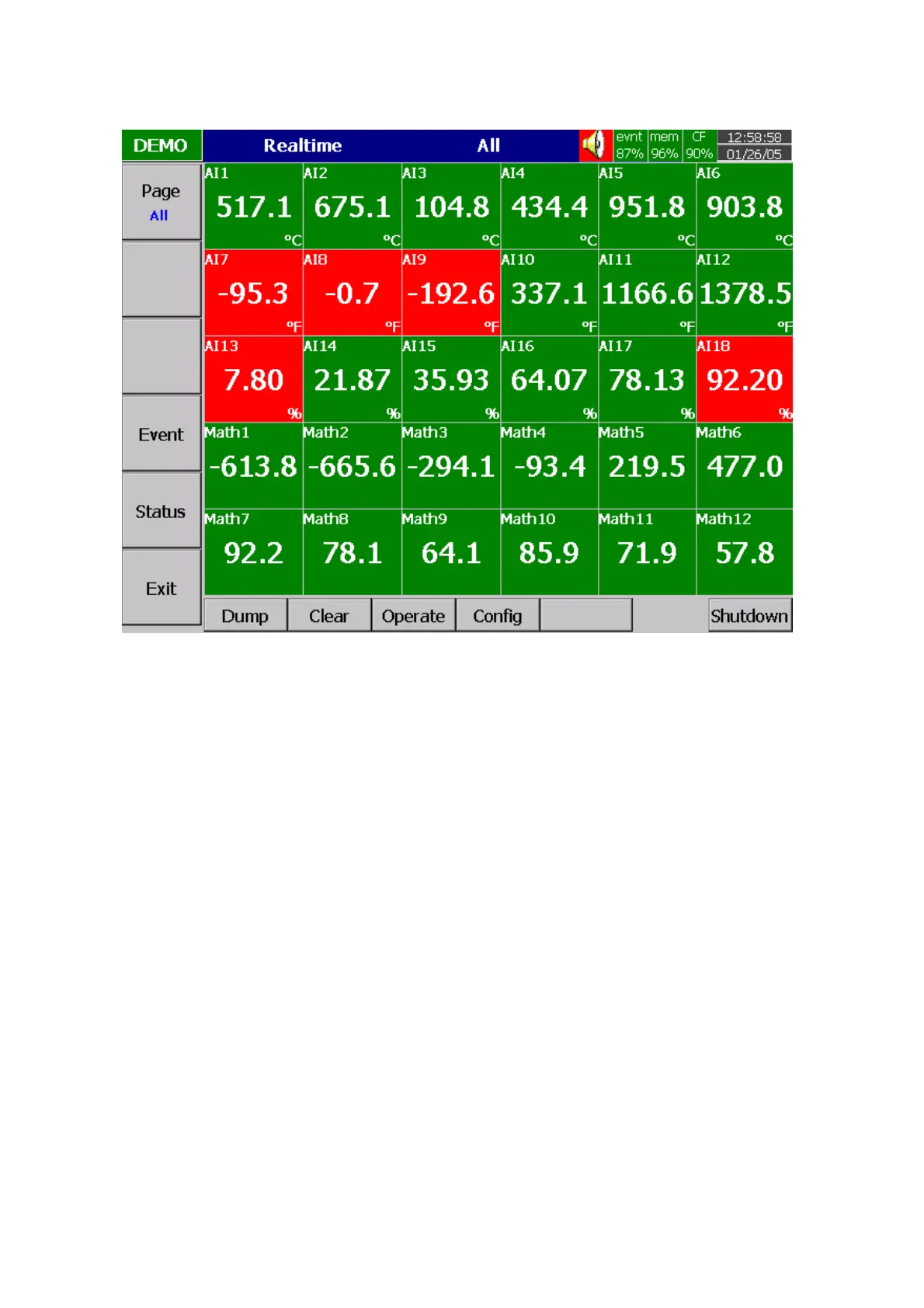
Keep pressing Page key, you will get Page All to display all enabled channels.
Figure 3 – 2
3.2 Mode
Press Mode key to select the different ways of displays, which include Mix, Trend, Bar or Digital mode.
Mix: The display default is Mix mode. Several modes including horizontal/ vertical trend, bar and digital
modes can be mixed together.
Trend: Press Mode key, to display Trend mode. This is measured data trend in real time. The same
page/display may have a maximum of 6 trends in different colors. The user may define each color, details
in 4.2 Display.
Bar: Press Mode key again, to display bars in different colors. The scale of each bar can be defined
individually, details in 4.2 Display.
Digital: Press Mode key again, to display digits in different colors. Press Mode key again, to return to the
original Mix mode.



 To Next Page