Control
Branson 900M
Status
Power
ontents of This Section
2.1 Introduction
2-1
2.2 900M Front Panel
2-1
Power Sub-Panel
2-2
Control Sub-Panel
2-3
Status Sub-Panel
2-4
2.3 900M Back Panel
2-6
2.1 Introduction
This section describes the functions of the 900M front panel keys, it does not explain how
to use the keys. This information is included in Section 4, Operation. The front panel
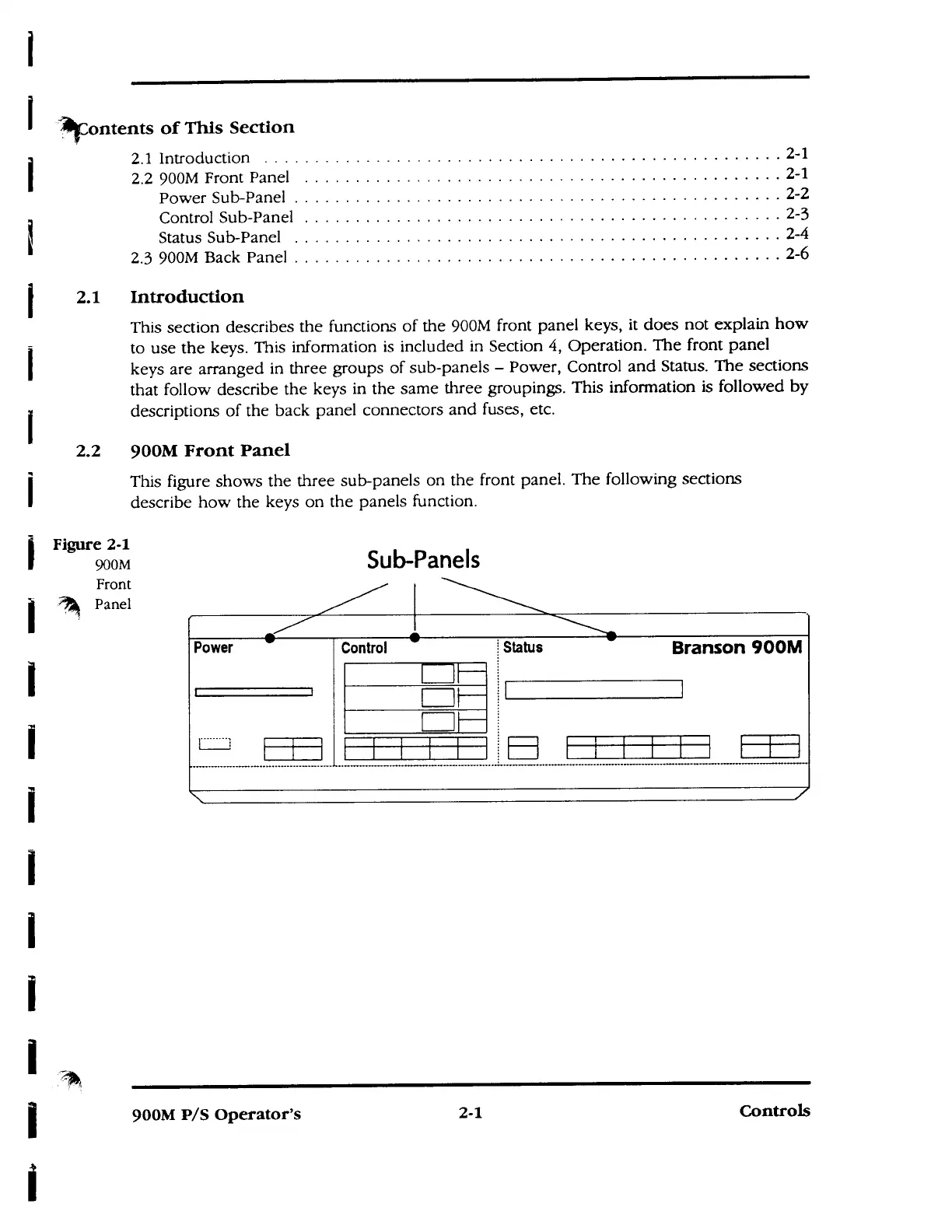
keys are arranged in three groups of sub-panels - Power, Control and Status. The sections
that follow describe the keys in the same three groupings. This information is followed by
descriptions of the back panel connectors and fuses, etc.
2.2 900M Front Panel
This figure shows the three sub-panels on the front panel. The following sections
describe how the keys on the panels function.
Figure 2-1
900M
Front
Panel
Sub-Panels
900M P/S Operator's
2-1
Controls



 To Next Page