20
Note: Oral-B™ App functionality is limited if Bluetooth wireless
technology is deactivated on your smartphone (for directions
please refer to your smartphone’s user manual).
• Once the app asks you, please activate Bluetooth by lifting the
toothbrush off the plugged-in charger (g) or briefly turning your
toothbrush on and off (c). It automatically connects to the
Oral-B™ App.
• Any app instructions will be displayed on your smartphone.
• Keep your smartphone in close proximity (within 5m distance)
when using it with the handle. Make sure the smartphone is safely
positioned in a dry place.
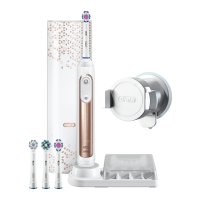
• The smartphone holder (j) (depending on model) can hold your
smartphone while using. Before use, make sure your phone fits
the stand and keeps stable.
Note: Your smartphone must support Bluetooth 4.0 (or higher)/
Bluetooth Smart in order to pair your handle.
Caution: Follow your smartphone’s user manual to ensure your
phone/charger is designed for use in a bathroom environment.
Cleaning recommendations
After brushing, rinse your brush head under running water with the
handle switched on. Switch off and remove the brush head. Clean
handle and brush head separately; wipe them dry before
reassembling. Unplug the charging unit before cleaning. Brush
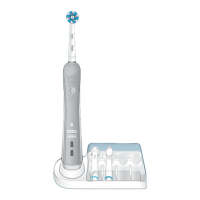
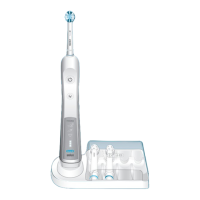
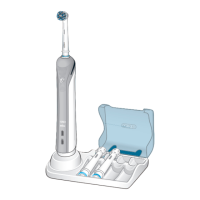
head compartment/protective cover (h), brush head holder (i) and
smartphone holder (j) are dishwasher-safe. The charger (g) and
travel case (k) should be cleaned with a damp cloth only (picture 7).
Subject to change without notice.
Environmental Notice
Product contains batteries and/or recyclable electric
waste. For environment protection do not dispose in
household waste, but for recycling take to electric
waste collection points provided in your country.
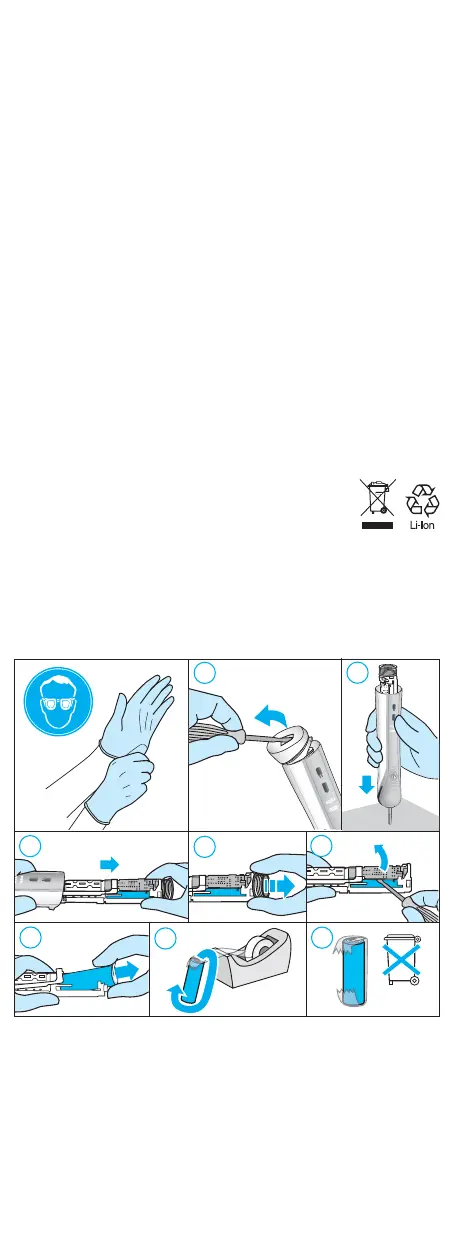
Battery removal at the end of the product’s useful life
Do not disassemble the product except when disposing of the
battery. Run down battery before removing. When taking out the
battery for disposal, use protective clothing (gloves, safety glasses,
etc.) to omit skin contact whilst leaking batteries. Use caution not to
short the positive (+) and negative (–) terminals. Insulate terminals
(e.g. with tape) and put the battery in a plastic bag for disposal.
Open the handle as shown, remove the battery and dispose of it
according to local environmental regulations.
Caution! Opening the handle will destroy the appliance and
invalidate the warranty.
Guarantee
We grant 1 year guarantee on the product commencing on the date
of purchase. Within the guarantee period we will eliminate, free of
charge, any defects in the appliance resulting from faults in
materials or workmanship, either by repairing or replacing the
complete appliance as we may choose.
3
4
7
8
6
Li-ion
5
1
2
91156537_D601_KR_ASIAN.indd 2091156537_D601_KR_ASIAN.indd 20 25.04.17 08:5925.04.17 08:59
Business Use - P&G AUTHORIZED 91478324 Rev 001 Effective Date 2017-04-27 Printed 2018-11-01 Page 19 of 24


 To Next Page
 Loading...