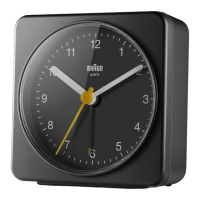
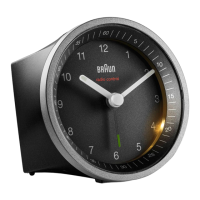
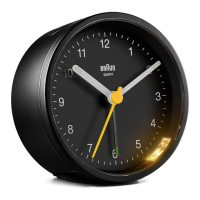
BC12
Alarm clock
Quick set-up guide
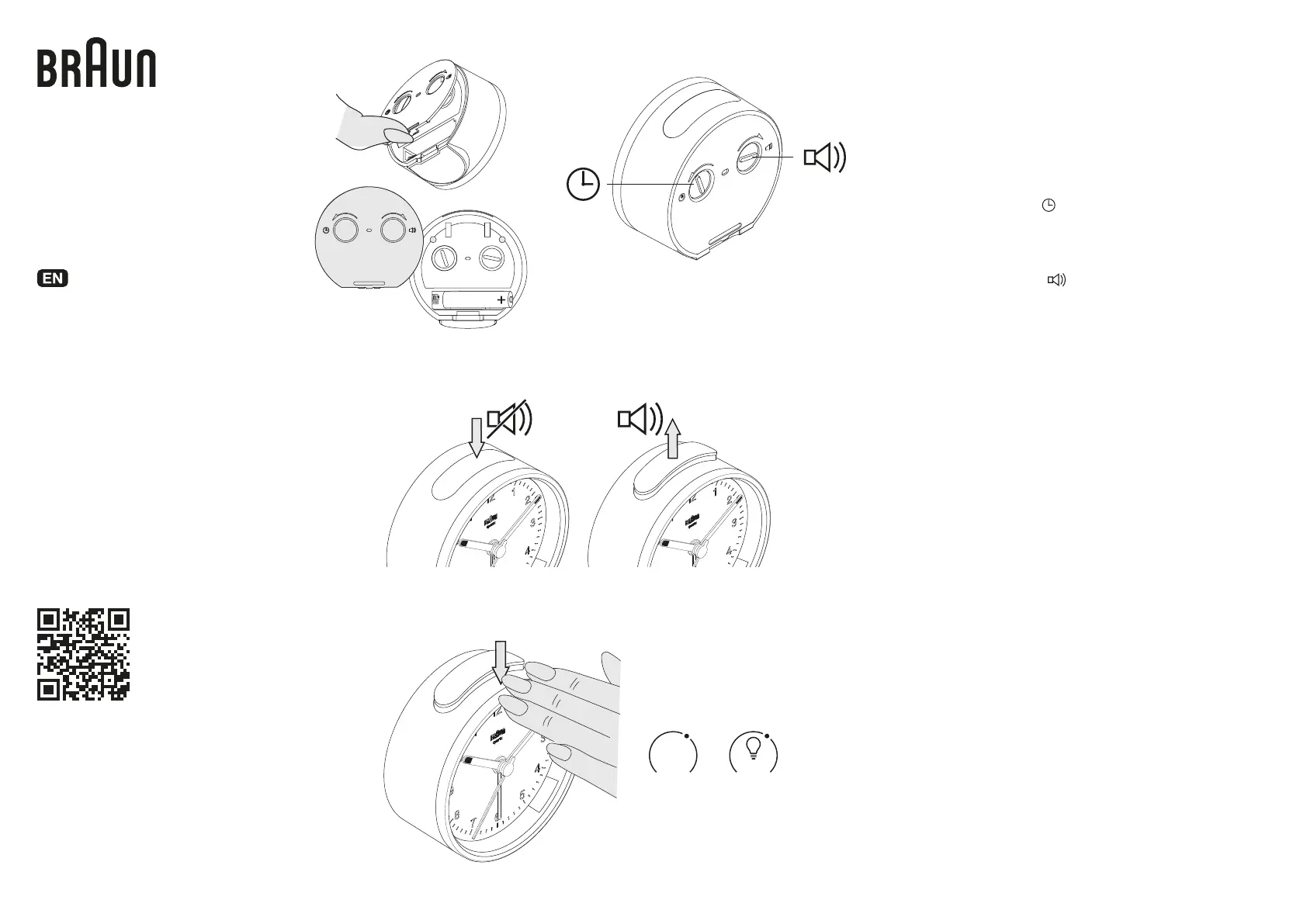
Battery installation
1. Insert 1xAA (1.5V) battery observing the
correct polarity, as shown on the diagram.
2. Replace battery cover.
Only use new alkaline batteries from a
reputable brand.
Snooze function
When the alarm is sounding, press down on the
main body of the clock and the SNOOZE/LIGHT
button at the base will be activated. The alarm will
be stopped and will sound again in ~5 minutes.
Light function
Anytime, press down on the main body of the clock
and the integrated foot SNOOZE/LIGHT button at
the base will be activated. The dial will be illuminat-
ed for ~5 seconds.
Alarm function
To set the alarm, push the button at the top of the
clock so that the green alarm bar is showing.
To unset the alarm, push the button at the top of the
clock so that the green alarm bar is not showing.
Time setting
Turn the time set knob ( )on the back of the clock
in the direction of the arrow until the correct time is
shown.
Alarm setting
Turn the alarm set knob ( )on the back of the
clock in the direction of the arrow until the desired
alarm time is shown.
+
5 sec5 min
Zzz
Braun helpline
Should you have a problem with your
product, please check your local service
centre at:
www.braun-clocks.com
www.braun-watches.com
Certain trademarks used under license from the
Procter & Gamble Company or its affiliates.
For detailed information refer to
the full user manual available at
www.braun-clocks.com/pages/warranty
or scan this code:


 To Previous Page