EasyManua.ls Logo

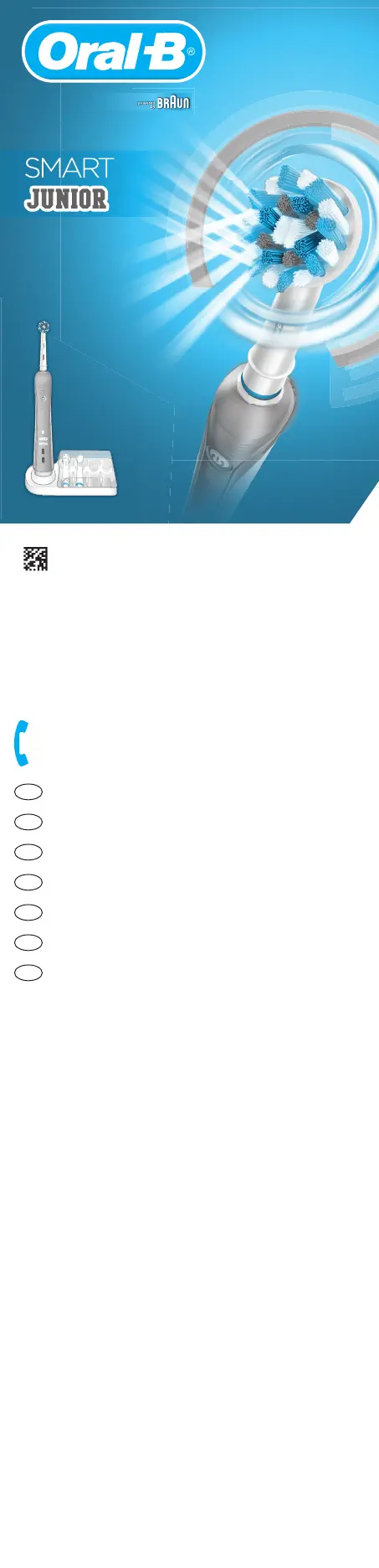
Braun Oral-B Smart Junior - User Manual

Braun Oral-B Smart Junior
24 pages
Print Icon
To Next Page IconTo Next Page
Loading...
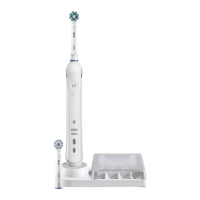
Charger Type 3757
Handle Type 3767
OralOral-B
Oral-B
/
UK
0 800 731 1792
IE
1 800 509 448
CZ
800 11 33 22
SK
800 333 233
SI
080 2822
LT
(8 5) 205 1272
IL
1-800-666-775
Internet:
www.oralb.com
www.braun.com
www.service.braun.com
Braun GmbH
Frankfurter Straße 145
61476 Kronberg/Germany
Charger type 3757
Handle type 3767
91896405/XII-18
EN/CZ/SK/SI/LT/IL
91896405
91896405_D601_CE1.indd 2591896405_D601_CE1.indd 25 07.01.19 08:2907.01.19 08:29
Business Use - P&G AUTHORIZED POA-00096859 Rev 001 Effective Date 2019-01-09 Printed 2019-04-24 Page 24 of 24

Questions and Answers

  • J
    Julie SmithAug 4, 2025
    What to do if my Braun Oral-B Smart Junior handle does not charge and the charger indicator lights flash alternately?
    • A
      Alison WhitneyAug 4, 2025
      If your Braun Electric Toothbrush handle isn't charging and the charger indicator lights are flashing alternately, it could be due to the ambient temperature being outside the valid range (0 °C to 60 °C). The recommended ambient temperature for charging is 5 °C to 35 °C.
  • C
    Collin MannAug 12, 2025
    What to do if my Braun Oral-B Smart Junior Electric Toothbrush is not operating during first use?
    • J
      James BanksAug 12, 2025
      If your Braun Electric Toothbrush handle isn't operating during its first use and no light illuminates, it's likely that the battery has a very low charge level. Charge it for at least 30 minutes.
  • M
    Michelle HenryAug 19, 2025
    How to fix Braun Oral-B Smart Junior timer if it does not operate?
    • S
      Sharon ShortAug 19, 2025
      If your Braun Electric Toothbrush handle isn't operating any timer, it means that the timer has been modified or deactivated via the app. Use the app to change the timer settings or perform a factory reset.
  • E
    Evelyn KimOct 27, 2025
    Why is my Braun Oral-B Smart Junior handle not working with the Oral-BTM App?
    • S
      Shane PerezOct 27, 2025
      If your Braun Electric Toothbrush handle isn't operating properly with the Oral-BTM App, here's what might be happening: * The Oral-BTM App might be turned off - turn it on. * Bluetooth might not be activated on your smartphone - activate it (check your smartphone's user manual). * Bluetooth might be deactivated on the handle - activate it by pressing the on/off button for 3 seconds. * The Bluetooth connection to your smartphone might have been lost - briefly turn your toothbrush on and off to reconnect, or pair the handle and smartphone again via the App settings; keep your smartphone nearby when using it with the handle. * Your smartphone might not support Bluetooth 4.0 (or higher)/Bluetooth Smart - your smartphone must support this to pair the handle. * The handle might be ...

Summary

Important Safety Information

Product Damage and Repair

Periodically check product/cord for damage; a damaged unit should not be used. Do not modify or repair.

Child Usage and Supervision

Usage by children under age 3 not recommended. Children must be supervised and not play with the appliance.

Warnings and Precautions

Charger and Electrical Safety

Do not place charger in water or store where it can fall in. Avoid touching power plug with wet hands.

Battery and Appliance Care

Appliance contains non-replaceable batteries. Do not open. Recycle according to local regulations.

Brushing Modes and Timer

Pressure Sensor Operation

Alerts user with light and reduced motor speed when too much pressure is applied.

Connecting to Smartphone

Troubleshooting Guide

Handle Not Operating with App

Check app status, Bluetooth activation on phone/handle, connection, and compatibility.

Braun Oral-B Smart Junior Specifications

General IconGeneral
BrandBraun
ModelOral-B Smart Junior
CategoryElectric Toothbrush
LanguageEnglish

Related product manuals